6105
6105
6105
6105 Belt
Belt
Belt
Belt Feeder
Feeder
Feeder
Feeder integrator
integrator
integrator
integrator ---
---
---
--- User
User
User
User ’
’
’
’ s
s
s
s Guide
Guide
Guide
Guide ---
---
---
---
41
The options of input port function include: “ BAT RUN ” , “ BAT READY ” and “ NO DEFINE ” . Press “ ENTR ”
to make the options display circularly. When the desired option is displayed, press “ SURE ” soft key to
input the value.
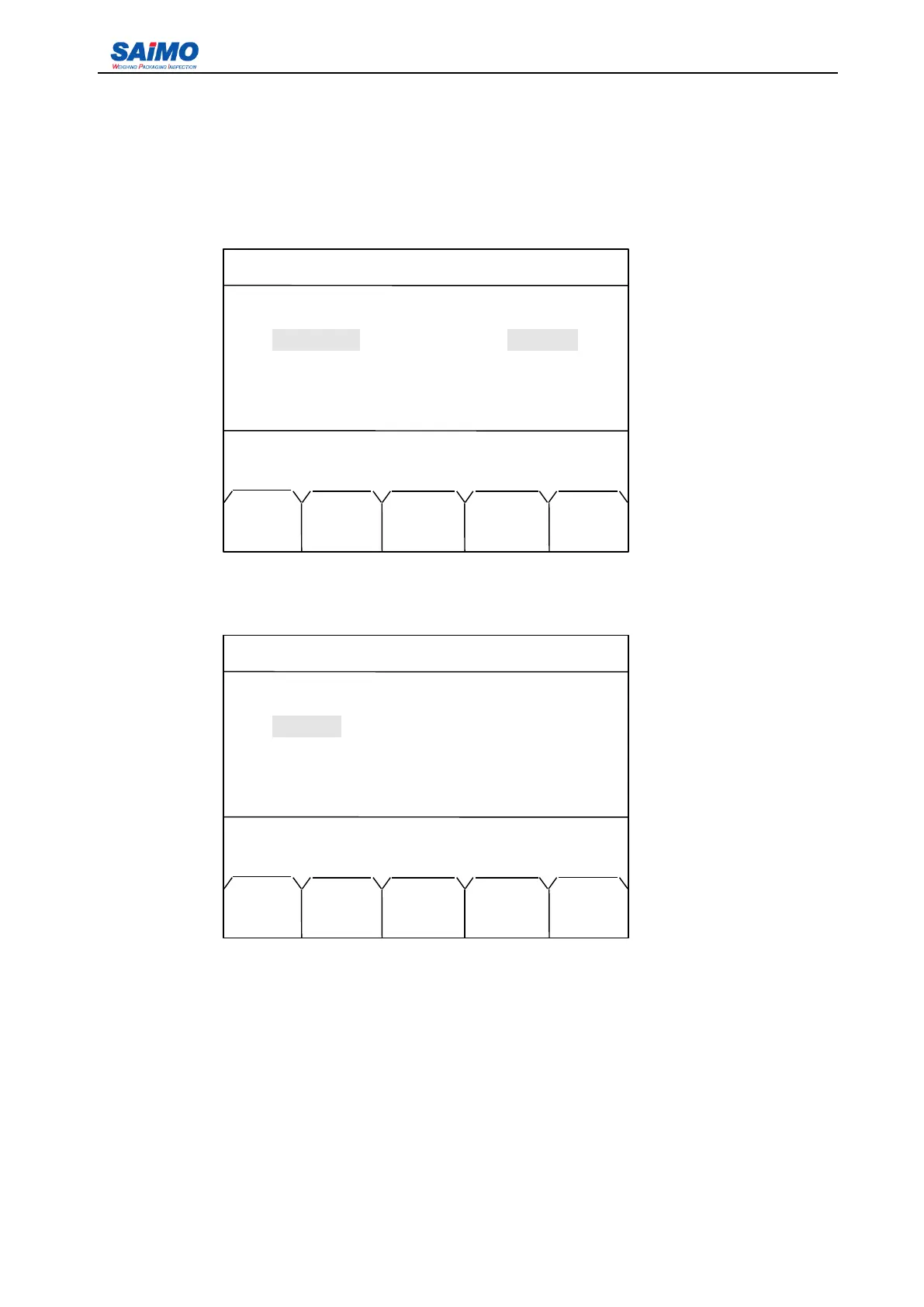
Pressing Right scroll key from the first page of I/O Definition menu enters the following screen.
Pressing ENT key enters the following screen.
If “ ENTR ” soft key is pressed, the status changes between “ OPEN ” (Normally Open) and
“ CLOSE ” (Normally Closed). When the desired option is displayed, press “ SURE ” soft key to input the
value. At this time the screen returns to the first page of Input Definition 1 menu.
You
can use the same
method to setup other units listed in the menu.
2006-3-21 12:00:00 Scale #1
INPUTPORT SETUP 1
In port 1: [NO DEFINE] [ OPEN ]
In
port
2: [NO DEFINE] [ OPEN ]
In
port
3: [NO DEFINE ] [ OPEN ]
In
port
4: [NO DEFINE ] [ OPEN ]
Press
↑
or
↓
key, then press ENT!
MIAN PAGE
MENU DOWN
2006-3-21 12:00:00 Scale #1
INPUTPORT SETUP 1
In port 1: [NO DEFINE] OPEN
In
port
2: [NO DEFINE] [ OPEN ]
In
port
3: [NO DEFINE ] [ OPEN ]
In
port
4: [NO DEFINE ] [ OPEN ]
Press
↑
or
↓
key
,
then press ENT
!
MAIN ENTR SURE PAGE
MENU DOWN



 To Next Page