6105
6105
6105
6105 Belt
Belt
Belt
Belt Feeder
Feeder
Feeder
Feeder integrator
integrator
integrator
integrator ---
---
---
--- User
User
User
User ’
’
’
’ s
s
s
s Guide
Guide
Guide
Guide ---
---
---
---
40
[Set Flowrate]: This option defines the preset flowrate.
[P Gain], [I Gain], [G Gain]: the three parameters are used for control function. Typically, [P Gain] is set
to 1, [I Gain] is set to 10, and [G Gain] is set to 0.
[Control High Limit], [Control Low Limit]: The two parameters limit the flowrate range.
3.3.4
3.3.4
3.3.4
3.3.4 I/O
I/O
I/O
I/O Definition
Definition
Definition
Definition Menu
Menu
Menu
Menu
Pressing “ 4 ” from Main Menu enters the first page of the I/O Definition Menu.
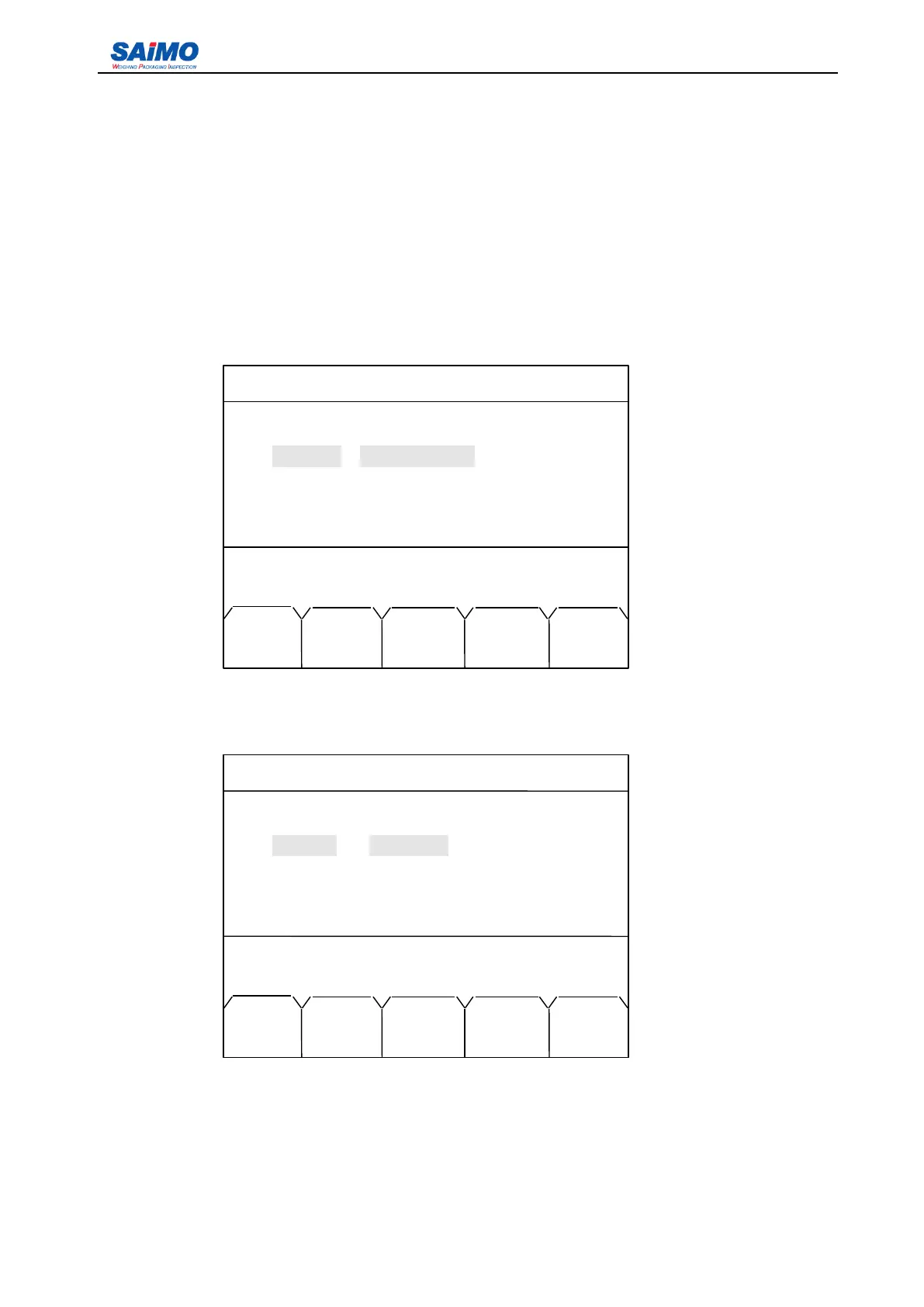
Pressing ENT key enters the following screen.
Move the cursor with scroll keys to the item you want to program, then press “ ENTR ” soft key to view
the options for this variable. The middle column is used to define the function of each input port. And the
right column defines the Normally Open (OPEN) or Normally Closed (CLOSE) status of the input.
Normally open means the input is inactive when disconnected.
2006-3-21 12:00:00 Scale#1
INPUTPORT SETUP 1
In port 1: [NO DEFINE ] [OPEN ]
In port 2: [NO DEFINE ] [OPEN ]
In port 3: [NO DEFINE ] [OPEN ]
Inport 4: [NO DEFINE ] [OPEN ]
Press ↑ or ↓ key, then press ENT!
MAIN PAGE
MENU UP
2006-3-21 12:00:00 Scale #1
INPUTPORT SETUP 1
In port 1 :
BAT
RUN [OPEN ]
In
port
2: [NO DEFINE ] [OPEN ]
In
port
3: [NO DEFINE ] [OPEN ]
Inport 4: [NO DEFINE ] [OPEN ]
Press ENTR to select, then press SURE!
MAIN ENTR SURE PAGE
MENU DOWN



 To Next Page