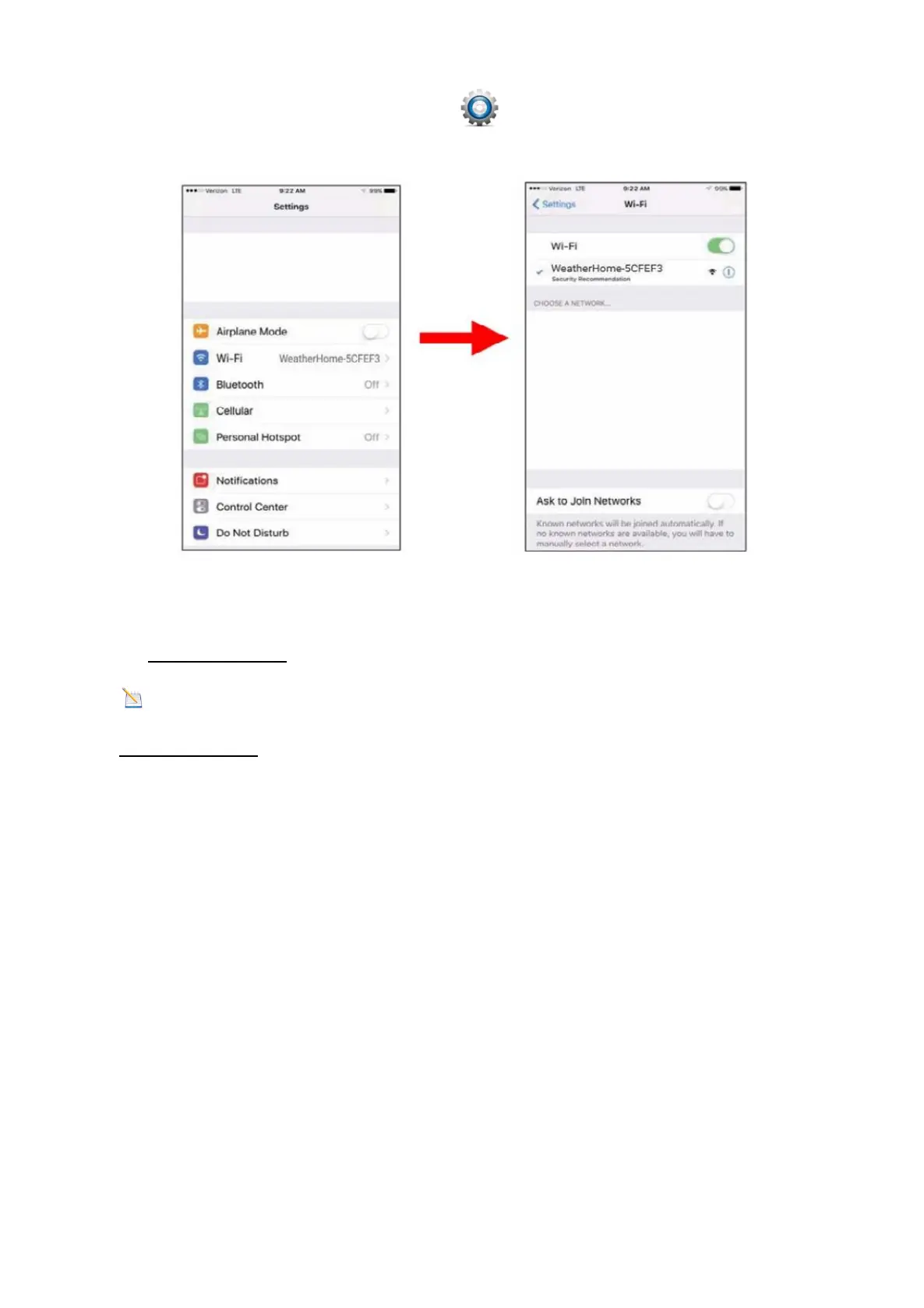
From the Apps icon, choose the Settings icon and Wi-Fi. Connect to the Weather-
Home------ WiFi network, as shown in Figure 43 (your WiFi network name may be slight-
ly different, but will always begin with WeatherHome------ ).
Figure 43
13.5. Once connected, enter the following IP address into any browser’s address
bar:http://192.168.5.1to access the console’s web interface.
Note: Some browsers will treat 192.168.5.1 as a search, so make sure you include
the header http://,or:
http://192.168.5.1 not 192.168.5.1
13.6. Enter the following information into the web interface (Figure 44). Make sure all of
the information is entered prior to selecting Save. If you choose not to upload Wunder-
ground.com, or upload weathercloud.net, leave the check boxes unchecked.



 To Next Page