ENGLISH
13
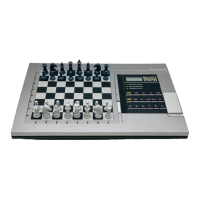
Ask Pro Bridge 510's human player to claim
for you on his/her turn.
Set the bidding system for NS on Pro
Bridge 510.
Enable the viewing option via Pro Bridge
510 (see section 5.7 of your Pro Bridge 510
manual).
Continue playing until it is Pro Bridge 510's
human player's turn. Press ESCAPE and
choose "same deal".
Wait until your turn.
SYMPTOMS POSSIBLE CAUSE ACTION
1. Pro Bridge 310's
CLAIM key will not
operate.
2. You cannot set the
bidding system for NS
on Pro Bridge 310.
3. Pro Bridge 310's
VIEW HANDS function
will not operate.
4. Pro Bridge 310's
REBID key will not
operate.
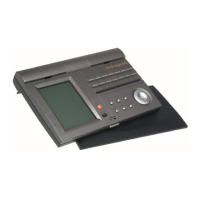
5. Pro Bridge 510/Pro
Bridge 310's keys will
not operate.
Pro Bridge 310 is linked to Pro
Bridge 510: When the cable is
in operation CLAIM can only
be operated via Pro Bridge
510.
Pro Bridge 310 is linked to Pro
Bridge 510: bidding system
must be set via Pro Bridge
510.
Pro Bridge 310 is linked to Pro
Bridge 510: Pro Bridge 510's
viewing option has been
disabled.
Pro Bridge 310 is linked to Pro
Bridge 510: Rebid must be
operated via Pro Bridge 510.
It is not your turn.
Cable Connection Troubleshooting Guide




 To Next Page