H1 Series
6.2.2 System Time Setting
When the inverter begins to run for the first time, please configure the time of
system, and the inverter LCD will display as below:
Please Set Date And Time:
Date : MM/DD/YY
Time: hh/mm/ss
09/18/2019
18:32:06
Ok
Figure 6.2 System time setting
Move the cursor to the editable box, press ENT to edit, set the target value
by pressing or . If pressing time longer than 2 seconds, the value will
decrease or increase quickly. Complete setting and switching to next
parameter setting by pressing ENT. Drop out of edit by pressing ESC.
Operating and interface description:
Set the date and time according to the MM/DD/YYYY and hh/mm/ss format.
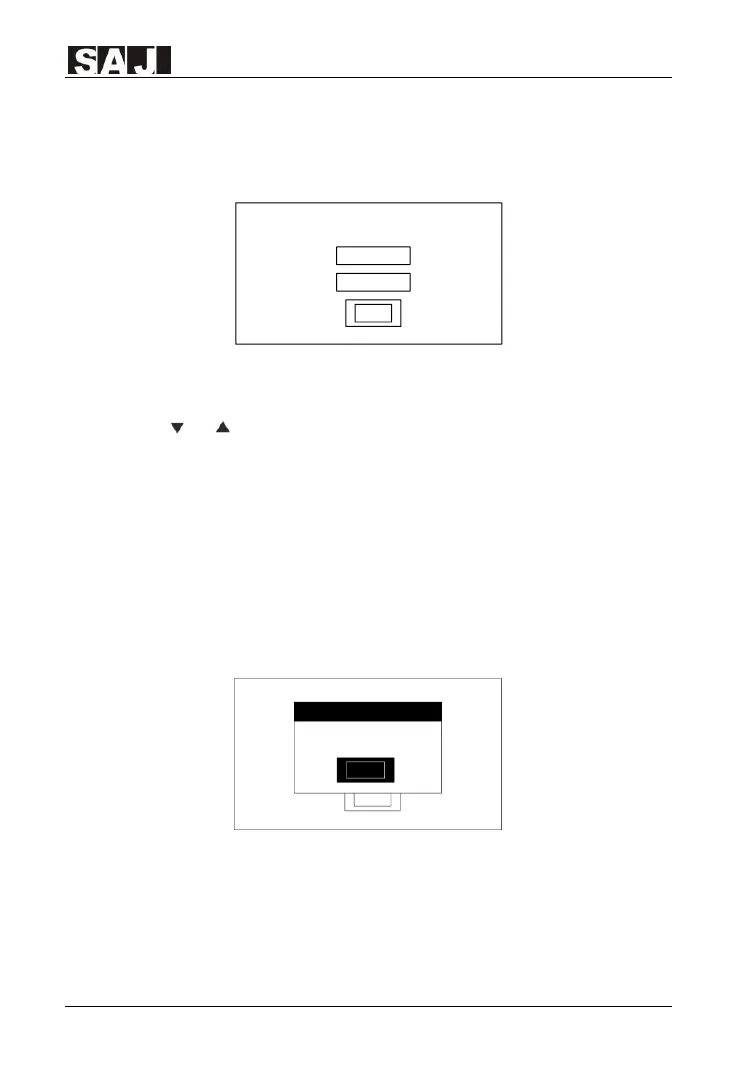
Note: If user presses ESC button, a dialog box will prompt to remind user not
to skip the essential initial setting steps at the first time running. LCD will
display as below:
Please Set Date And Time:
Date : MM/DD/YY
Time: hh/mm/ss
09/18/2016
18:32:06
Ok
Please Set Time&Date!
Prompt
Ok
Figure 6.3 System time setting (Prompt by ESC)
6.2.3 Battery Data Setting
Select the battery type based on your battery connected, Pb indicates
lead-acid battery while Li indicates lithium-ion battery. Battery



 To Next Page
 Loading...







