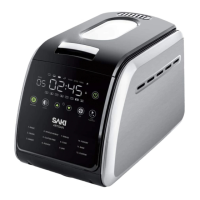
To fully benefit from your product's warranty and stay informed
about important updates, please registeryour bread maker online.
It's a simple and quick process. Here's how:
WARRANTY REGISTRATION
1. Click the warranty registration tab under the support page or
visit www.saki.us/pages/warranty.
2. Complete the required fields in the registration form, making
sure to provide accurate information.
3. Submit the form.
4. After submitting the form, you can access your warranty card
through your account's profile tab on the website.


 To Next Page
 Loading...