CUSTOM PROGRAM
12.
This program allows customization of the bread maker to suit your
preferences. Adjust times, settings, and even create your own recipes.
You can modify or skip any bread making steps as desired.
Here's how to do it:
◦ Adjust Time and Settings: Using the 'Program' button, select the stage
you want to modify kneading, rising, baking, or keeping warm. Once
selected, use the 'Time' buttons to increase or decrease the duration
for that stage.
◦ Create Recipes: To make your own recipe, adjust the time for each
stage as you like. After setting the times, select 'Start' to begin the
bread-making process.
◦ Skip Steps: If you want to skip a stage, set the timer to '0' for that
particular stage when it is highlighted.
Time
0 - 30 minutes
0 - 30 minutes
0 - 30 minutes
0 - 30 minutes
0 - 25 minutes
0 - 30 minutes
0 - 25 minutes
0 - 60 minutes
0 - 60 minutes
0 - 60 minutes
0 - 80 minutes
0 - 60 minutes
Program Stage
Knead 1
Rest 1
Knead 2
Rest 2
Knead 3
Rest 3
Knead 4
Rise 1
Rise 2
Rise 3
Bake
Keep Warm
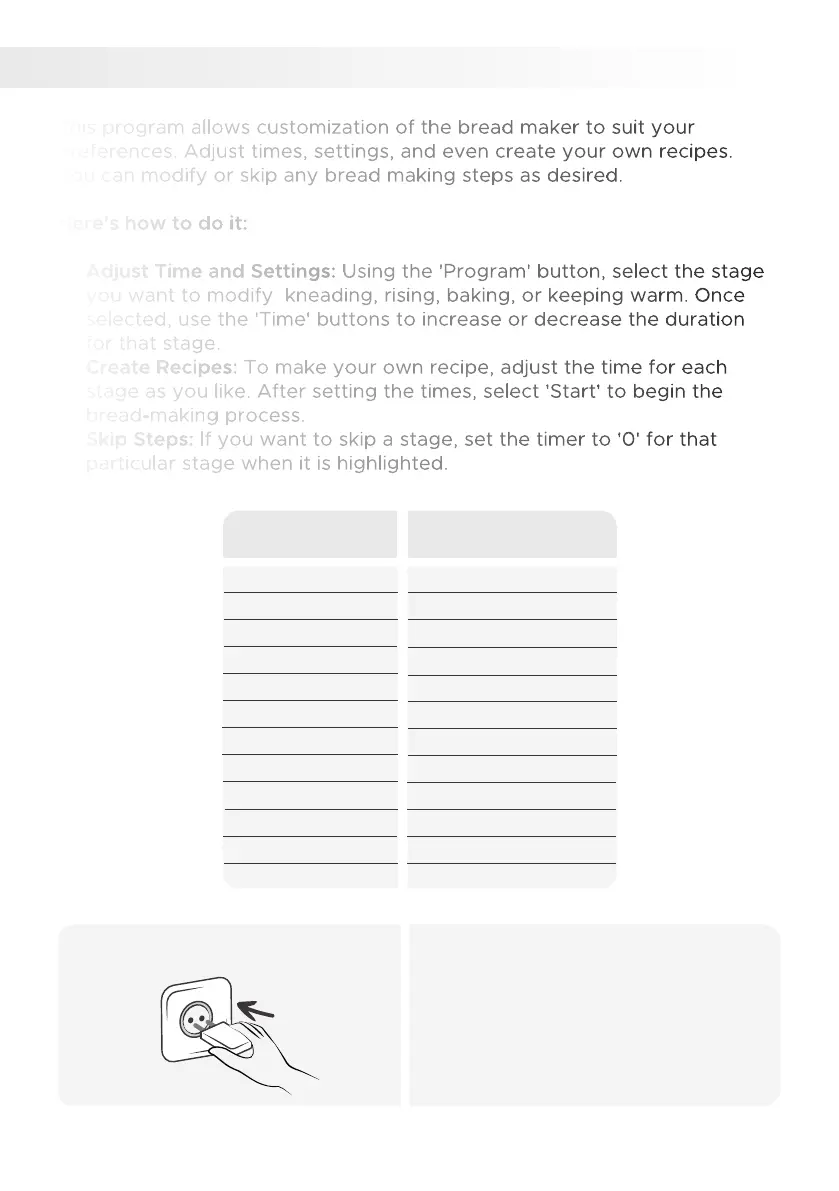
Plug in the power cord.1.
• Ensure your hands are dry and firmly
insert the plug into the outlet.
38


 To Next Page