Revised 5/19/2010 3.3
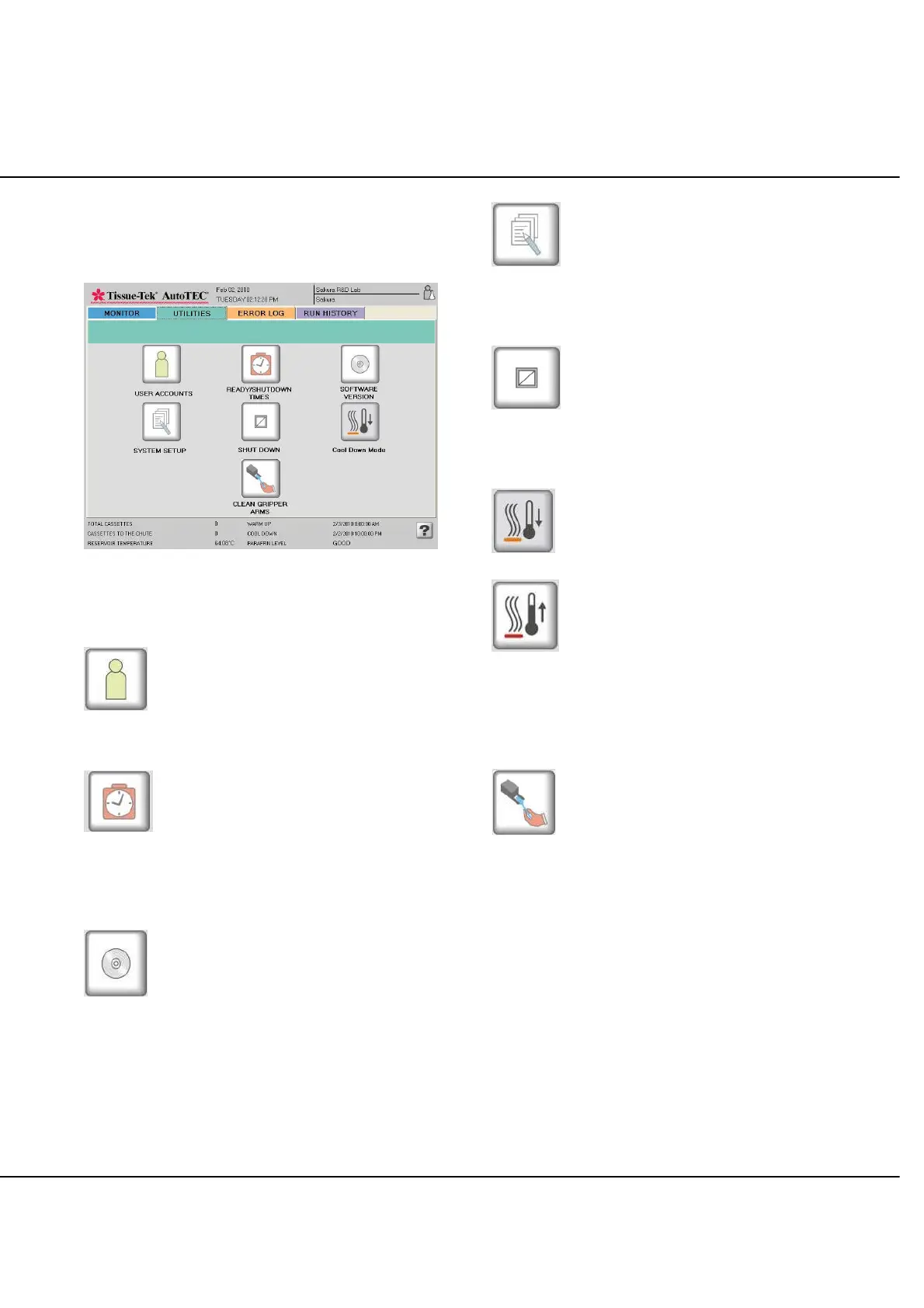
UTILITIES Screen
Utility screen is displayed, when the UTILITIES tab is
selected (Figure 3-D).
Figure 3-D
Button Descriptions
USER ACCOUNTS
When selected, is used to manage user accounts, such as
Add, Edit, and Delete users.
READY/ COOL DOWN TIMES
When selected, is used to set up automatic system ready
and cool down times for each day of the week or to control
this ready/cool down time manually. This is also used to
select off days.
SOFTWARE VERSION
When selected, is used to display the current AutoTEC
Software version.
SYSTEM SETUP
When selected, is used to set up alarm volume, alarm
sound, end of process sound, current year, date and time,
and institution name.
SHUT DOWN
When selected, is used to shut down the AutoTEC
Software applications, Windows operating system PC, and
instrument.
COOL DOWN Mode
OR
WARM UP Mode
When selected, will either shut down all AutoTEC heaters
or start warming up all AutoTEC heaters. When in Cool
Down mode, the AutoTEC Software application is still
operational, but the system cannot embed cassettes until
all the heaters are up to operating temperature.
CLEAN GRIPPER ARMS
When selected, is used to request the gripper arms to be
moved to above base mold #5 position, to allow operator
easy access to clean the gripper arms.



 To Next Page