37
English
SALMSON 08/2016
Navigation element
• The arborescence of the menu allows to call the
functions of the converter. A number is attribut-
ed to every menu and submenu.
• The rotation of the encoder allows the scrolling
of a same menu level (example 4000->5000).
• Any blinking elements (value, menu number,
symbol or icon) allow the choice of a new value,
a new menu number or a new function.
6.1.5 Menu description
List (Fig. 11)
<1.0.0.0>
• To adjust the setting point, turn the encoder. The
display changes to menu <1.0.0.0> and the set-
point begins to blink. The new rotation allows to
increase it or decrease it.
• To conrm the change, give an impulse on the
encoder, the display returns to the status page.
<2.0.0.0>
• The operating modes are the « Speed control »,
the « Constant pressure » and the
« P.I.D. control ».
<3.0.0.0>
<4.0.0.0>
• The « Information » menu displays measuring,
device and operating data, (g. 12).
<5.0.0.0>
• The « Service » menu allows to get access to the
converter parameter setting.
<6.0.0.0>
• If one or several defects arise, the page of
defects appears.
The letter « E » followed by three digit code
appears, see <chapter 8.1>.
<7.0.0.0>
• The « Access lock » is available when the switch
2 is in the ON position.
CAUTION! Material damage!
Inadequate setting changes can lead to pump
operation defects, which can lead to material
damage on the pump or installation.
• Settings in « SERVICE » mode should only be
made during commissioning and only by skilled
technicians.
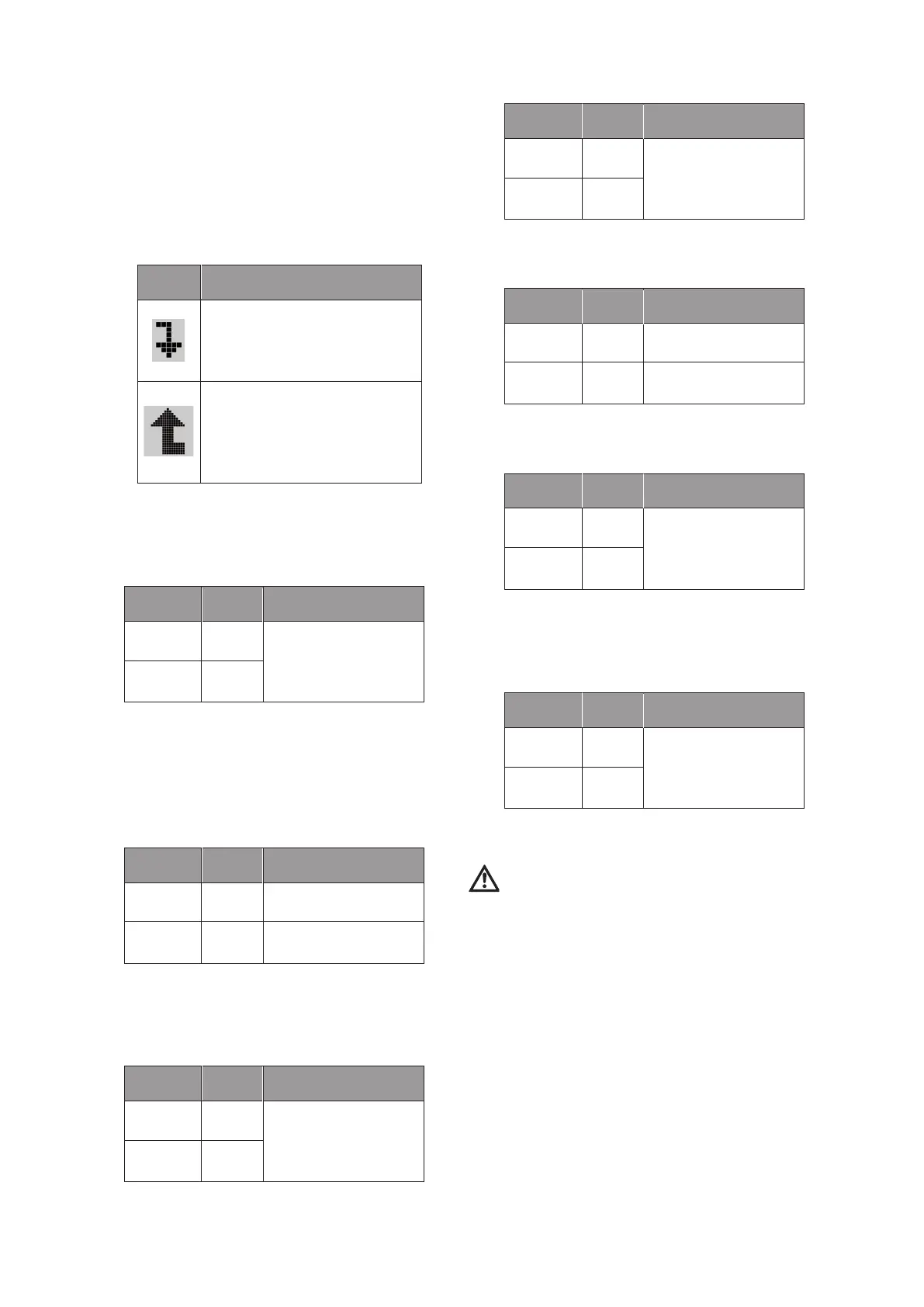
Symbol Description
When the arrow appears:
• An impulse on the encoder allows
the access to the submenu (exa-
mple 4000->4100).
When the arrow appears:
• An impulse on the encoder allows
the access to the submenu (exam-
ple 4000->4100).
Position Switch 1 Description
OPERATION OFF
Adjustment of the setting
point, possible for both
cases.
SERVICE ON
Position Switch 1 Description
OPERATION OFF
Setting ON / OFF of the
pump.
SERVICE ON
Position Switch 1 Description
OPERATION OFF
Only on reading for ope-
rating modes.
SERVICE ON
Setting for operating
modes.
Position Switch 1 Description
OPERATION OFF
Only reading for the
« Information » menu.
SERVICE ON
Position Switch 1 Description
OPERATION OFF
Only reading for the
« Service » menu.
SERVICE ON
Setting for « Service »
menu.
Position Switch 1 Description
OPERATION OFF
Display of the error page.
SERVICE ON
Position Switch 1 Description
OPERATION OFF
Display of « Access lock »
symbol.
SERVICE ON




 To Next Page