14 RT310i Installation Manual
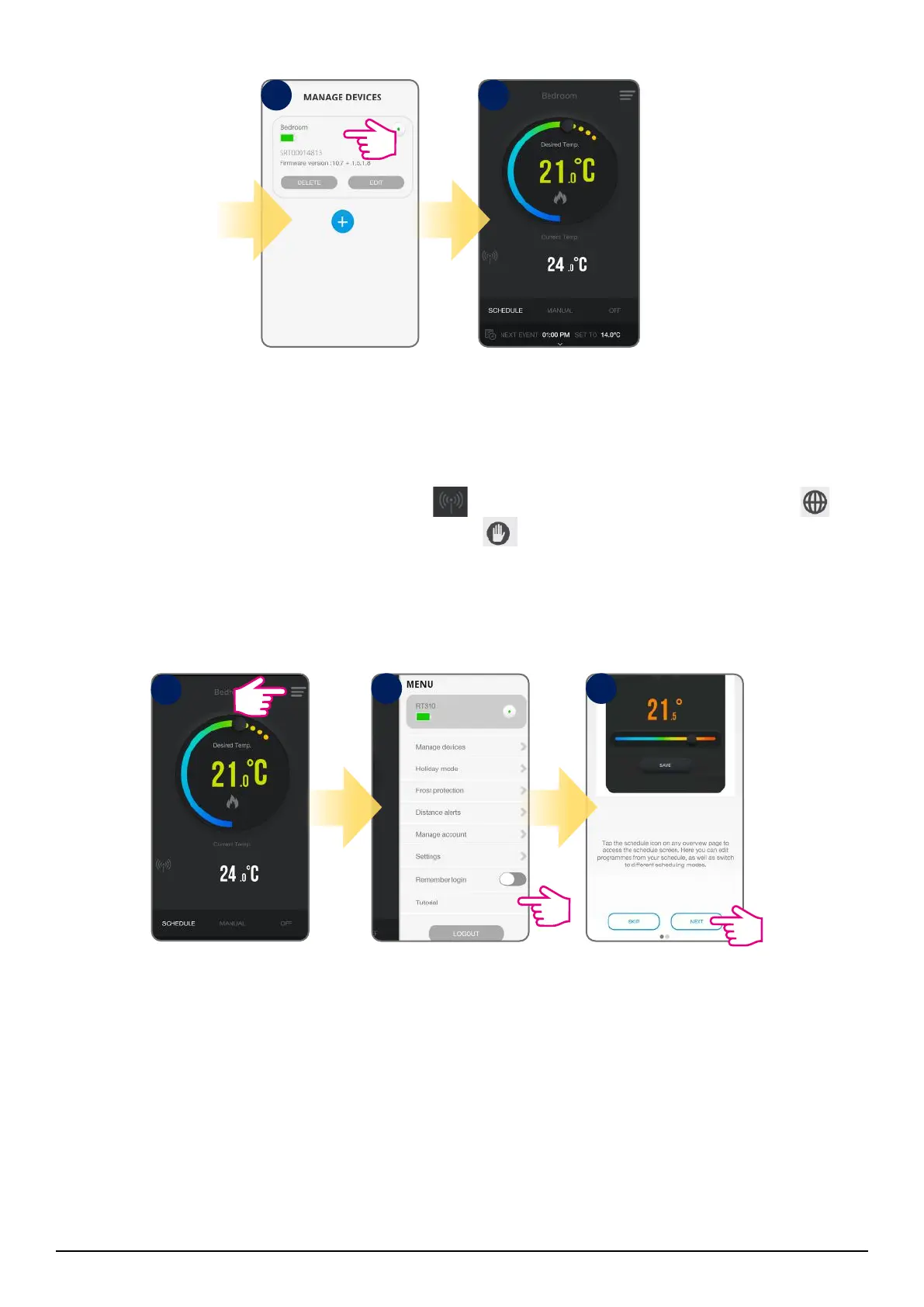
Tap anywhere on tile to
enter the thermostat
interface.
The application will go
to the home screen.
To make it easier to start, go to the settings and select the “Tutorial” option. Take a look at the steps below:
8 9
Select the menu icon.
Choose “Tutorial”.
Follow the steps.
1
2 3
3
When the thermostat is connected to the App, the icon will appear on the App screen and the icon
will appear on the thermostat screen. Also, the hand icon will show on the thermostat LCD.



 To Next Page