28
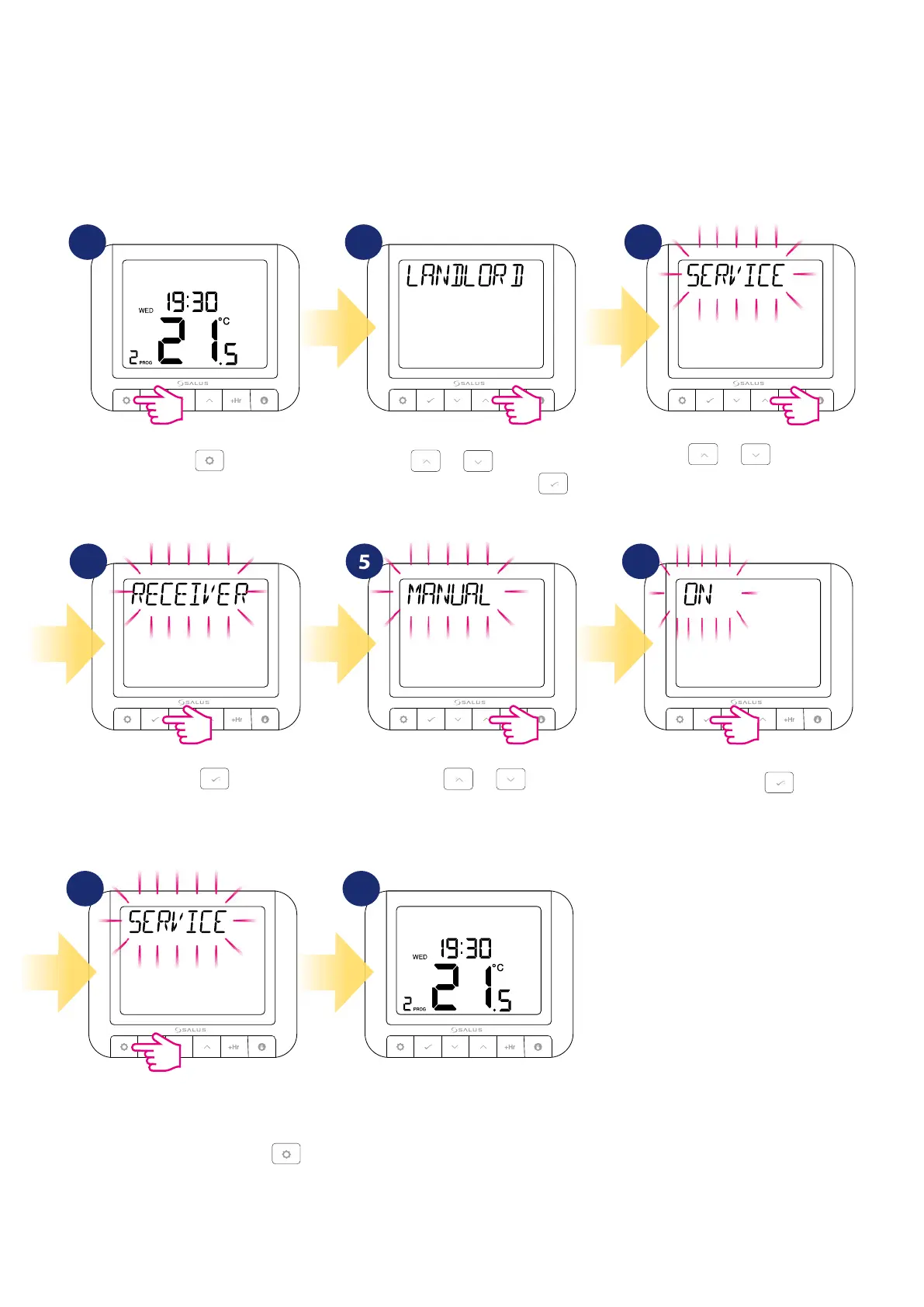
Using or , move to the
next option.
Now, using
or , select
proper settings (ON / OFF).
To set it press
button.
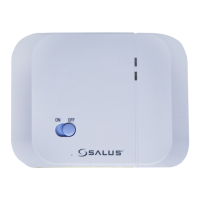
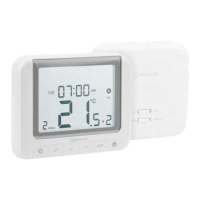
If the thermostat parameter “RECEIVER” is set to “ON MANUAL”, the receiver switch “AUTO-MANUAL” is active. The AUTO setting causes the receiver to
react to signals sent by the thermostat. However, the MANUAL setting causes that the receiver ignores the thermostat signals and its operation depends
only on the position of the top ON-OFF switch.
If the “RECEIVER” thermostat parameter is set to “OFF MANUAL”, the receiver switch “AUTO-MANUAL” is locked (disabled). Then the receiver will always
react to signals sent by the thermostat.
Confirm by
.
3
6
4 5
Thermostat will go back to SERVICE
option. To go back to the main
screen wait 10 seconds or press
button as long as main screen will be
displayed.
7 8
3
Press .
Using
or , navigate to
Landlord submenu and press .
1 2
5.7.4 Receiver’s operation setting


 To Next Page