33
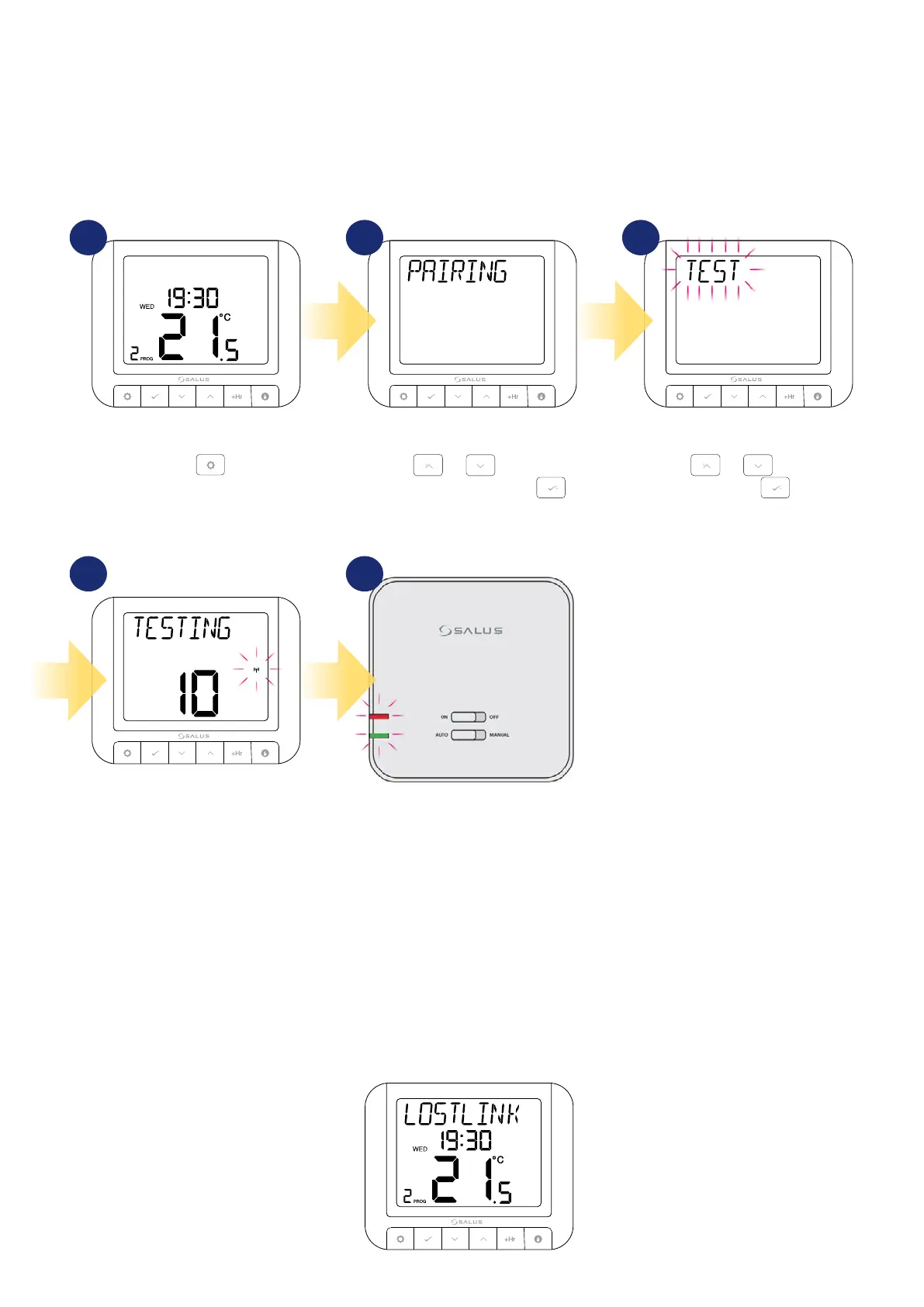
7. Test the pairing process
Using or , select TEST
and press .
Press
.
Using
or , navigate to
PAIRING submenu and press .
The testing process takes
up to 10 minutes.
The red LED and the green LED on the
receiver will begin to flash.
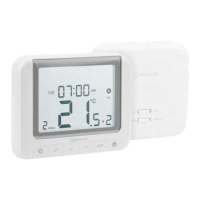
It is important to place the receiver and transmitter in places where nothing interferes with the radio signal. The range of communication between the
transmitter and the receiver in an open area is up to 60m. The radio transmission is inuenced by many factors that can shorten the working distance, such
as thick walls, drywall covered with aluminum foil, metal objects such as cabinets, general radio interference, etc. However, the range is sucient for most
domestic use. It is recommended to test the radio transmission between devices before mounting the regulator on the wall. The test can be performed by
changing the set temperature, i.e. by activating or deactivating the heating.
1 2 3
4 5
3
8. LOSTLINK monit
When the transmitter (thermostat) loses connection with the receiver, i.e. is too far away or not paired, the message LOSTLINK will appear on the main
display. In this case, bring the thermostat closer to the receiver, so that it is within range, or pair the devices again. Then the message will disappear and
each device will communicate properly with each other.


 To Next Page