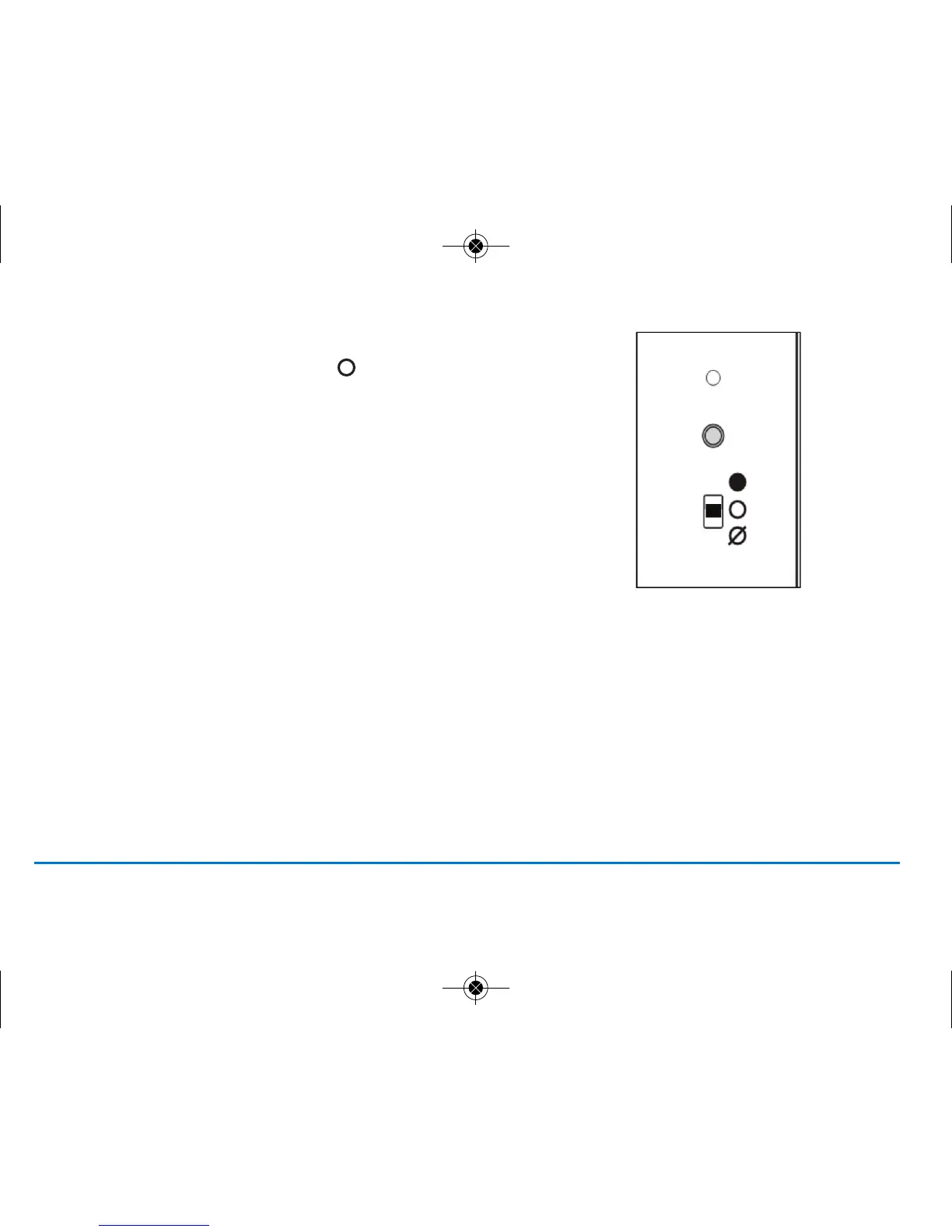
6. Now move the switch back to AUTO .
11ST620VBC INSTRUCTION MANUAL
RF COMMUNICATION
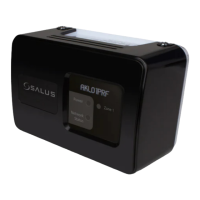
Your ST620 comes already paired with the integral boiler control. This means that the ST620 will communicate with
integral boiler control straight away.
Testing the ST620 RF communication
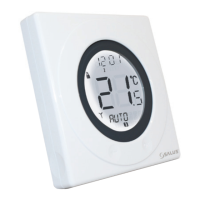
Press the touch ring anywhere (except the OK and Arrow keys) to enter manual override mode. The current set
temperature will be displayed on the LCD, now press the touch ring again and move your finger clockwise to increase
the displayed temperature to 35 deg. Now press the OK button, your boiler should now fire and the LED on the integral
boiler control should be illuminated.
If you find that the LED on the integral boiler control and the boiler are already on, double check you have the integral
boiler controls selector switch in the AUTO position. If the switch is in the AUTO position follow the instructions above
but decrease the temperature to 5
º
C. The LED and boiler should go off.



 To Next Page