SERVICE and CONTROL Functions
Service Function
The Service Menu should only be selected or changed by the Engineer carrying out the
installation, or other qualified person. It is strongly recommended that you familiarise yourself
with the instructions contained in the Operation section of this manual before attempting to
change any of the settings in the SERVICE menu.
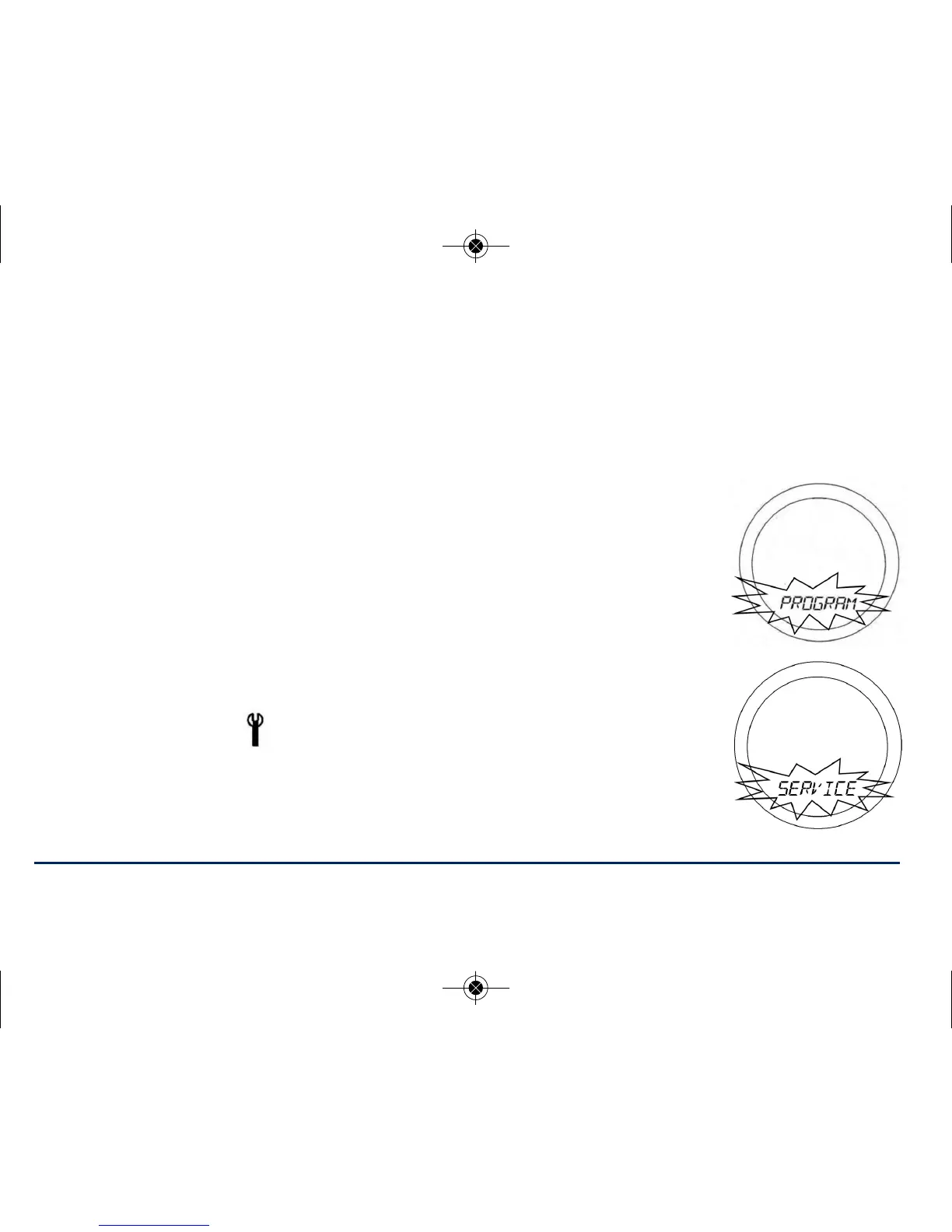
To access the Menu screens, press the OK key twice. The first menu displayed is
PROGRAM:
Use the Touch Ring to scroll through the various menus, and press OK key to
activate the service menu.
The SERVICE indicator will be displayed on all SERVICE menu screens. Firstly you
need to enter a unique PIN code, when the first digit flashes scroll to set the first
digit and press OK to confirm the repeat for the other two digits.
33ST620VBC INSTRUCTION MANUAL



 To Next Page