Manual Override
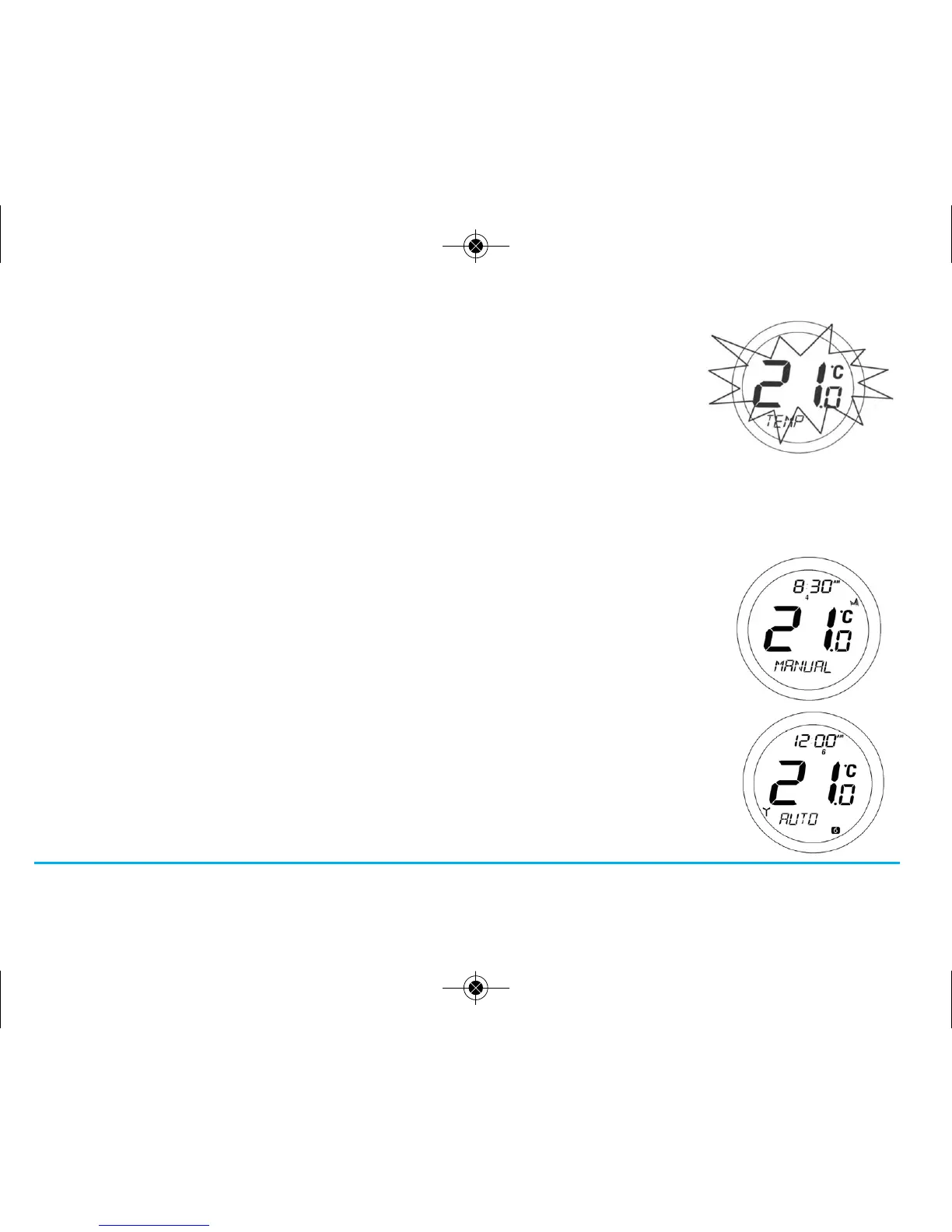
When the ST620 is in AUTO mode, press the Touch Ring anywhere except the OK and
Arrow keys to enter the manual override mode. The currently set temperature will be
displayed on the LCD and will flash.
When the set temperature is flashing, press the touch ring and move your finger clockwise
to increase the set temperature, or anti-clockwise to decrease the set temperature. Press OK
at any time to confirm the selection.
NOTE: The ST620 will go back to AUTO mode without changing the set temperature after
10 seconds of inactivity, or after pressing the Arrow key.
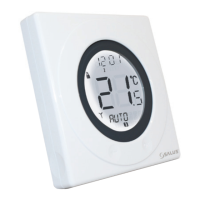
When the ST620 is operating in Manual Override mode, the LCD will display MANUAL
instead of AUTO. The manual setting will remain in effect until the next programme time
is reached, or the Manual Override mode is cancelled.
Manual Override mode can be cancelled at any time by pressing and holding the Arrow key
for 2 seconds – this will return the ST620 to AUTO mode.
19ST620VBC INSTRUCTION MANUAL



 To Next Page