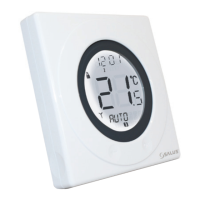
To stop testing the RF communication press and hold the arrow key on
the ST620 for 2 seconds – this will return the ST620 to AUTO mode. You
can now proceed to the user controls section on page 15.
Manual Setup of RF Communication
If you find that your ST620 will not communicate with integral
boiler control please follow the steps below:
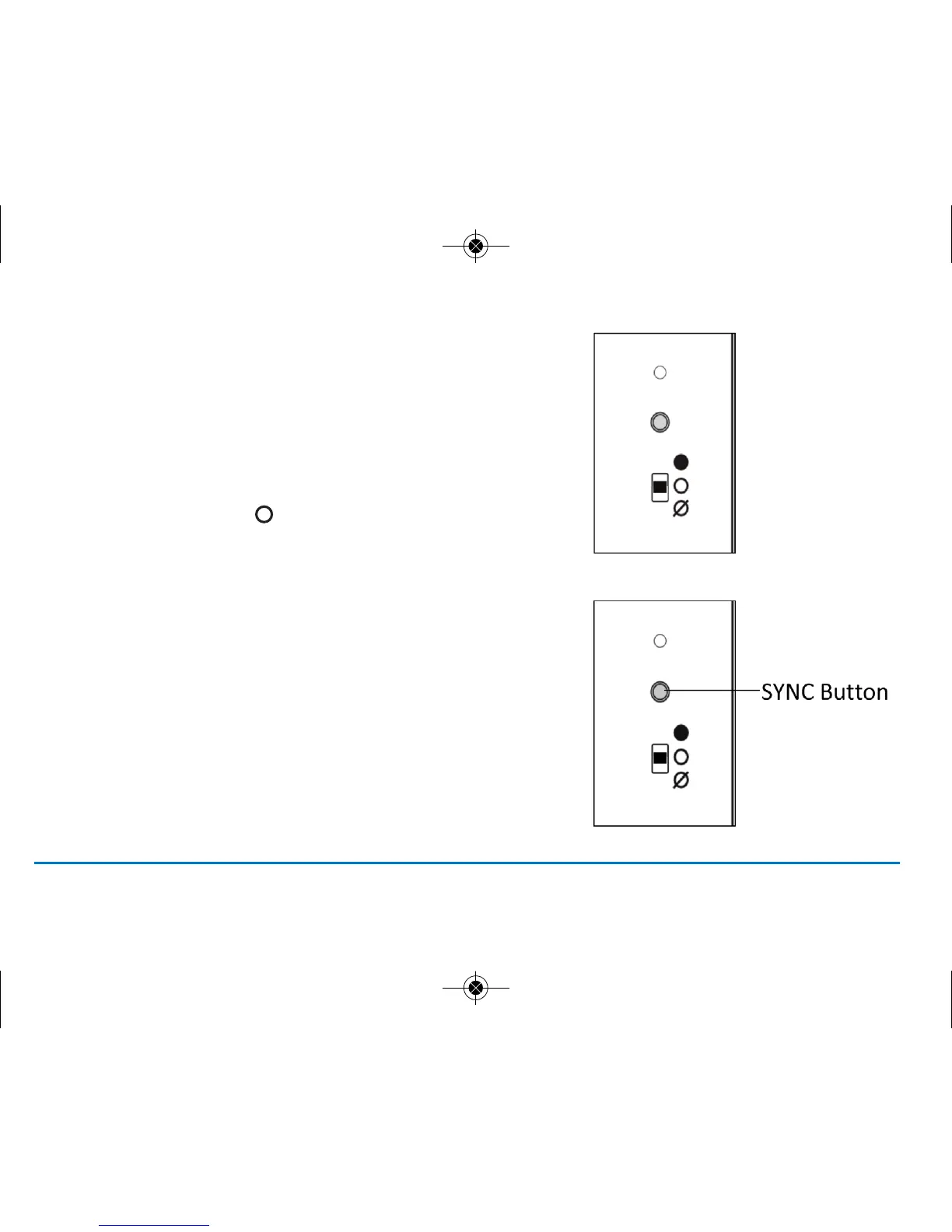
1. Ensure the switch on the RF integral boiler
module is in the AUTO
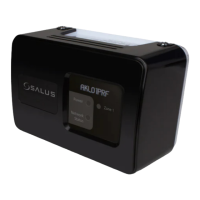
2. Gently press and hold the SYNC button with a blunt
object. After 3 seconds the Boiler Control LED will flash
once every second to indicate it is ready to pair and
ready to receive a signal from the ST620. The Boiler
Control will remain in pairing mode for 12 minutes.
ST620VBC INSTRUCTION MANUAL12



 To Next Page