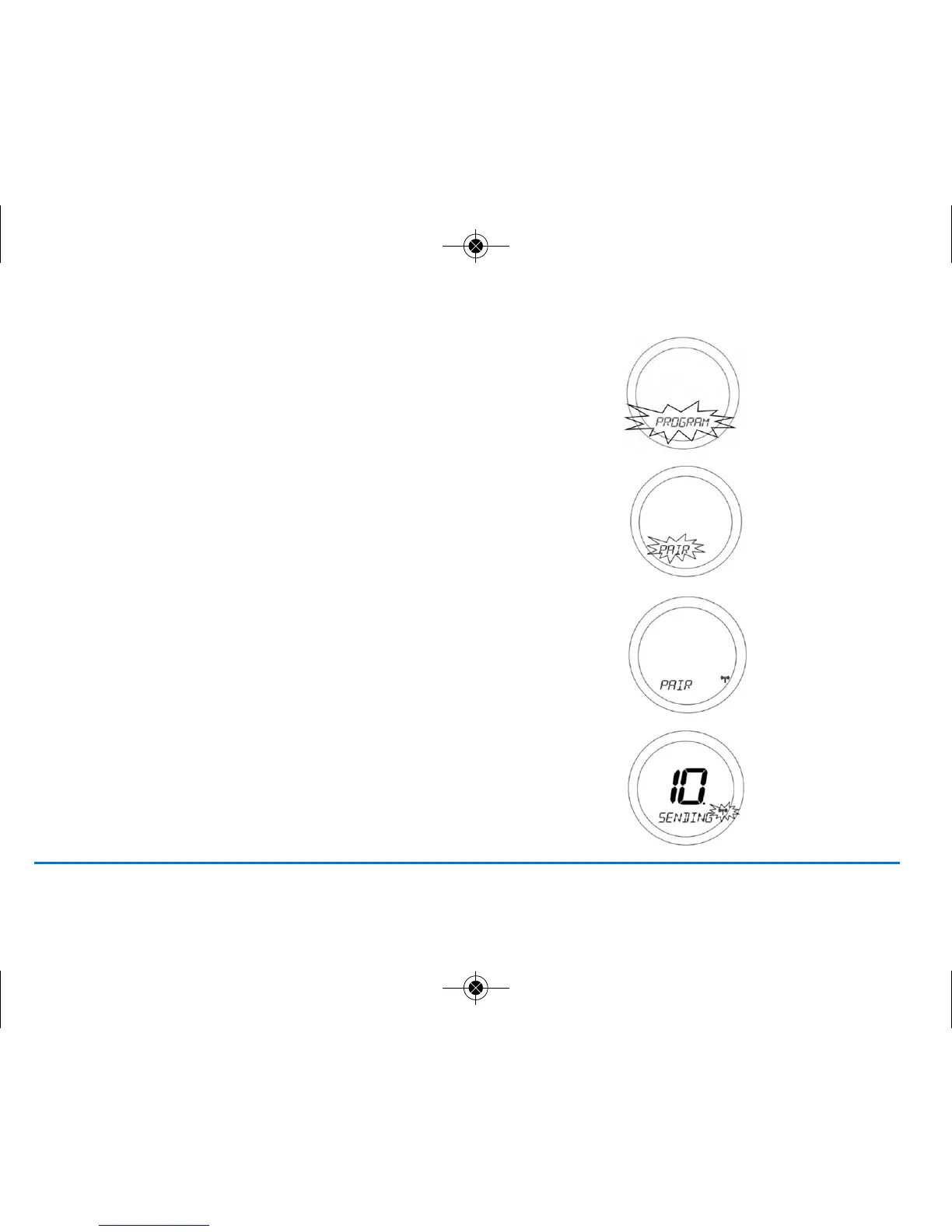
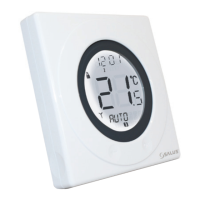
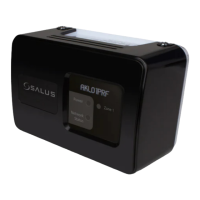
3. Activate ST620 into pairing mode. To access the Menu
screens on the ST620RF, press the OK key twice. The first
menu displayed is the PROGRAM menu:
4. Use the Touch Ring to scroll through the Menus
to locate the pair option then press OK key
5. Press OK key again activate pairing mode.
PAIR will stop flashing and the pair icon will appear
6. The display will change to show a rundown timer:
13ST620VBC INSTRUCTION MANUAL



 To Next Page