Programme Output Weekday Weekend
1
ON 6:00AM 6:00AM
TEMP 21ºC 21ºC
2
ON 8:00AM 8:00AM
TEMP 14ºC 14ºC
3
ON 11:00AM 11:00AM
TEMP 21ºC 21ºC
4
ON 1:00PM 1:00PM
TEMP 14ºC 14ºC
5
ON 4:00PM 4:00PM
TEMP 21ºC 21ºC
6
ON 9:00PM 9:00PM
TEMP 14ºC 14ºC
BASIC OPERATION
Getting Started………..
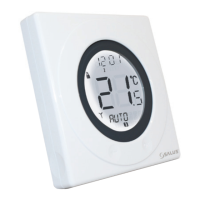
ST620 Programmable room thermostat
Your ST620 comes with factory set default
program. The temperature and time settings
have already been set. If the default program
meets your requirement there is no need to
change the default program.
Reviewing the Set Temperature
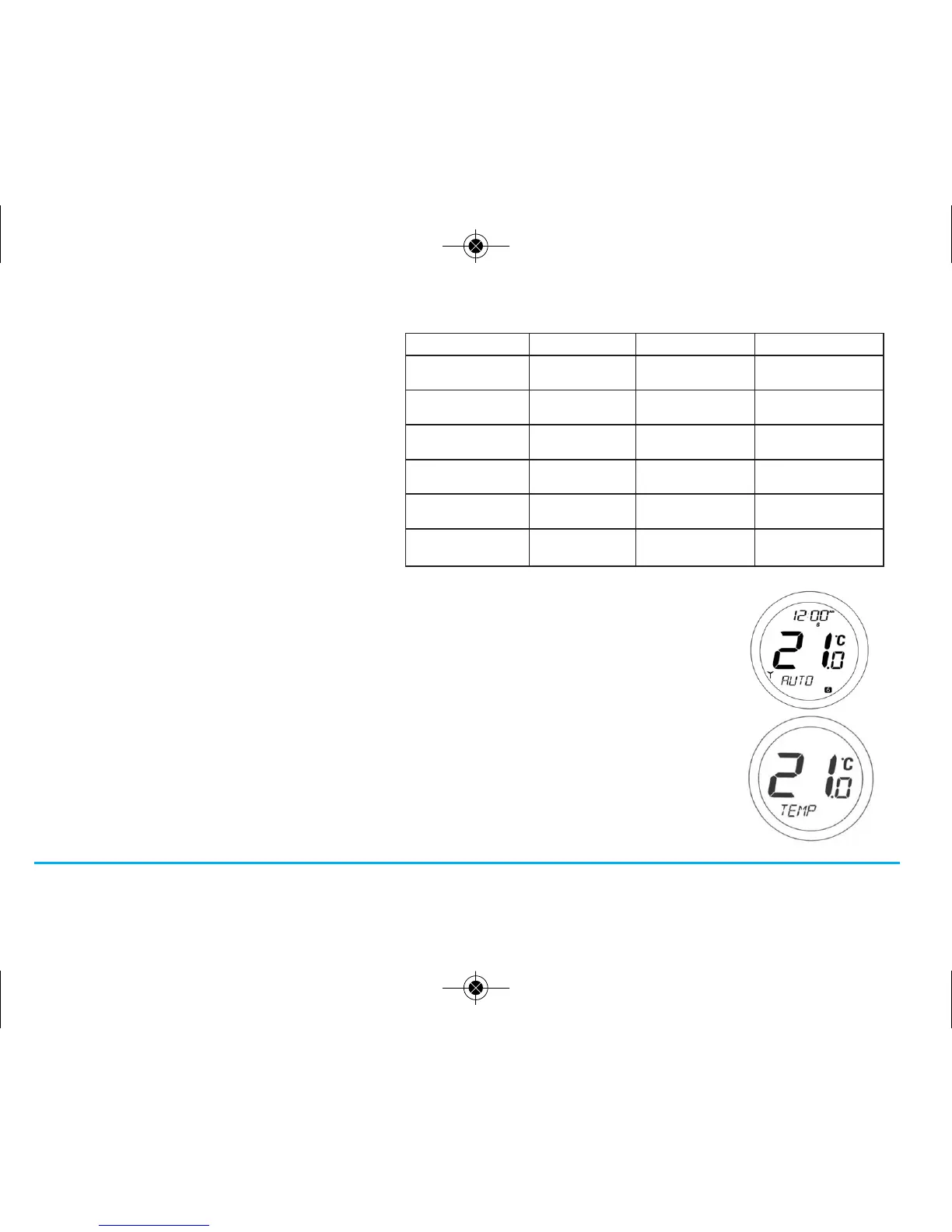
1. AUTO mode is when the thermostat is displaying the room temperature.
2. If you press the Touch Ring anywhere except the OK and Arrow keys
you can check the set temperature setting.
This will display the current set temperature. The set temperature will be displayed
for two seconds before the LCD changes to display the room temperature again.
The ST620 will go back to AUTO mode without changing the set
temperature after 10 seconds of inactivity, or after pressing the Arrow key.
ST620VBC INSTRUCTION MANUAL18



 To Next Page