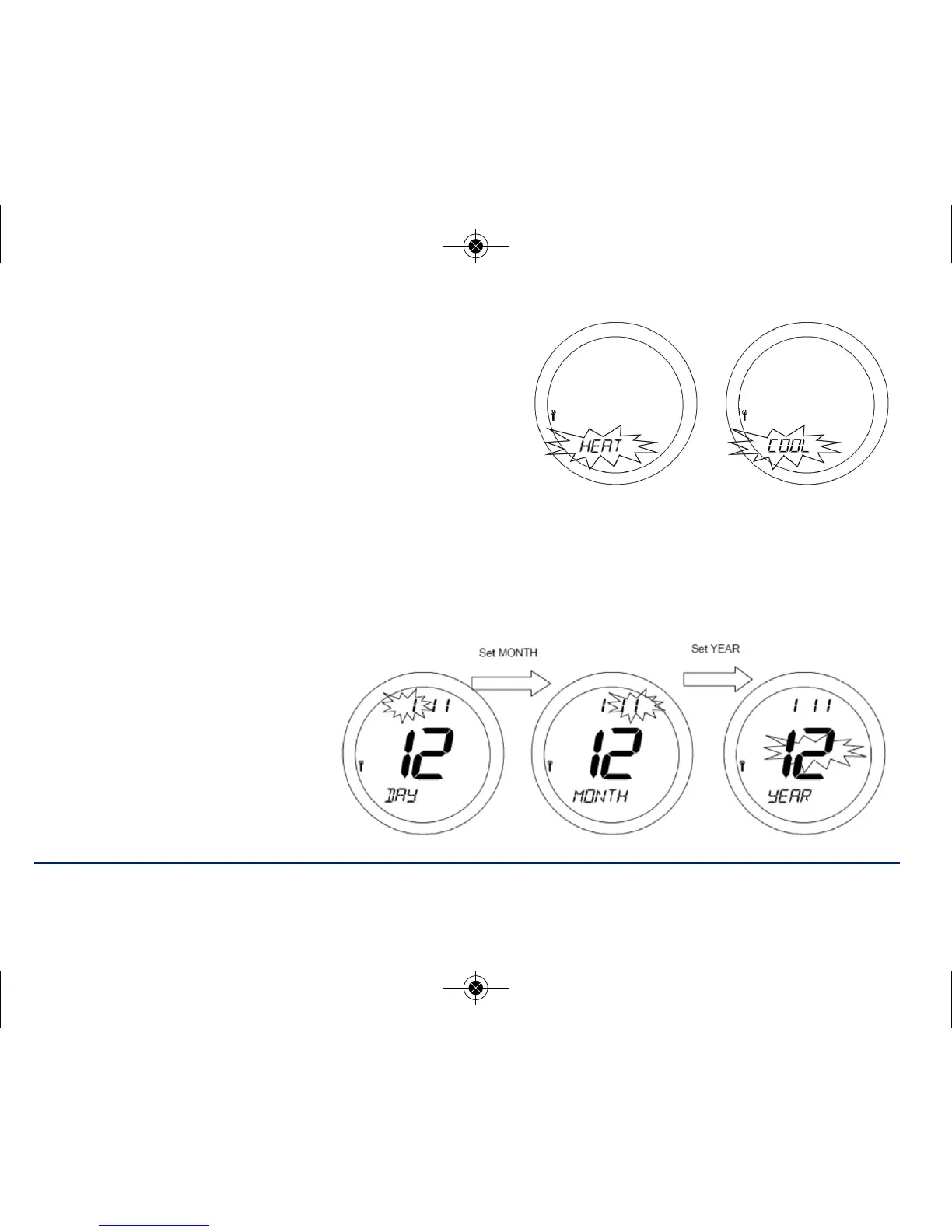
HEAT or COOL
The unit is default HEAT, if you are happy with HEAT press
OK . If you wish to configure the ST620 for a cooling
application, select COOL and press OK
NOTE: Changing the HEAT or COOL function should only be done by your engineer or a
competent person. Changing this setting will have a serious effect on your system operation.
If you have selected service as OFF press to save and return to the AUTO Display.
If you have selected service as ON then follow the instructions on the next pages.
The next menu screen allows
you to set the next service
date for the system. Set the
date in the order of; day,
month and year:
35ST620VBC INSTRUCTION MANUAL



 To Next Page