USER CONTROLS
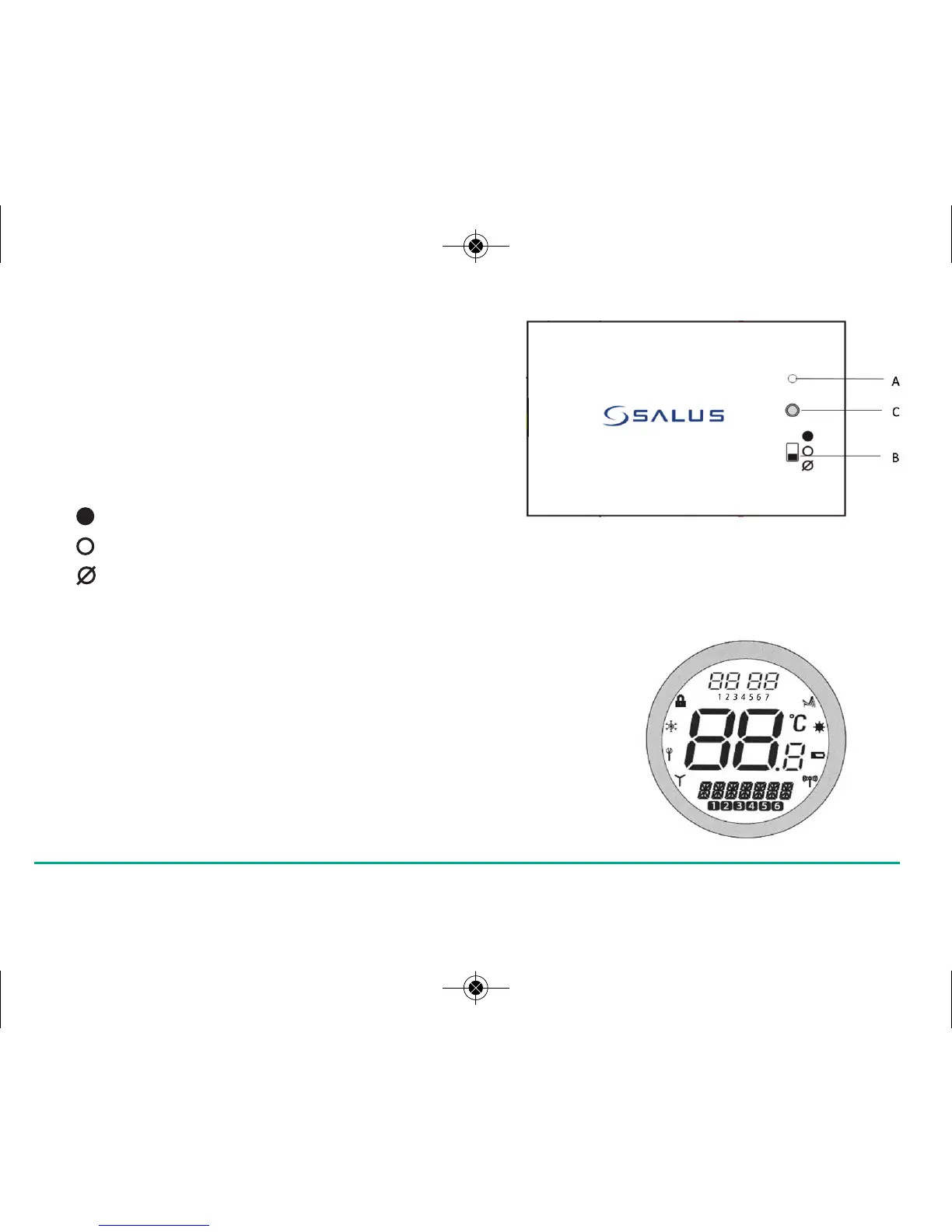
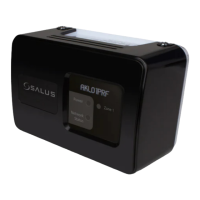
Integral RF Boiler Control
A – LED
This LED will be on when the ST620 is demanding heat.
B – Mode Switch
ON – Boiler will be on continuous
AUTO – will follow time and temperature program in the ST620
OFF – Boiler is off
C – SYNC Button - This is used only for pairing the RF communications.
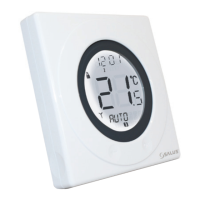
ST620 Overview
The status and operation of the ST620 is clearly shown
on the large Liquid Crystal Display (LCD).
This display allows the user to see at a glance the current status of the heating
system, as well as a clear indication of the current room temperature.
15ST620VBC INSTRUCTION MANUAL



 To Next Page