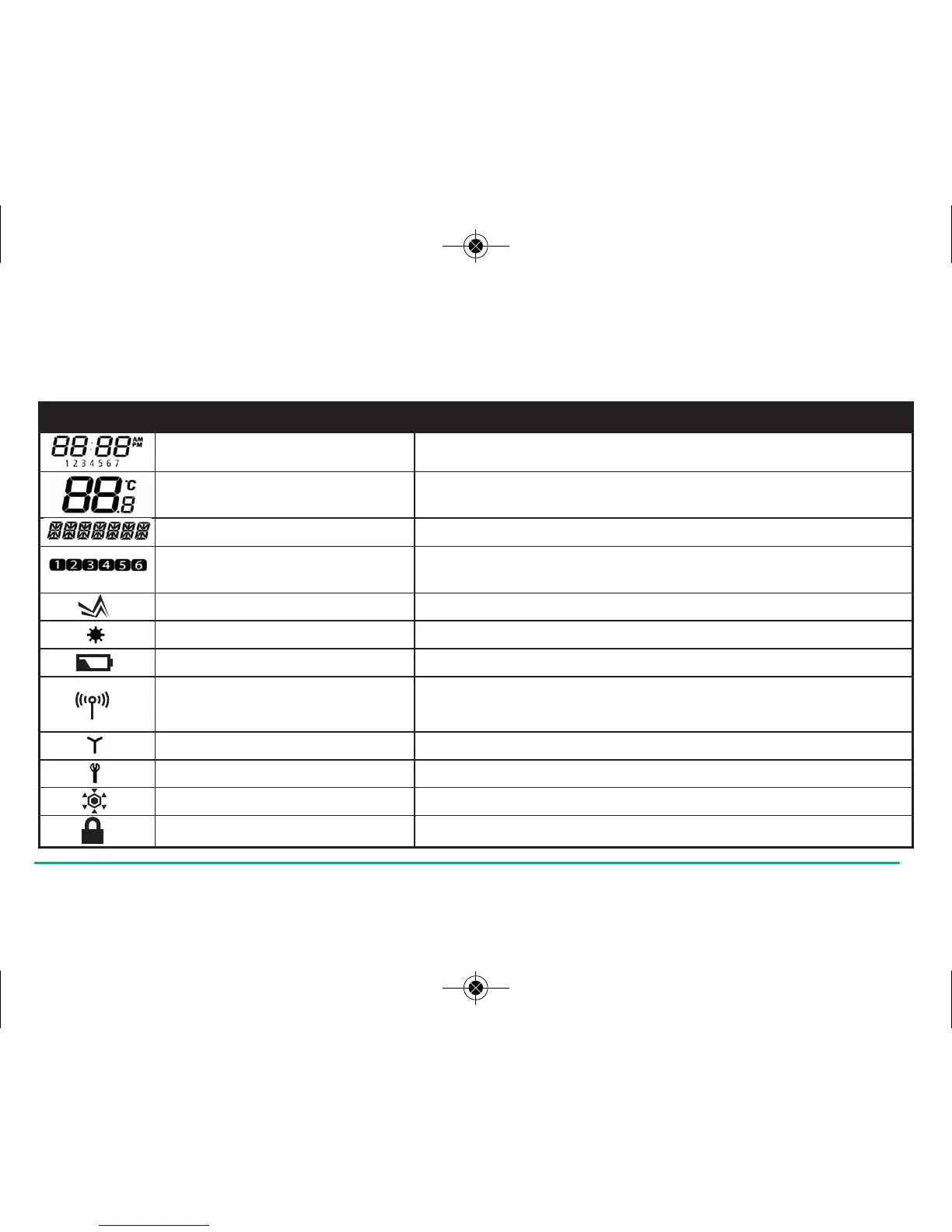
Indicator Description Function
Clock Display Displays the day and time
Temperature indicator Displays set or measured temperature
Alphanumeric Display Displays menu and other status messages
Programme Number Displays the number of the
indicator active (selected) programme
Heat Mode indicator Indicates heating output is turned on.
Holiday indicator Indicates Holiday operation mode is selected
Battery Status Indicates battery is low
RF Signal indicator Indicates the unit is transmitting
a wireless signal
RCC indicator Indicates unit is searching for radio controlled clock signal
Service indicator Indicates Service function is active
Frost Mode indicator Indicates frost setting is turned on
Touch Lock indicator Indicates touch lock is activated
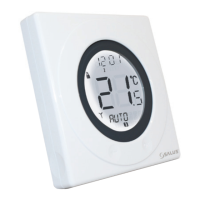
There are few user controls for the ST620, making the programmable thermostat very easy to operate. The controls are a Touch
Ring (which surrounds the user display), two touch sensitive buttons, a reset button and a slide operated switch mounted on
the side of the thermostat. These controls are shown below, along with a description of each of their functions.
ST620VBC INSTRUCTION MANUAL16



 To Next Page