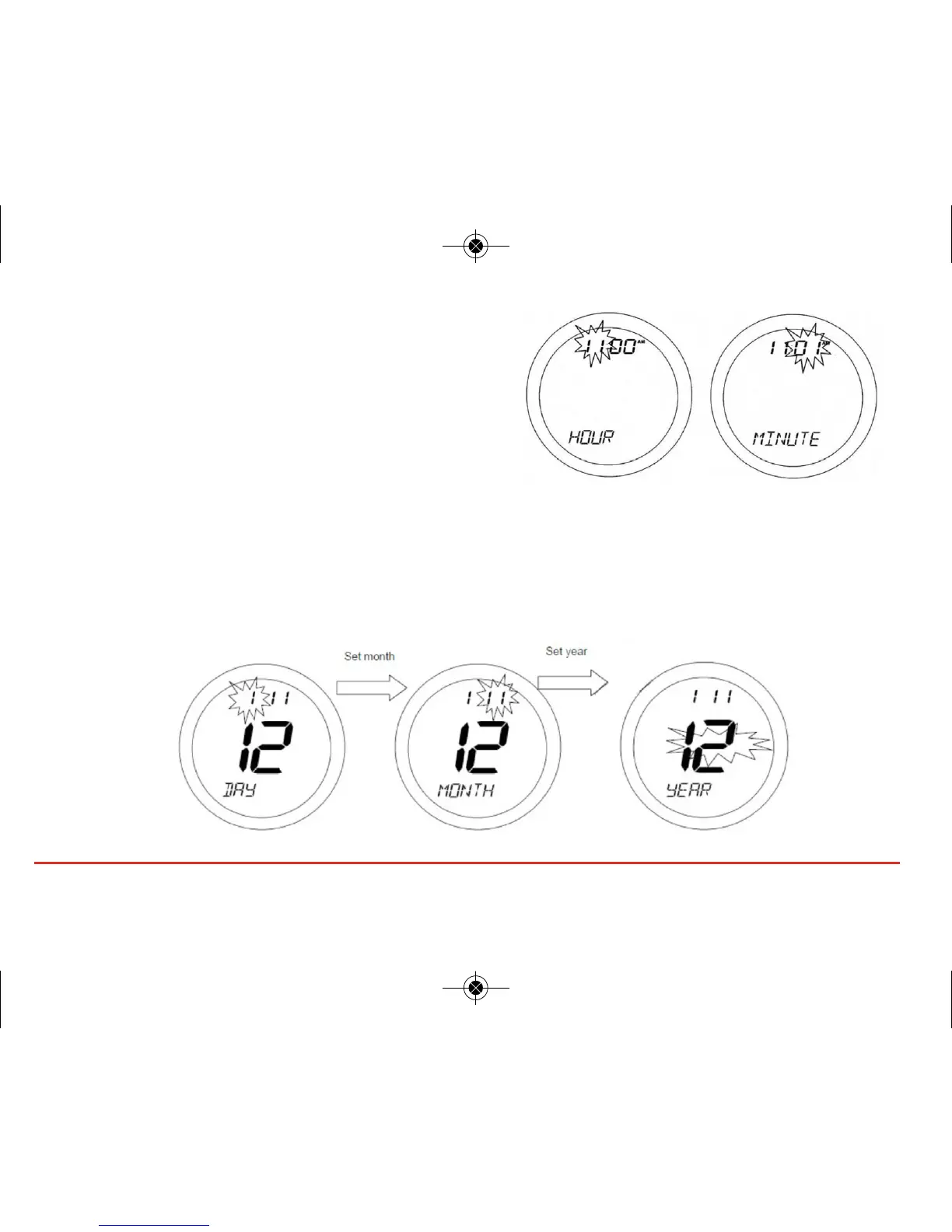
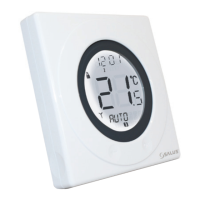
On entering the menu, use the Touch Ring to scroll to
the preferred option (12 or 24 hour clock), and
confirm the choice using the OK button. Use the
Arrow key to return to the previous screen display.
After setting the time display format, the next screen
display allows you to set the time.
Use the Touch Ring to scroll to set the hour and confirm the choice using the OK button. The minute
setting will then be selected – change this setting in the same way using the Touch Ring, and confirm
the setting using the OK button. After setting the time, the next screen display allows you to set the date
– this is set in exactly the same way as previously described for the time.
ST620VBC INSTRUCTION MANUAL30



 To Next Page