16 Product Support 1-888-202-9831
11.1. CHECK DEVICE CHARGE
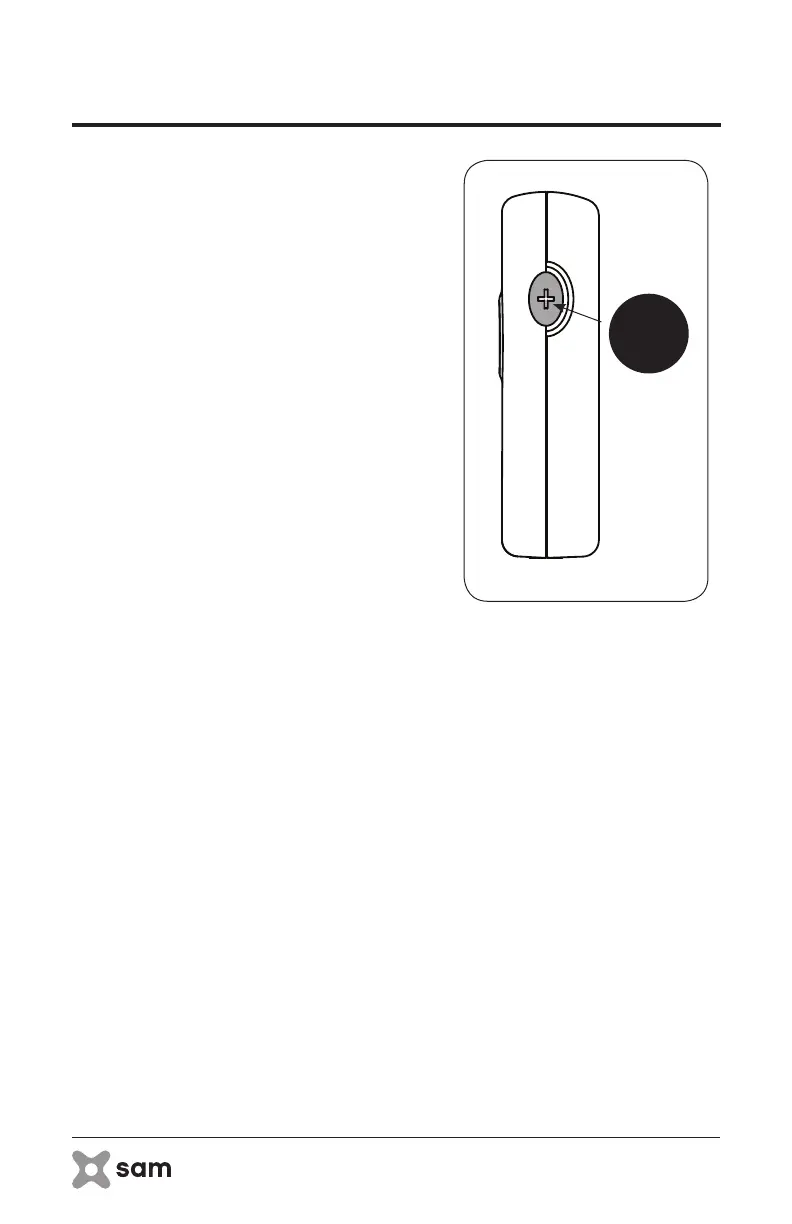
A. Check to make sure the Power Controller
holds enough charge to provide the
desired duration of treatment. Press
the Toggle Button on the sam Power
Controller to view the battery indicator
lights (Figure 7). The lights will illuminate to
show how much battery life is remaining
in the device. If the device is not fully
charged it may not be able to deliver
treatment for 4 hours. The device will only
permit the user to set a treatment duration
for which the battery charge is capable
of fulfilling.
i. To check the treatment duration for
which the battery charge is capable of
fulfilling, simply continue to press the
Toggle Button sequentially to view all
timer settings allowed by the current
battery charge. See section 9 for
charging instructions.
figure 7: Check Device Charger
Toggle
Button
11. Application Instructions



 To Next Page