13. DOWNLOADING DATA FROM CYCLOMIX MICRO TO A COMPUTER
Nota : The following procedure has some screenshots with the PU 3000 quote . The procedure is
the same for the Cyclomix
TM
Micro.
Preamble / "Hyper Terminal" issue
This application is necessary. Two cases are to be considered :
.PC under Windows XP/Vista/2000,
.PC under Windows 7.
• With Windows XP/Vista/2000, "HyperTerminal" application is available with the following path :
Menu Start
>
All programs
>
Accessories
>
Communications
>
HyperTerminal
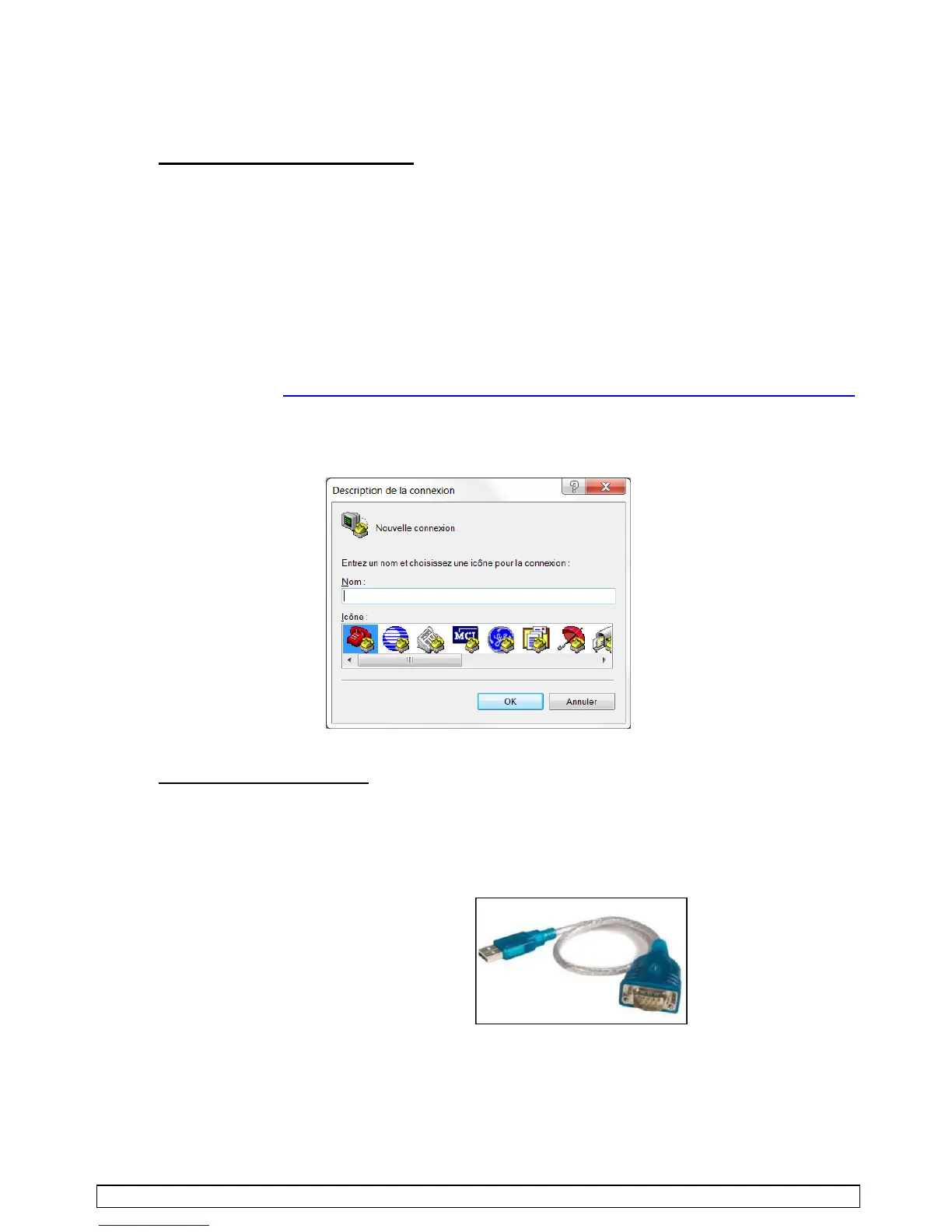
• With Windows7, you will need to download freeware "HyperTerminal" from some website.
For example : http://www.01net.com/telecharger/windows/Bureautique/telephonie/fiches/5829.html
Once it is downloaded and installed, carry out a simple test of opening and closing.
It should look like this whenever open :
Switching of the control box
•
Switch the control box.
•
Link a
"RS232
male
/
USB
male"
cable to the plug located below the Micro back frame, the other end
to the USB plugs on the computer. Cable not supplied by KR.
•
According to the USB plug used a "port
com
" number appears in the "device manager" screen
(Menu
Start
>
Control panel
>
Device manager).



 To Next Page