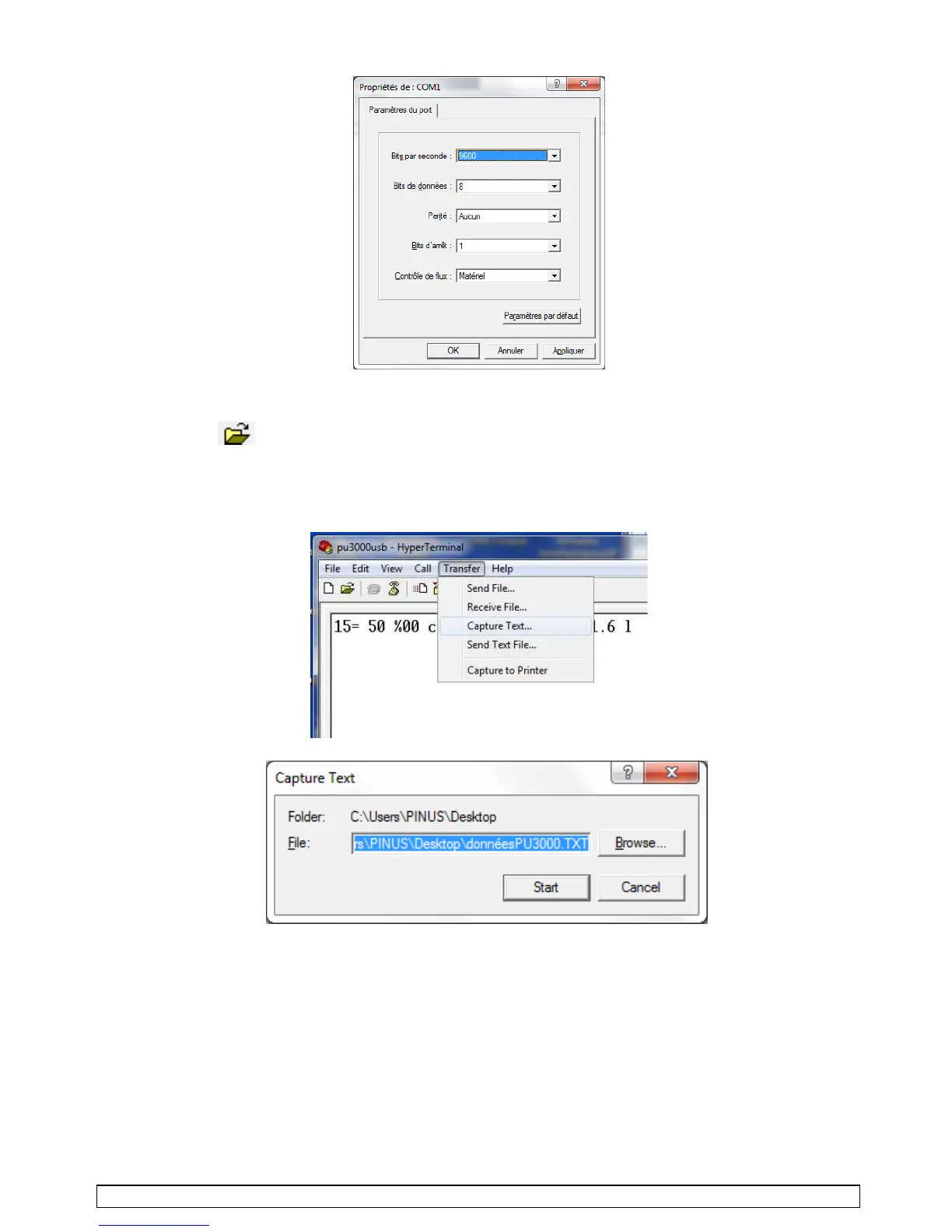
• That new screen will appears. Select band rate 9600 bits/s. Press OK.
• A connection stopwatch gets activated. Leave the "Hyper Terminal" window open.
• If a session has already been created, opening the existing file is possible by going directly
through the, of the "HyperTerminal" menu, and by choosing it within the list of the *.ht files.
(ex : PU3000usb).
•
Create a .txt file through
"transfer"
(transfer
>
capture
text),
choose some file name as target
(ex
: dataPU3000.txt),
with a location within the PC disk,
and press
"START
"
(the empty file is
created
/
leave the HyperTerminal window always open)
:



 To Next Page