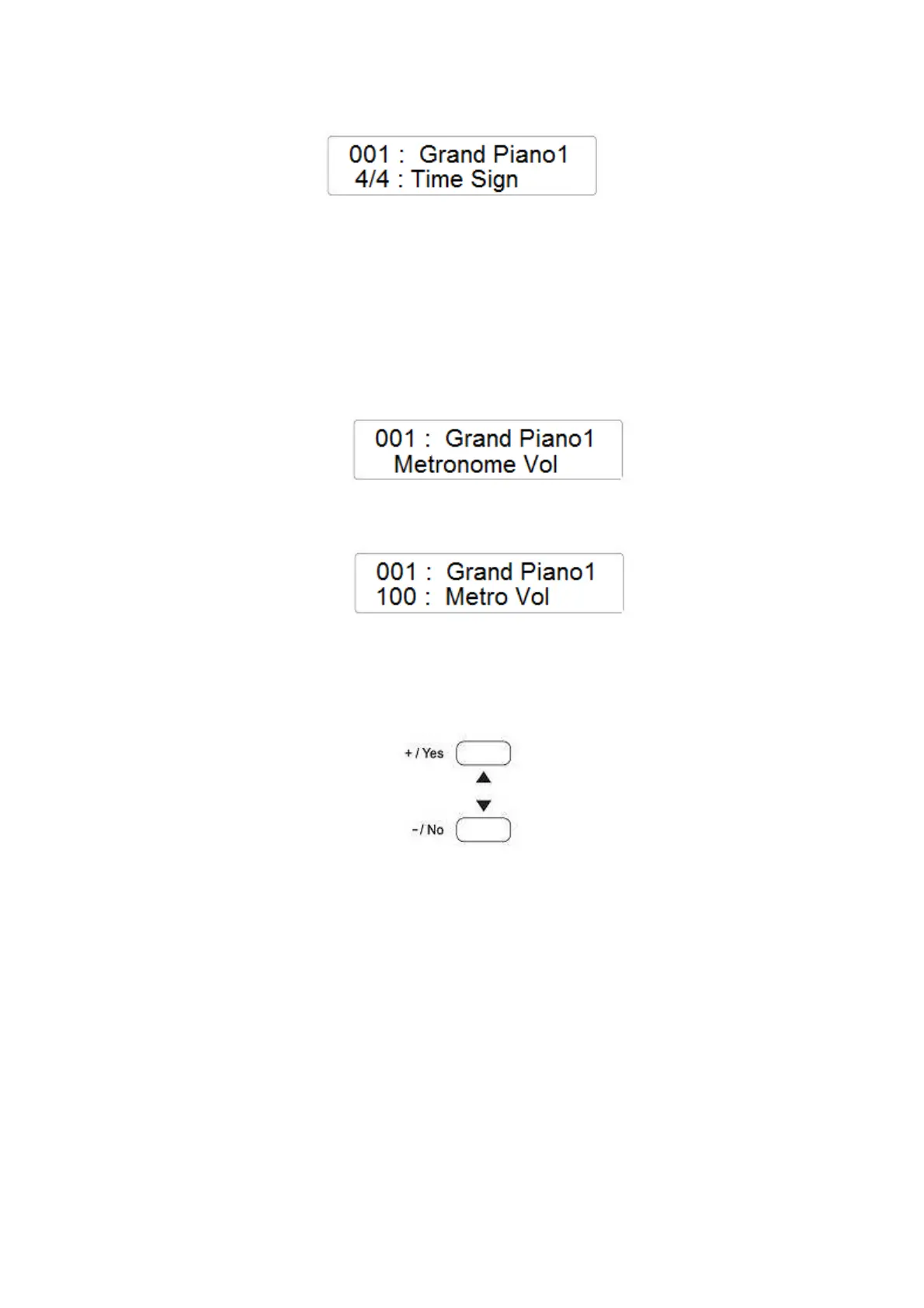
- Still hold the METRONOME button and using the Control Data Wheel select the new Time
Signature if necessary from the following list:
- (1/4, 2/4, 3/4, 4/4, 5/4, 6/4, 3/8, 6/8, 7/8, 9/8, 12/8 )
- To change the Metronome speed use the TEMPO /\ and \/ buttons.
METRONOME VOLUME
- Press the FUNCTION button and with the data Control Wheel select the Metronome
Volume page
- Press the ENTER button to confirm and the display will indicate the current Metronome
Volume
- Using the Data Control Wheel it is possible to change the value (range 0 – 127)
TEMPO CONTROL
In music, the tempo speed is indicated by “BPM” (Beats per minutes)
The [-TEMPO+] buttons can be used to control the tempo of the Auto Accompaniment section, the
DEMO songs and the record/play back of a song recording.
Press the [-TEMPO+] buttons to set the desired tempo value (20-280). The current tempo (beats per
minute) will appear on the Message Display.
The instrument also offers the ability to input TEMPO settings via the [+/-] buttons.
Press the [TEMPO+] and [TEMPO-] buttons simultaneously to restore the default tempo setting of
the selected style.
AUTO CHORD - Auto Accompaniment TYPE
It is possible to play the instrument in Multi Finger Mode (Fingered) or in Single Finger Mode.
To select one of the two auto chord types:
- Press the FUNCTION button and using the Data Control Wheel select the CHORD TYPE
page on the display



 To Next Page