AUTO POWER OFF
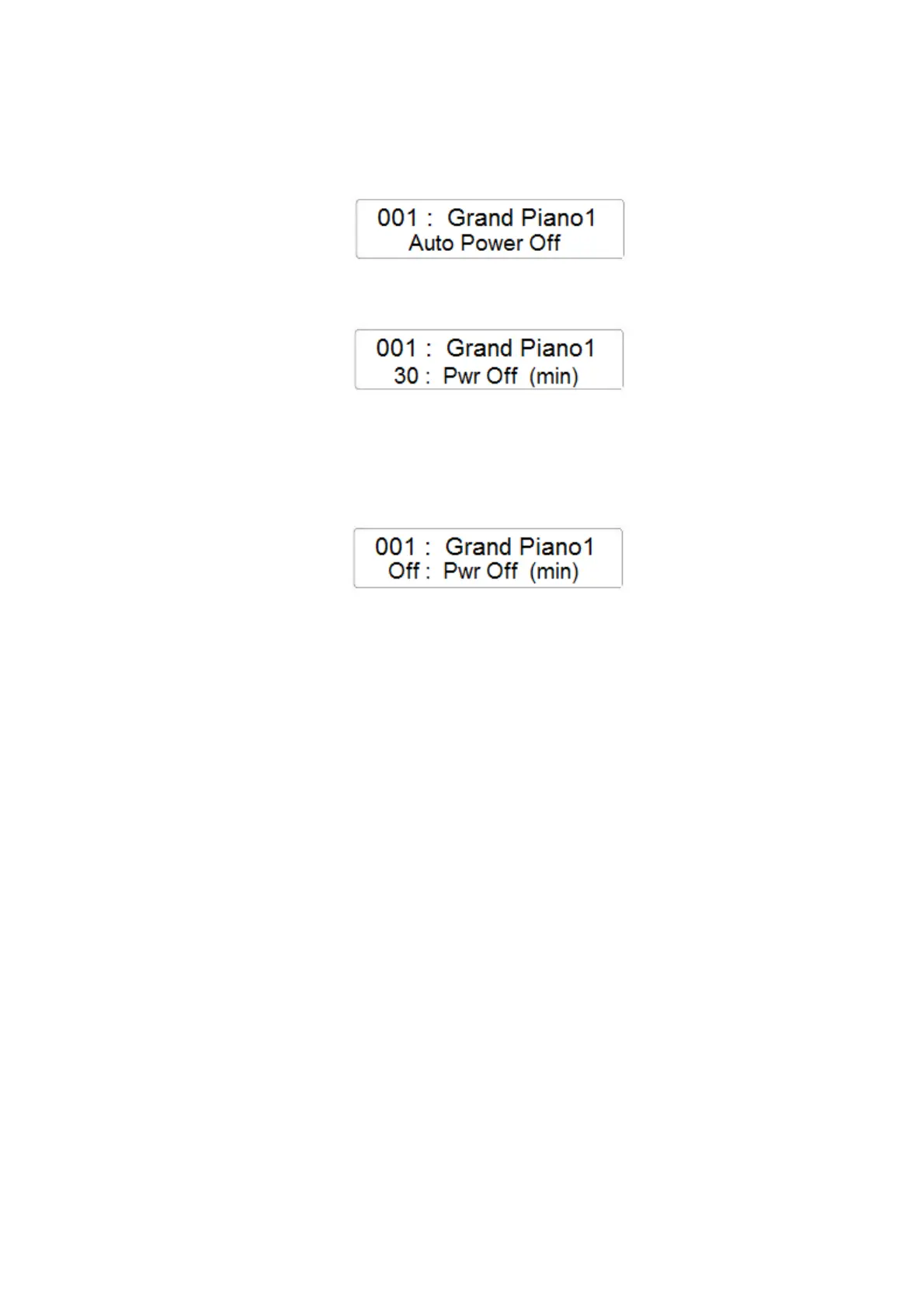
- Press the FUNCTION button and with the data Control Wheel select the Auto Power Off
page
- Press the ENTER button to confirm and the display will indicate the current Auto Power
Off setting
- Using the Data Control Wheel it is possible to change the time in which the instrument will
automatically switch Off power is not in use. The value can be changed from a minimum
time of 20 minutes to a maximum time of 60 minutes.
- The Auto Power Off feature can be also be switched Off



 To Next Page