USB PLAY MODE
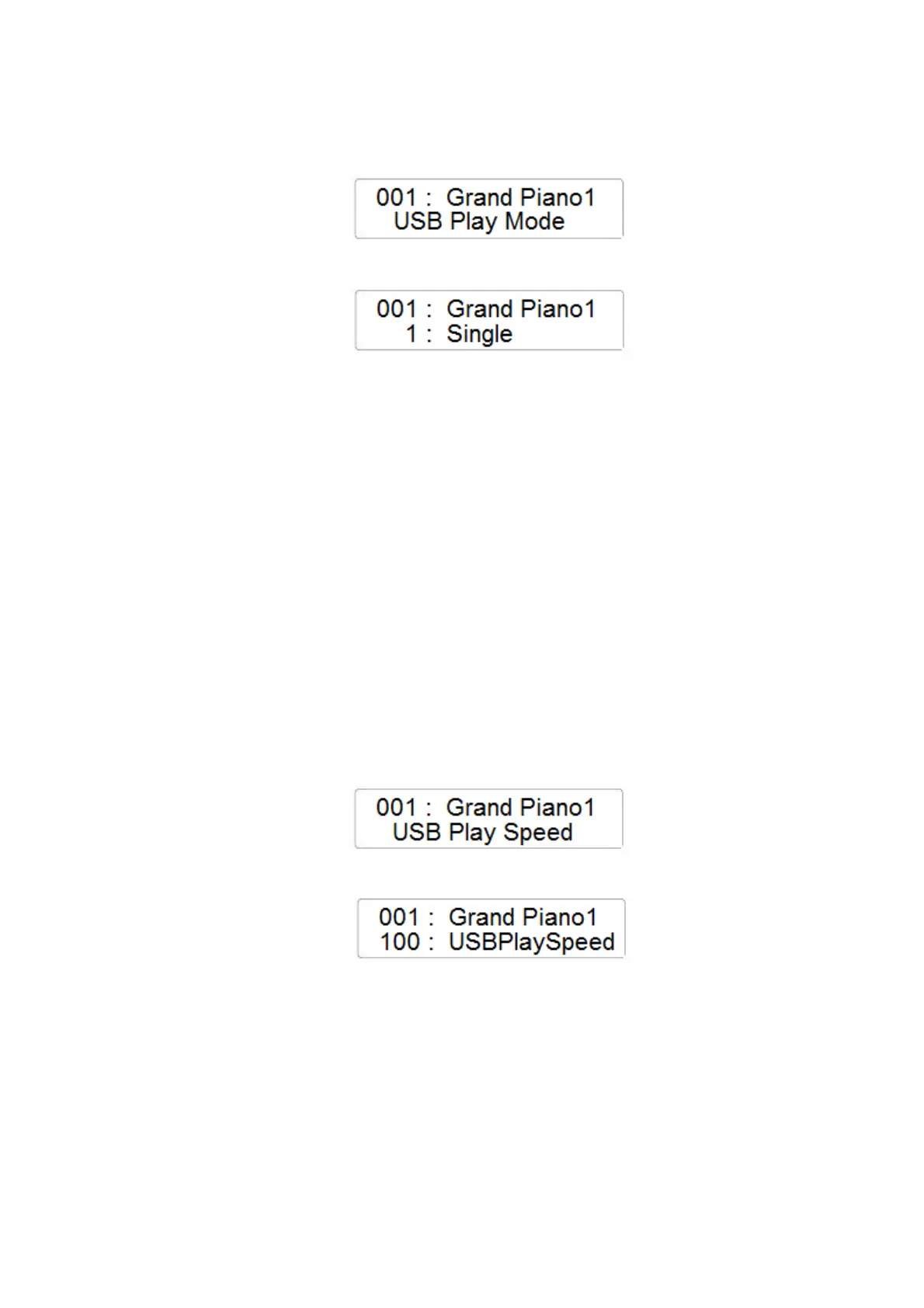
- Press the FUNCTION button and with the data Control Wheel select the USB Play Mode
page
- Press the ENTER button to confirm and the display will indicate the current USB Play Mode
setting
- The USB Play Mode setting can be selected as follows:
Single - Play All Songs - Random
- In Single Mode, only the selected Midi File Song will be played.
- In Play All Songs Mode, all the Midi File Song of the USB disk will be played as
listed in the memory disk.
- In Random Mode, all the Midi File Song of the USB disk will be played but will be
selected in a random mode.
- Using the Data Control Wheel it is possible to select the different Play modes:
1 - Single 2 - Play All Songs 3 - Random
USB PLAY SPEED
- Press the FUNCTION button and with the data Control Wheel select the USB Play Speed
page
- Press the ENTER button to confirm and the display will indicate the current USB Play
Speed
- Using the Data Control Wheel it is possible to change the speed of the SMF song from the
USB disk (range 50 – 200)
USB PLAY VOLUME
- Press the FUNCTION button and with the data Control Wheel select the USB Play Volume
page



 To Next Page