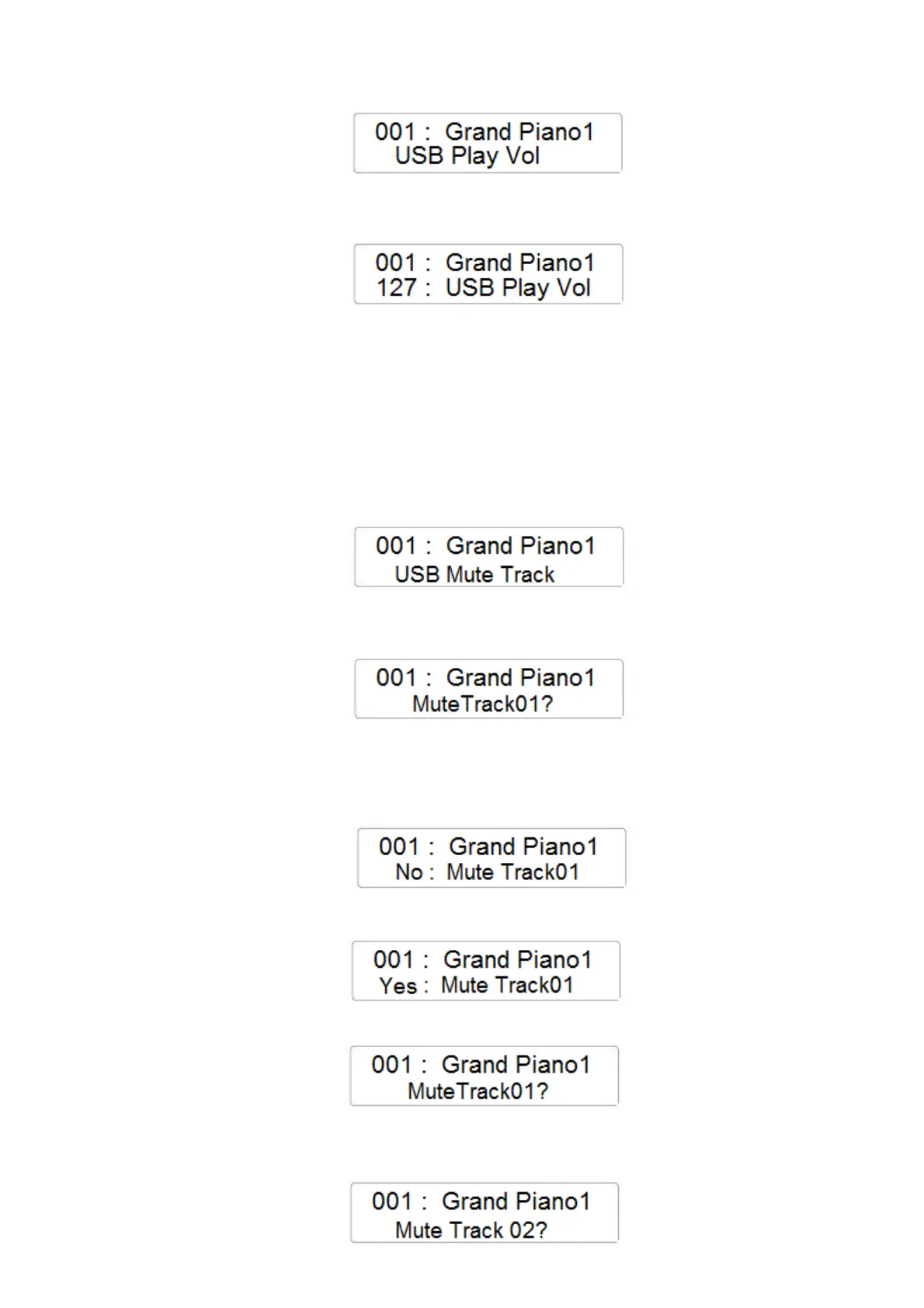
- Press the ENTER button to confirm and the display will indicate the current USB Play
Volume value
- Using the Data Control Wheel it is possible to change the Volume of the SMF song from the
USB disk (range 0 – 127)
USB MUTE TRACK
- Press the FUNCTION button and with the data Control Wheel select the USB Mute Track
page
- Press the ENTER button to confirm and the display will indicate the current USB Mute
Track selected (there are 16 tracks)
-
- Press the ENTER button to confirm you want to change the Track 01 NO/YES
configuration.
If NO is selected the Mute Track function will not be active. If YES is selected the Mute
Track function will be activated and the track will be muted.
- Select the Mute Track 01 function by selecting YES on the display using the Data Control
Wheel
- To select now Mute Track 02 select the page on the display
- Select the Mute Track 02 function using the Data Control Wheel



 To Next Page