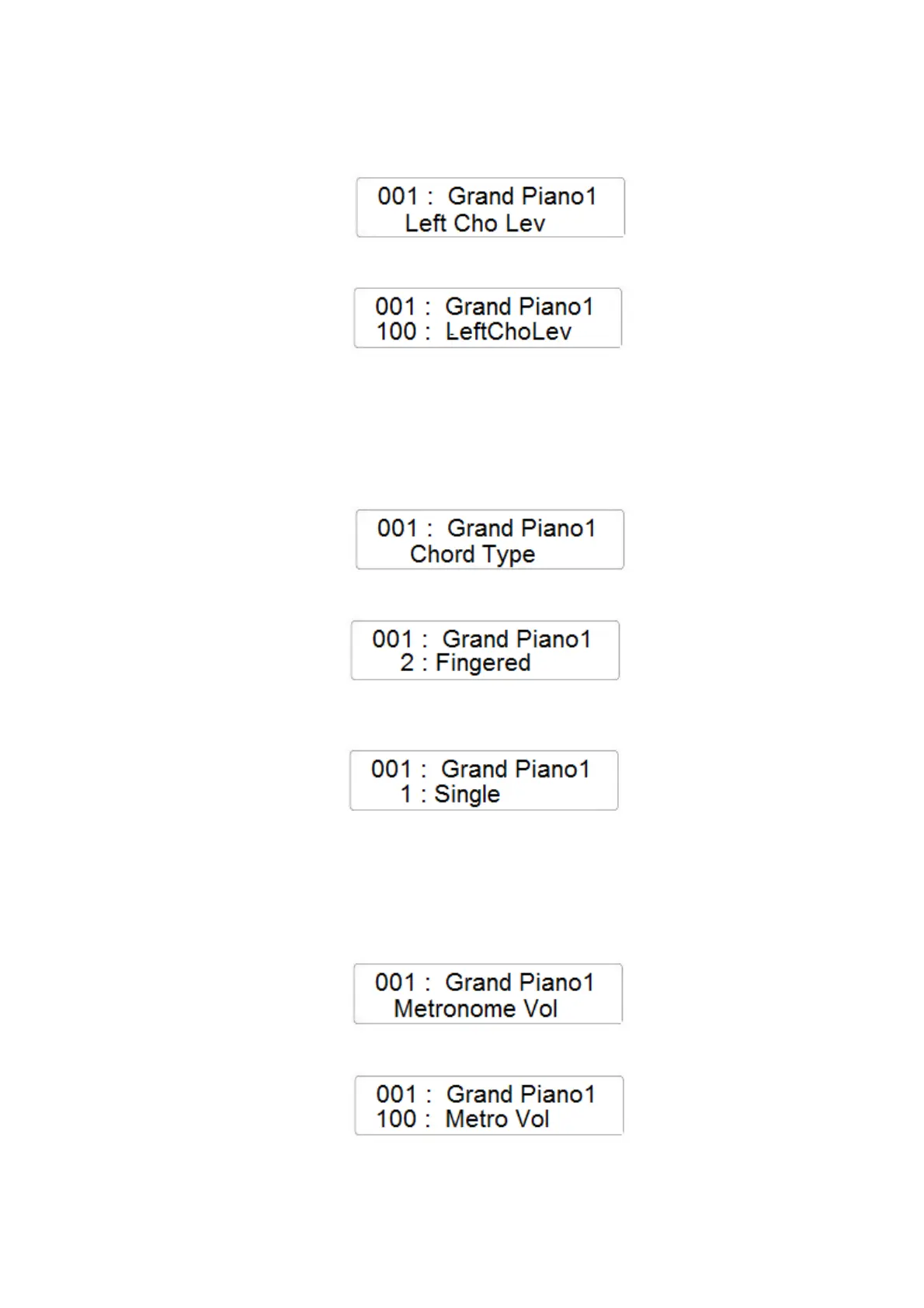
LEFT CHORUS LEVEL
- Press the FUNCTION button and with the data Control Wheel select the Left Chorus Level
page
- Press the ENTER button to confirm and the display will indicate the current Chorus Level
for the Left Sound
- Using the Data Control Wheel it is possible to change the value (range 0 – 127)
CHORD TYPE
- Press the FUNCTION button and with the data Control Wheel select the Chord Type page
- Press the ENTER button to confirm and the display will indicate the current Chord Type
selected
- Using the Data Control Wheel it is possible to change the Chord Type to Single Finger
METRONOME VOLUME
- Press the FUNCTION button and with the data Control Wheel select the Metronome
Volume page
- Press the ENTER button to confirm and the display will indicate the current Metronome
Volume
- Using the Data Control Wheel it is possible to change the value (range 0 – 127)



 To Next Page