FUNCTION BUTTON
The FUNCTION button is used to access many features hidden in the instrument:
- Main Reverb Level - Main Voice Pan - USB Play Speed
- Layer Reverb Level - Split Voice Pan - USB Play Volume
- Left Reverb Level - Layer Voice Pan - USB Mute track
- Main Chorus Level - Transpose - Local Midi
- Layer Chorus Level - Main Octave - USB Midi In
- Left Chorus Level - Left Octave - Midi Out
- Chord Type - Layer Octave - Teacher Duet
- Metronome Volume - USB Play Mode - Half Sustain
- Bluetooth
- Reset
- Auto Power Off Time
To access the many available features is very easy.
NOTE: some of the features listed in the FUNCTION button are also accessible directly from some
dedicated buttons.
MAIN VOICE REVERB LEVEL
- Press the FUNCTION button
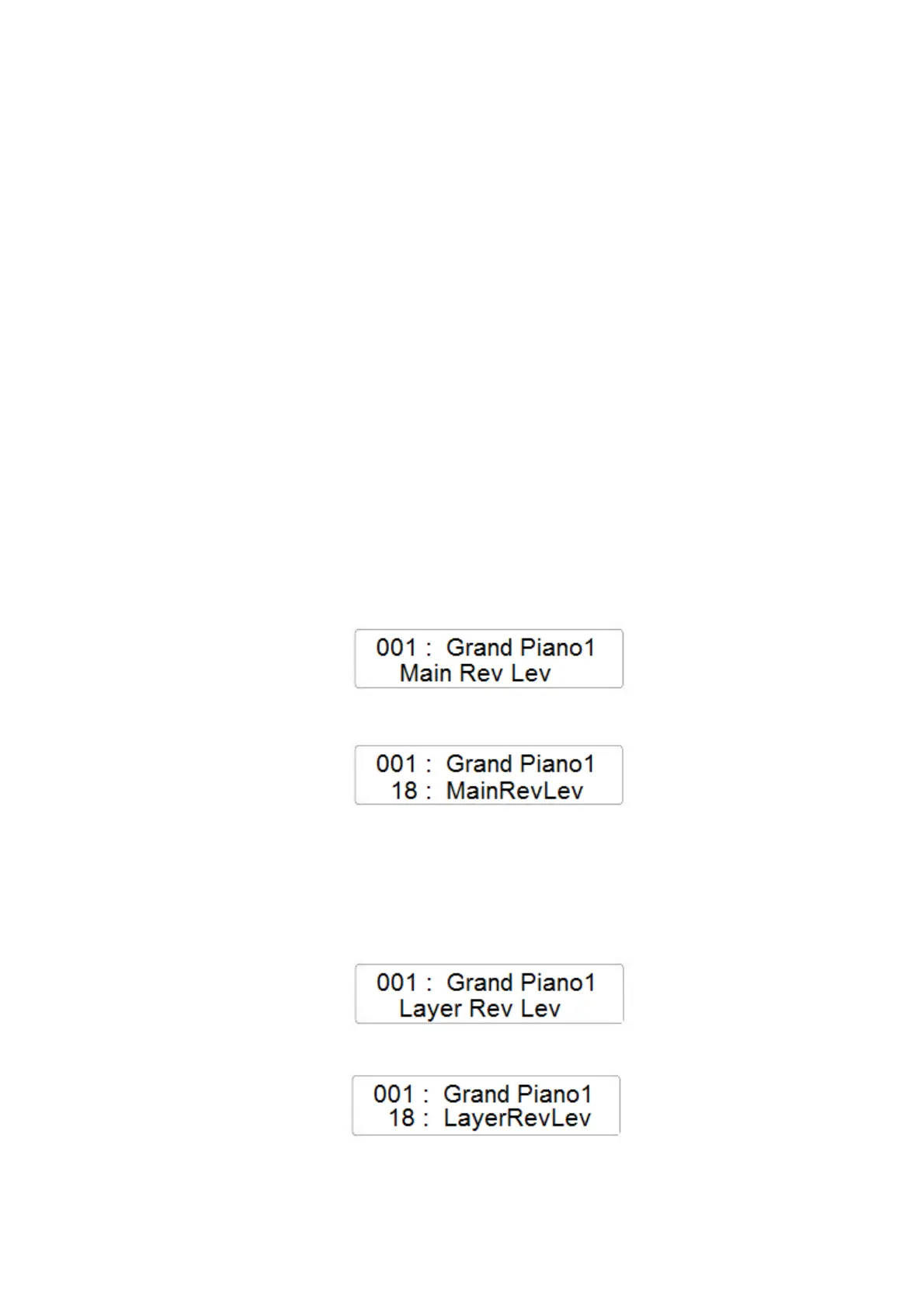
- The display will indicate the first available feature Main Sound Reverb Level:
- Press the ENTER button to confirm and the display will indicate the current Reverb Level
for the Main Sound
- Using the Data Control Wheel it is possible to change the value (range 0 – 127)
LAYER VOICE REVERB LEVEL
- Press the FUNCTION button and with the data Control Wheel select the Layer Reverb Level
page
- Press the ENTER button to confirm and the display will indicate the current Reverb Level
for the Left Sound
- Using the Data Control Wheel it is possible to change the value (range 0 – 127)



 To Next Page