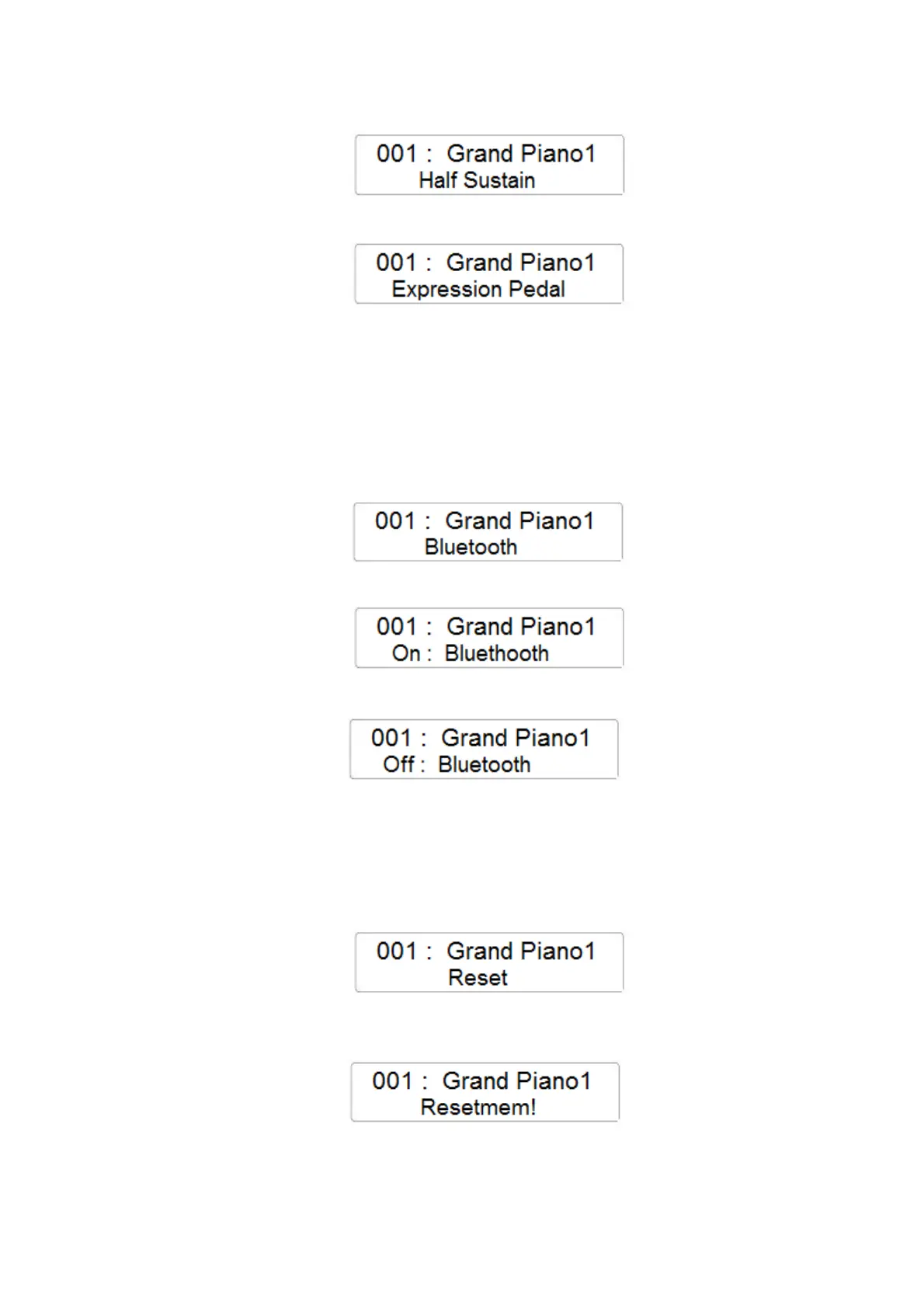
- Press the FUNCTION button and with the data Control Wheel select the Half Sustain page
- Using the Data Control Wheel it is possible to change the Half Sustain page to the
Expression Pedal.
- In this configuration the Sustain Pedal is working as Expression/Volume pedal in the
instrument.
BLUETOOTH
- Press the FUNCTION button and with the data Control Wheel select the BLUETOOTH
page
- Press the ENTER button to confirm and the display will indicate the current Bluetooth
On/Off setting
- Using the Data Control Wheel it is possible to change the Bluetooth On/Off setting
RESET
- Press the FUNCTION button and with the data Control Wheel select the RESET page
- Press the ENTER button to confirm the RESET of the internal volatile memory and to
restore the original factory settings and registrations.
There is also a different way to Reset your instrument. See in the next page.



 To Next Page