- Continue as above to sect the desired tracks that you like to Mute.
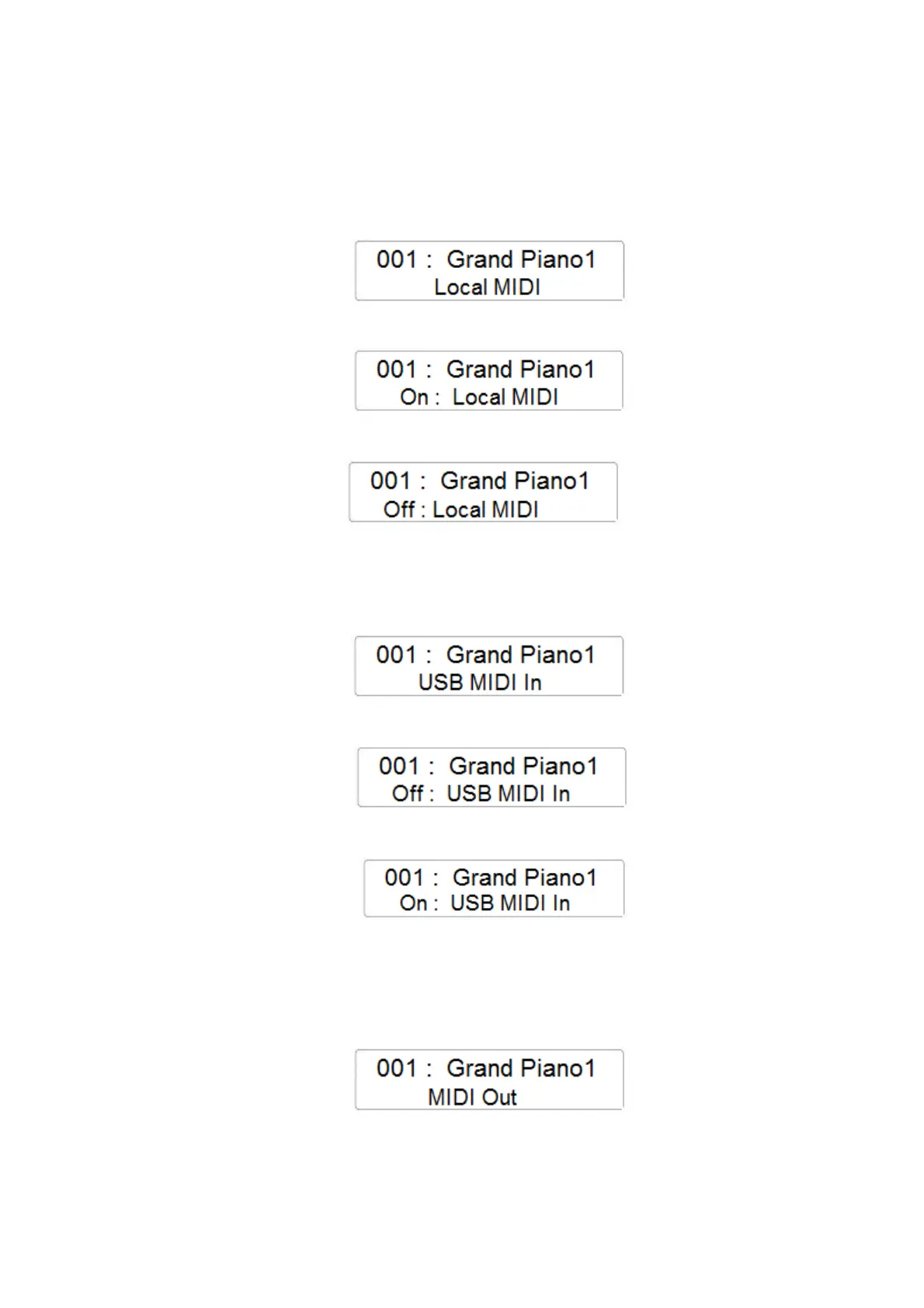
LOCAL MIDI
- Press the FUNCTION button and with the data Control Wheel select the Local Midi page
- Press the ENTER button to confirm and the display will indicate the current Local Midi
setting
- Using the Data Control Wheel it is possible to change the Local MIDI On/Off
USB MIDI IN
- Press the FUNCTION button and with the data Control Wheel select the USB MIDI In page
- Press the ENTER button to confirm and the display will indicate the current USB MIDI In
setting
- Using the Data Control Wheel it is possible to change the USB MIDI In On/Off
USB MIDI OUT
- Press the FUNCTION button and with the data Control Wheel select the MIDI OUT channel
page
- Press the ENTER button to confirm and the display will indicate the current MIDI OUT
channel setting



 To Next Page