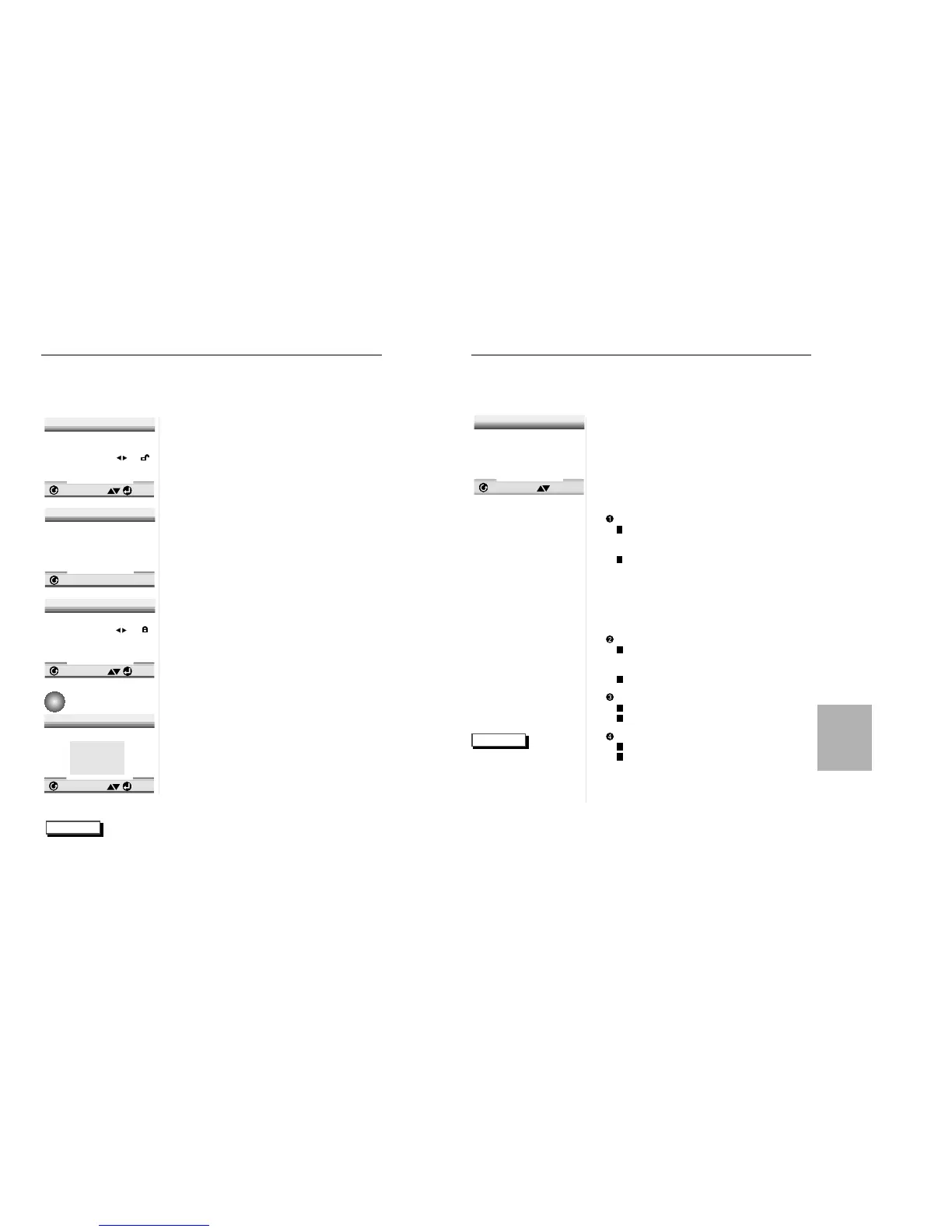
DIGITAL OUTPUT
PCM : Converts to PCM(2CH)
48kHz/16Bit audio. Select PCM when
using the Analog Audio Outputs.
BITSTREAM : Converts to Dolby
Digital BITSTREAM (5.1CH).
Select BITSTREAM when
using the Digital Audio Output.
NOTE : Be sure to select the correct Digital
Output or no audio will be heard.
DTS
ON : Outputs DTS BITSTREAM via digital
output only. Select DTS when connecting
to a DTS DECODER.
OFF : Doesn’t output digital signal.
DYNAMIC COMPRESSION
ON : To select dynamic compression.
OFF : To select the standard range.
2X SCAN AUDIO
ON : Turns 2X audio on.
OFF : Turns 2X audio off.
Though 2X SCAN AUDIO is ON in the
SETUP MENU, no sound will be heard on
discs which are recorded with LPCM, DTS or
MPEG-2.
1
1
With no disc playing, press the SETUP
button.
2
2
Use the UP/DOWN button to select AUDIO
OPTIONS.Then press the ENTER button.
3
3
Use the UP/DOWN button to select the
desired item.Then press the LEFT/RIGHT
button.
31
NOTE
Setting Up the Audio Options
•
How to make the SETUP
MENU disappear or
return to menu screen
during set up;
Press RETURN button.
CREATE PASSWORD
Enter Password
_ _ _ _
1
1
With no disc playing, press SETUP. The
Setup Menu screen appears.
2
2
Use UP/DOWN to select Parental. Press
ENTER. The Parental Control screen
appears.
3
3
Use LEFT/RIGHT to select Yes if you
want to use a password. Press ENTER.
The Enter Password screen appears.
4
4
Enter your password. The Re-enter
Password screen appears to confirm the
password. Enter your password again.
The Parental Control screen appears.
5
5
About the Rating Level ;
The Rating Level will work only when
Use Password is set to Yes. To unlock
the player, use LEFT/RIGHT to select
No. Use UP/DOWN to select Rating
level. Press ENTER.
- Use UP/DOWN to select the level(e.g.
Level 6) and press ENTER. The disc
that contains Level 7 will now not play.
- To cancel the rating level, use
LEFT/RIGHT to select No in Use
Password.
6
6
About the Change Password ;
- Use UP/DOWN to select Change
Password. The Change Password
screen appears.
- Enter your new password. Re-enter
the new password again.
NOTE
•
How to make the SETUP MENU disappear or return to menu screen during set up;
Press RETURN button.
• If you have forgotten your password, see Forget Password in the Troubleshooting Guide.
• Certain audio features of this product manufactured under a license from Desper
Products, Inc. Spatializer
®
and circle-in-square device are trademarks owned by Desper
Products, Inc.
• Manufactured under license from Dolby Laboratories. “Dolby” and the double-D symbol are
trademarks of Dolby Laboratories. Confidential unpublished works. ©1992-1997 Dolby
Laboratories Inc. All rights reserved.
• “DTS” and “DTS Digital Out” are trademarks of Digital Theater Systems, Inc.


 To Next Page