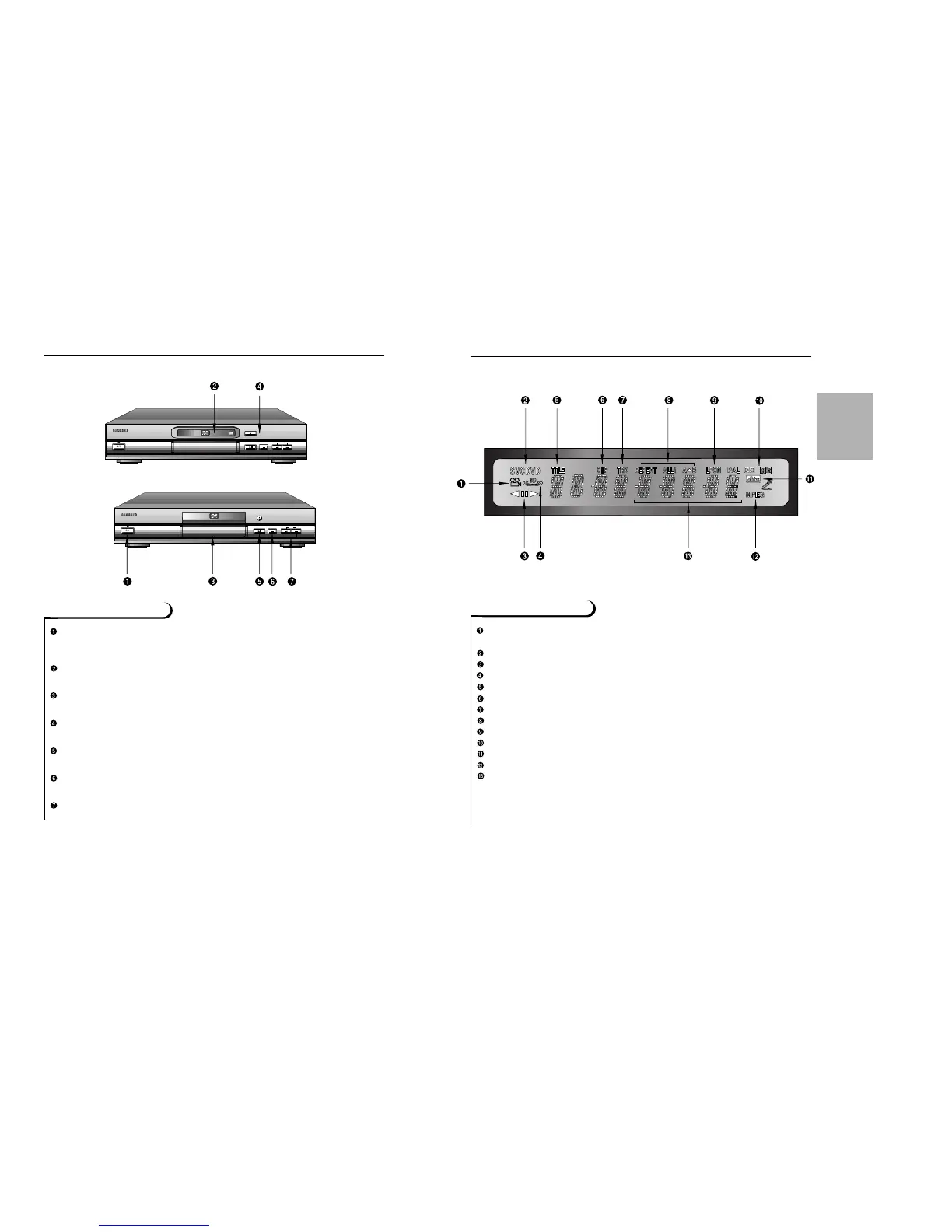
Angle indicator.You can select multiple angles of a scene recorded by different
cameras.
Disc type indicators
Reverse playback / Pause / Forward playback
Lights when 3D surround is turned on.
DVD : Title number
DVD : Chapter number.
Video/Audio CD : Track number
Repeat play mode
Linear PCM audio output
Dolby Digital Disc
DTS (Digital Theater System) output
MPEG-2 Audio output
Displays various messages concerning operations such as PLAY, STOP, LOAD,
RANDOM, ...
no DISC : No disc loaded.
OPEN : The disc tray is open.
LOAD : Player is loading disc information.
8
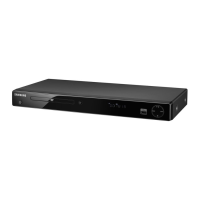
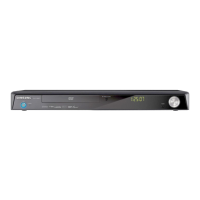
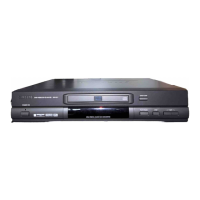
Description-Front Panel
Front Panel Controls
STANDBY / ON
• When the unit is first plugged in, the indicator lights. When STANDBY/ON is pressed
on again, the light goes out and the player is turned on.
DISC TRAY
• Press OPEN/CLOSE to open and close the disc tray.
DISPLAY
• Operation indicators are displayed here.
OPEN/CLOSE
• Press to open and close the disc tray.
PLAY/PAUSE
• Begin or pause disc play.
STOP
• Stops disc play.
SKIP
• Use to skip a scene or music.
SETUP
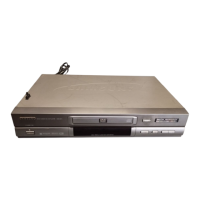
DVD-611
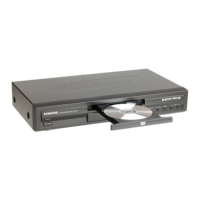
DVD-511


 To Next Page