English - 56
Function Description
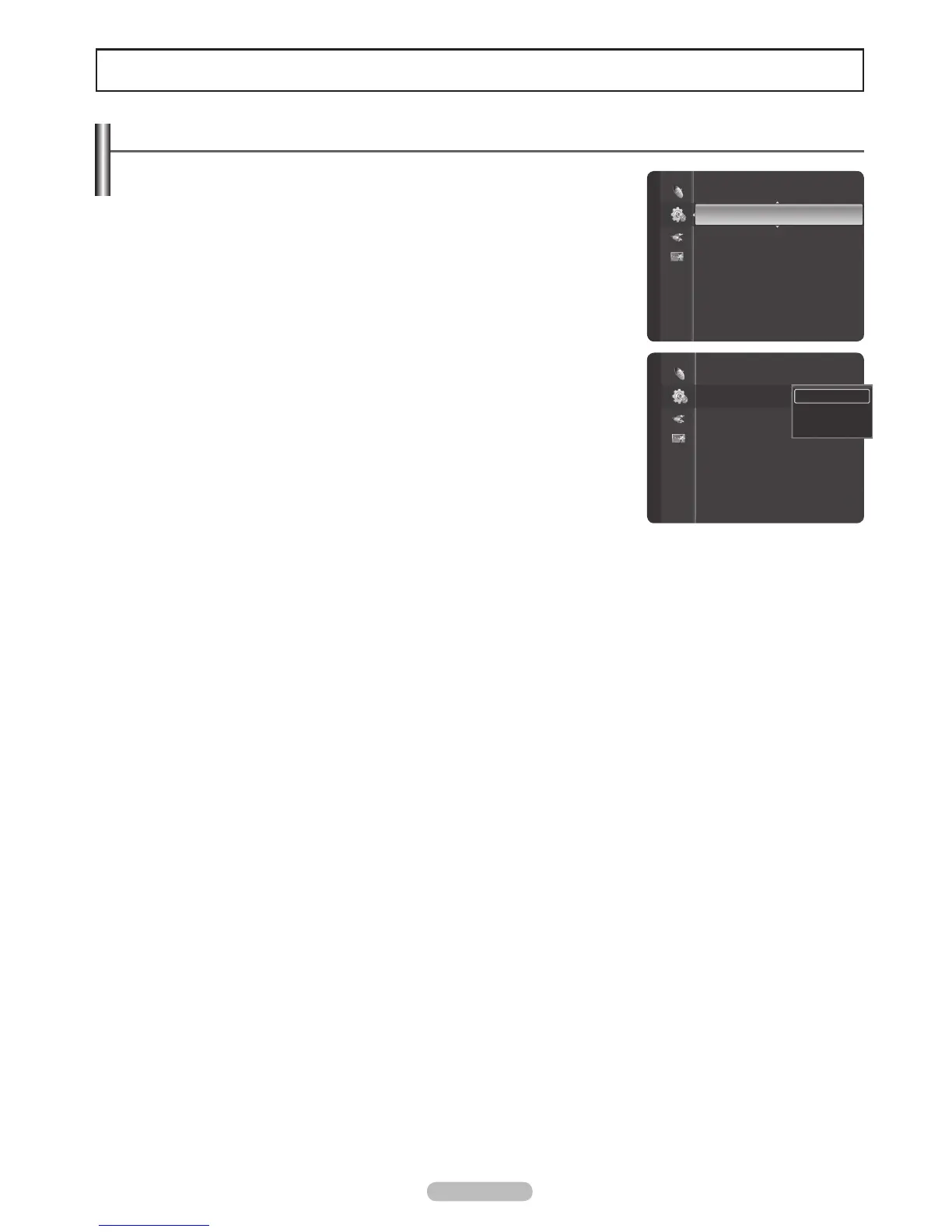
Selecting a Menu Language
1 Press the MENU button to display the menu.
Press the or button to select Setup, then press the ENTER button.
Press the or button to select Language, then press the ENTER button.
2
Press the or button to select the appropriate language: English, Español,
or Français, then press the ENTER button.
Press the EXIT button to exit.
Plug & Play
Language : English
Time
V-Chip
Caption
External Settings
Entertainment : Off
Energy Saving : Off
PIP
Setup
Plug & Play
Language : English
Time
V-Chip
Caption
External Settings
Entertainment : Off
Energy Saving : Off
PIP
Setup
English
Español
Français






 To Next Page