English - 71
Using the WISELINK Menu
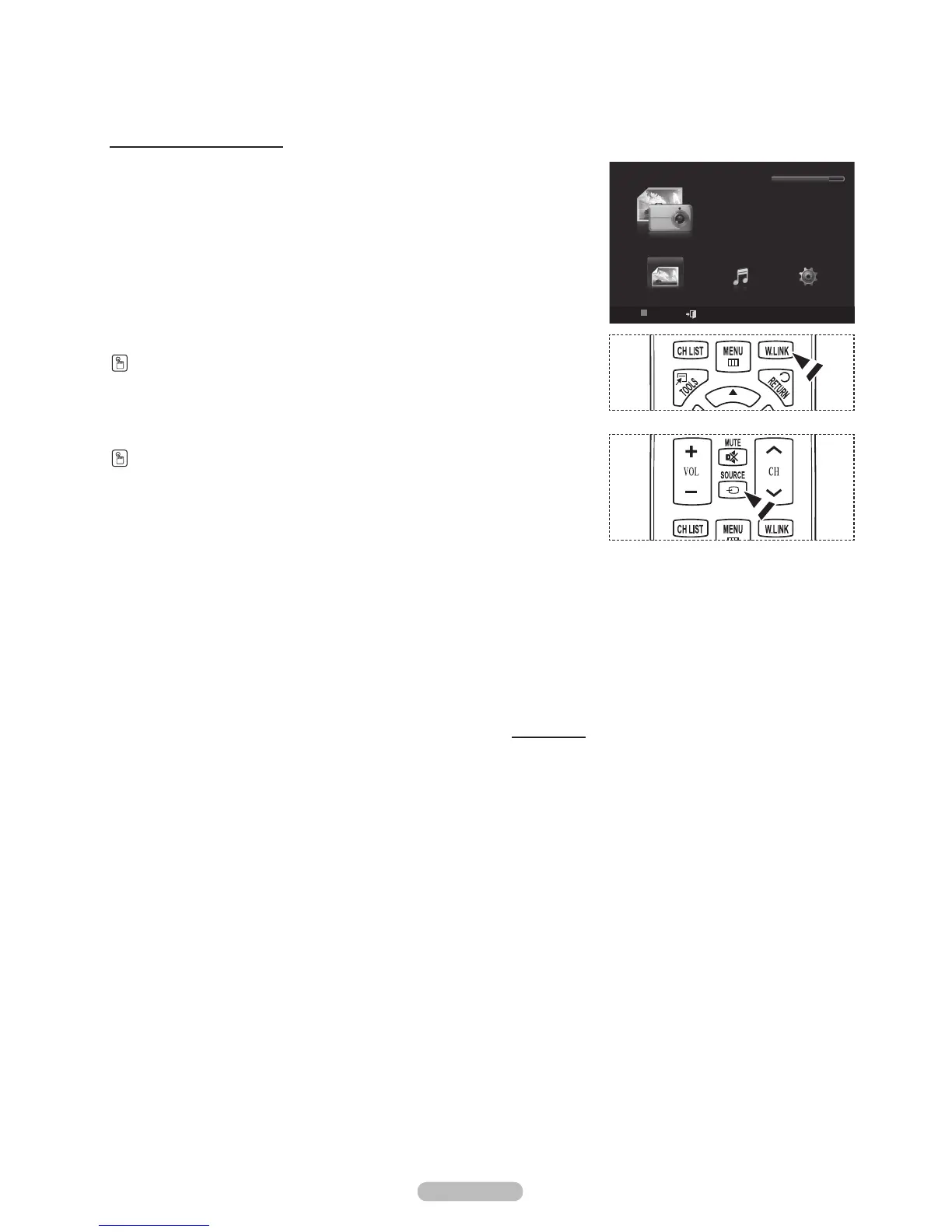
1 Press the MENU button. Press the or button to select Application,
then press the ENTER button.
2 Press the or button to select WISELINK, then press the ENTER
button.
®
The WISELINK menu is diplayed.
Press the W.LINK button on the remote control to display the WISELINK menu.
Press the SOURCE button on the remote control repeatedly to select USB,
then press the ENTER button.
3 Press the Red button, then press the or button to select the
corresponding USB Memory Device. Press the ENTER button.
®
This function differs depending on the USB Memory Device connected
to TV.
4 Press the or button to select an icon (Photo, Music, Setup), then
press the ENTER button.
®
To exit WISELINK mode, press the W.LINK button on the remote
control.
Continued...
WISELINK
Photo
USB
Device
Exit
Music Setup
PHOTO
USB
851.98MB/995.00MB Free






 To Next Page