Troubleshooting
4-26 Samsung Electronics
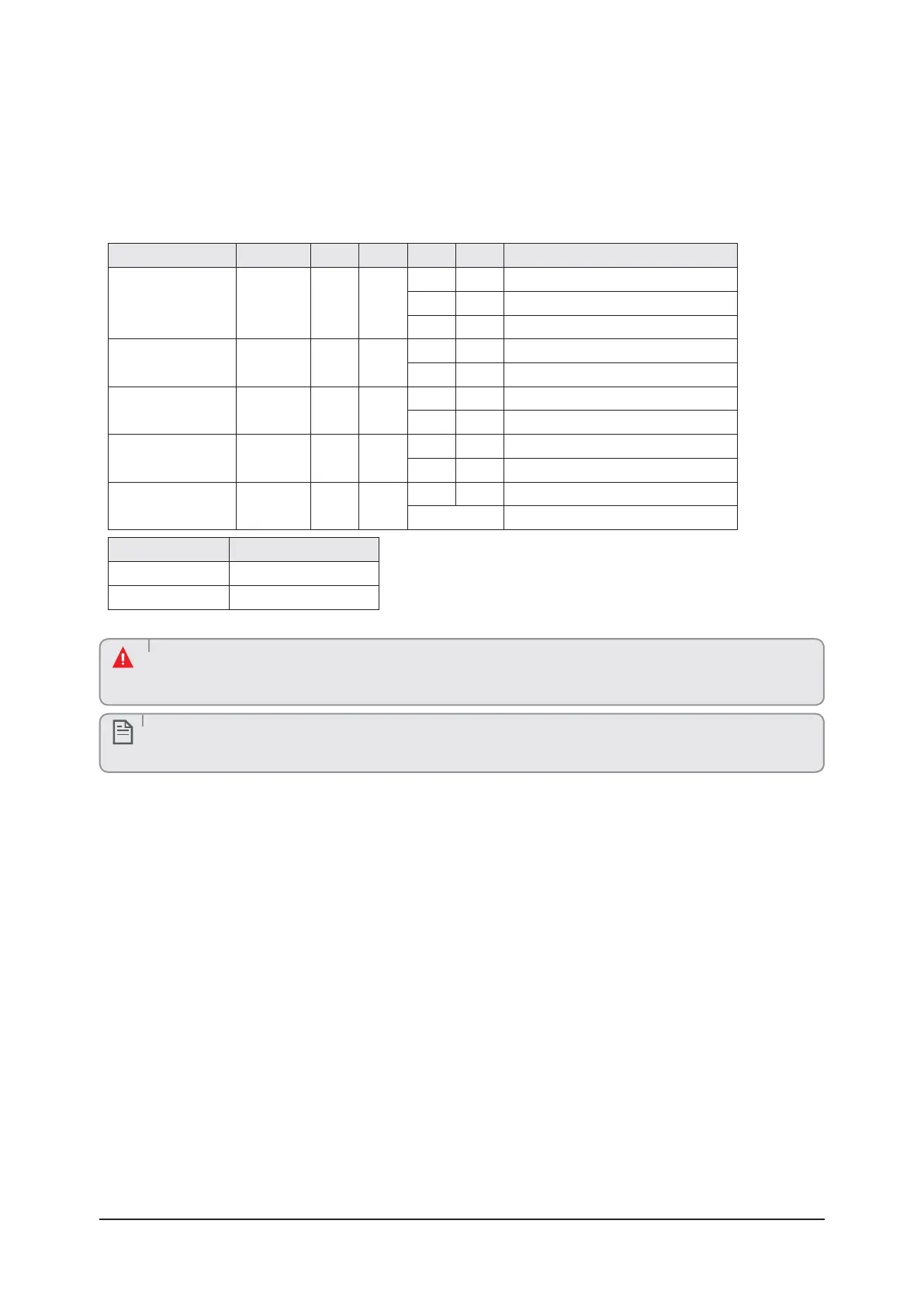
• After selecting the function for options, press and hold the K2 switch for 2 seconds. Edited value of the option will be saved
when entire segments blinks and tracking mode begins.
ĮΧϩͱϩʪ ÃΧЇϩЇϩ SEG1 SEG2 SEG3 Ɗkߥ Їʀϩͱ
Setting to Cool or Heat
only mode
Main 0 0
00Aͱͱ˝ɇʒ²ʪɇϩ˝࣍ɇʀϩͱθцʒʪ˙ɇЇϩ࣎
0 1 Only Cooling
0 2 Only Heating
Power improvement
mode
Main 0 1
0 0 Disabled (Factory default)
0 1 Enabled
Mixed mode indoor
input
Main 0 2
0 0 Disabled (Factory default)
0 1 Enabled
Auto Change Over Main 0 3
0 0 Disabled (Factory default)
0 1 Enabled (Factory default)
Channel address Main 0 4
A U Automatic setting (Factory default)
00 ~ 15 Manual setting
đͱʒʪ ƟʪΧʪθɇϩЇθʪ
Cool ΧΧθͱуɇϩʪцߩঐ
Heat ΧΧθͱуɇϩʪцߢߣঐ
• If the outdoor unit is turned off and then immediately turned on again, the compressor does not operate for about
3 minutes.
• During the Cool mode, frost may temporarily develop on valves and other parts.
CAUTION
• You can also test the Cool or Heat Try run using K1 button.
NOTE



 To Next Page