Troubleshooting
Samsung Electronics 4-25
4-5
Ɗʪϩϩ˝ϩͱAͱͱͱθ²ʪɇϩͱцͱʒʪࡡʀ˵ʪʀ˝ɇʒAͱͱࢥ²ʪɇϩͱʒʪϑͱΧʪθɇϩͱϩʪϑϩ
Setting the outdoor option
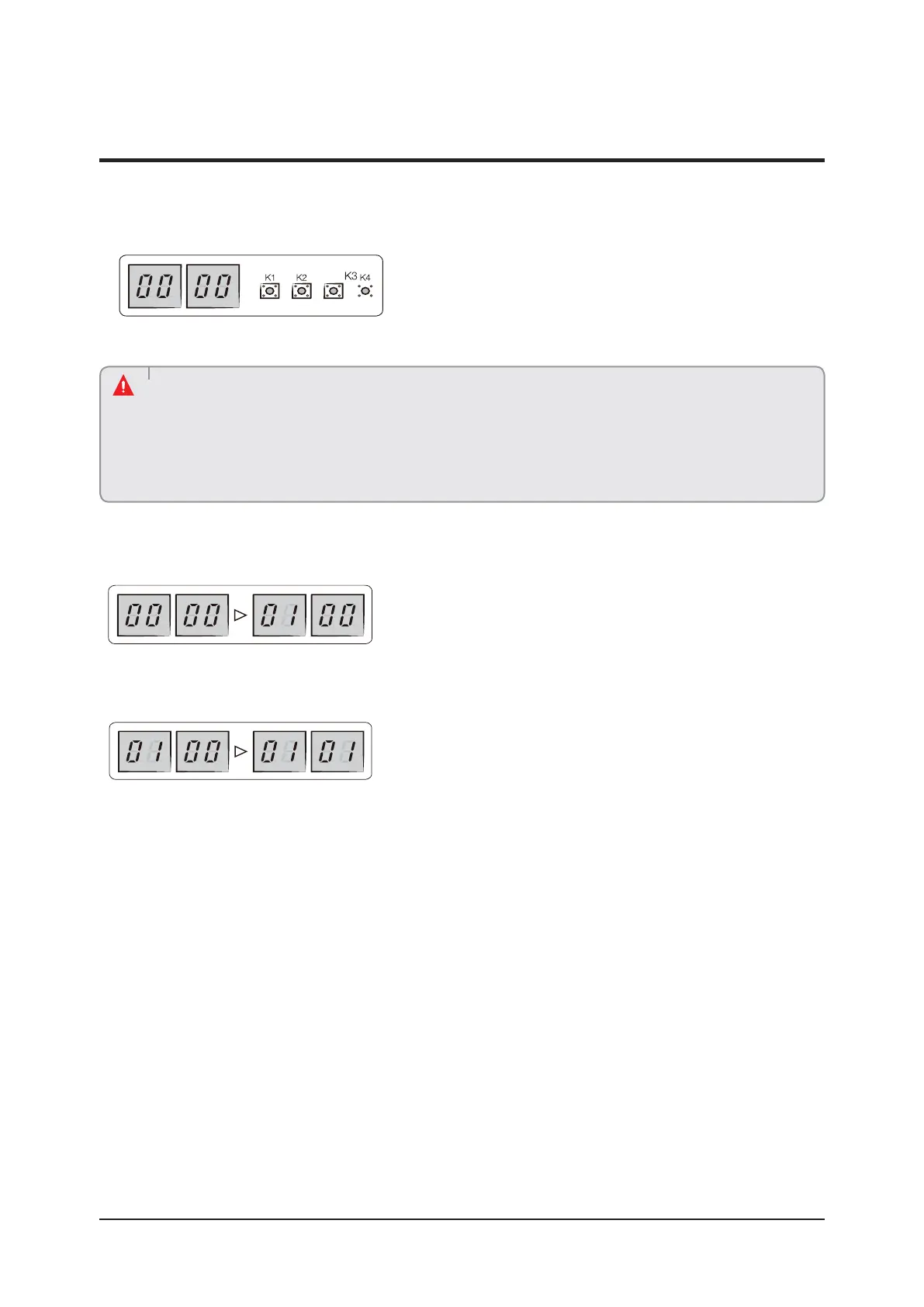
• Press and hold K2 to enter the option setting. (Only available when the operation is stopped)
– If you enter the option setting, display will show the following.
– Seg 1 and Seg 2 will display the number for selected option.
– Seg 3 and Seg 4 will display the number for set value of the selected option.
• Edited option will not be saved if you do not end the option setting as explained in above instruction.
࢘Ǯ˵ʪцͱЇɇθʪϑʪϩϩ˝ϩ˵ʪͱΧϩͱࡡцͱЇɇцΧθʪϑϑɇʒ˵ͱʒϩ˵ʪçߢɵЇϩϩͱϩͱθʪϑʪϩϩ˵ʪЭɇЇʪϩͱΧθʪЭͱЇϑϑʪϩϩ˝ࢋ
࢘Ã˙цͱЇиɇϩϩͱθʪϑϩͱθʪϩ˵ʪϑʪϩϩ˝ϩͱ˙ɇʀϩͱθцʒʪ˙ɇЇϩࡡΧθʪϑϑɇʒ˵ͱʒϩ˵ʪçߥɵЇϩϩͱи˵ʪцͱЇɇθʪϩ˵ʪͱΧϩͱ
setting mode.
– If you press and hold the K4 button, setting will be restored to factory default but it doesn't mean that restored
setting is saved. Press and hold the K2 button. When the segments shows that tracking mode is in progress,
setting will be saved.
CAUTION
• If you have selected desired option, you can shortly press the K1 switch to adjust the value of the Seg 1, Seg 2 and change the
function for the selected option.
Example)
• If you have selected desired option, you can shortly press the K2 switch to adjust the value of the Seg 3, Seg 4 and change the
function for the selected option.
Example)



 To Next Page