English 63
07 DTV Functions
Display Screen
After Tuning is completed, you can watch TV
channel.
To change TV channels, press the PROG
(
,
/
.
) button. (To move TV channel directly,
press the channel numbers of desired TV
channel using the number buttons on the
remote control.)
If you want to watch TV after seeing Blu-
ray/DVD/CD or any other contents including
Internet contents via Smart Hub or Allshare,
press the MENU button on your remote
control to go Home menu.
If tuning is already completed, you can move
to DTV mode by pressing MENU button
again.
NOTE
The icon may differ depending on the service
information of signal.
1.
2.
3.
4.
✎
▪
DTV Functions
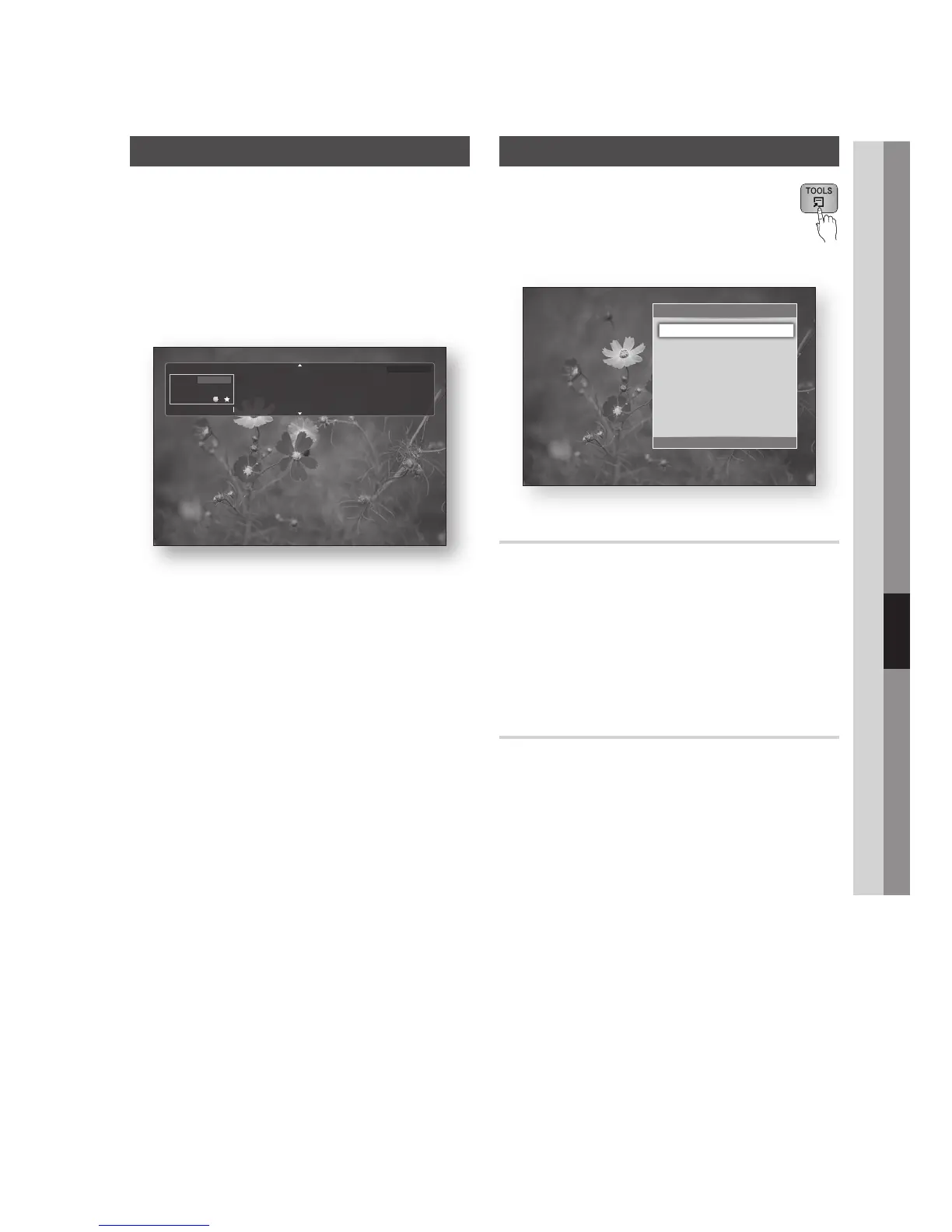
Using the TOOLS button
Press the TOOLS button while you are
viewing a channel.
Tools Menu Screen
Picture Settings
Press the TOOLS button while you are
viewing a channel.
Press the ▲▼ buttons to select Picture
Settings, then press the ENTER button.
For more information about this menu, please
refer to page 57.
Selecting the Audio Language
Press the TOOLS button while you are
viewing a channel.
Press the ▲▼ buttons to select the Audio
Language.
Press the ◄► buttons to select the desired
Audio Language, then press the ENTER
button.
•
1.
2.
1.
2.
3.
No title
BBC World
DTV
Dolby Digital
808
All
18:12 Sat 15 Nov
No detailed information.
800
a Information
What’s on
Tools
>
Move
"
Enter
e
Exit
Picture Settings
+
Audio Language 1.English
Dual I II : Dolby Digital
Lock Current Channel
Add to Favourites
Signal Information











 To Next Page