,I
JiiIiiiiil
-;
••
•
18
General Settings
Set the Basic settings.
• <Button Volume>:
Control
the
volume
of
the
remote.
• <Brightness>:
Conlrollhe
brightness of the screen.
• <Touch Alert
Tone>:
Set the
screen
touch mode
to
sound
or
vibratiOn.
• <Backlight Duration>: Set the
interval
lime of
the
auto
LCD
off.
Language
Select the menu language from three choices.
• <Language>:
Set
the
desired
language
type.
Select Signal
Select the type
of
signal emitted
by
the remole control.
• <WIFI(AUTO»: "WIFI-
is
the default option when
the
lV
is
linked to the
Touch
Control.
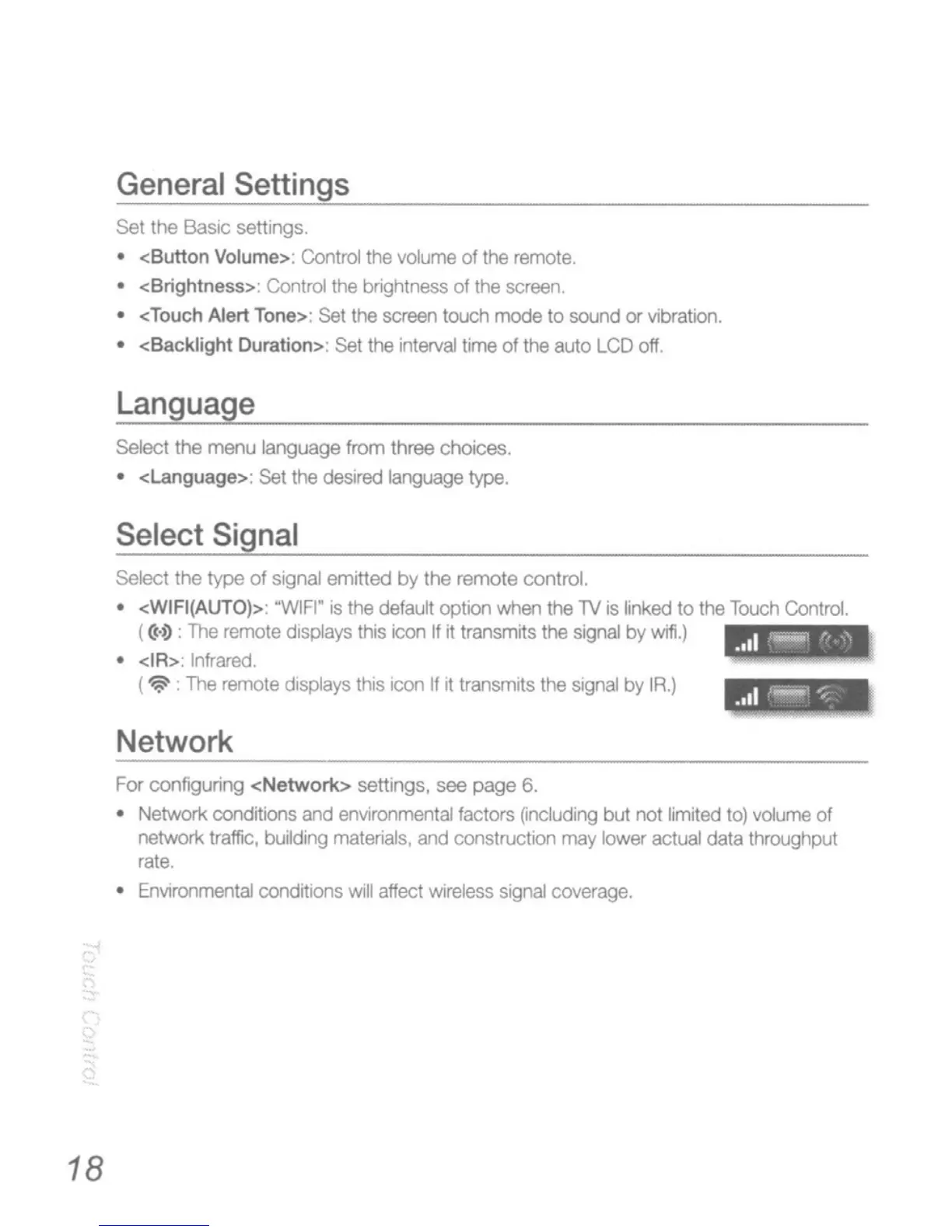
(
((.~
:
The
remote displays this icon
If
it
transmits the signal by wifi.)
• <IR>: Infrared.
(
~
.
The
remote
displays this icon
If
it transmits
the
signal
by
IR.)
Network
For
configuring <Network> settings,
see
page
6.
• Network conditions and environmental factors
~ncluding
but not limited
to)
volume of
network traffic, building
materials,
and
construction
may
lower
actual
data throughput
rate.
•
EnVIronmental
conditions
will
affect
wireless
signal
coverage.






 To Next Page