ENGLISH
7373
Digital Still Camera Mode (SC-D363/D364/D365/D366 only)
Taking a Photo Image (JPEG) on the Memory Card
✤ You may take photo images while in <M.Cam> mode and store the images on the Memory Card. ➥page 19
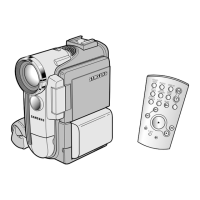
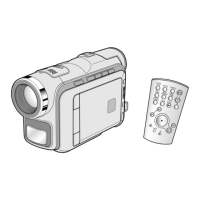
✤ You can take photo images using the remote control.(SC-D364/D366 only)
✤ Audio will not be recorded with a photo image on to the Memory Card.
1. Set the [Power] switch to [CAMERA].
2. Set the [Mode] switch to [MEMORY].
3. After framing your object to record, fully press the [PHOTO] button to take the picture.
■
The picture is taken and saved into the Memory Card within a few seconds.
■
Taking another picture within this interval is not possible.
■
The <
√√√√√√
> indicator appears during the time it takes to save the image.
[ Notes ]
■
Photo images are saved in the Memory Card in an 800x600 format.
■
The number of photo images that can be stored depends on the quality of the image.
1
3
1min
46



 To Next Page
 Loading...