Basics
26
Home screen options
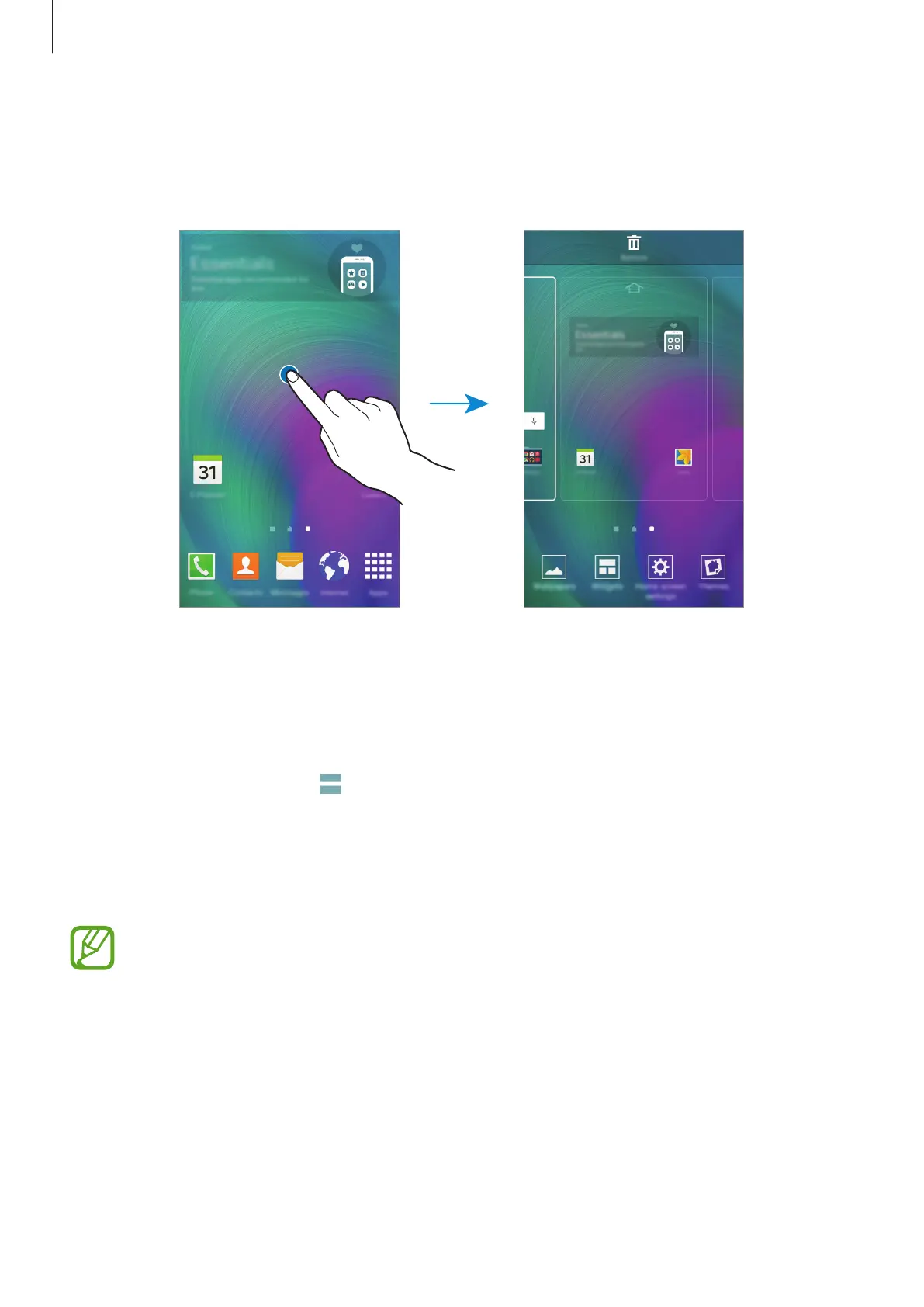
On the Home screen, tap and hold an empty area, or pinch your fingers together to access
the available options.
Flipboard Briefing
Use this feature to view the latest articles in various categories. You can get up to date on
news that interests you using this feature.
1
On the Home screen, tap or swipe to the right to open
Flipboard Briefing
.
2
Tap
START READING
when launching this feature for the first time.
3
Swipe upwards to browse articles in each news category.
To deactivate
Flipboard Briefing
, tap and hold an empty area on the Home screen.
Then, tap
Home screen settings
and deselect
Flipboard Briefing
.








 To Next Page