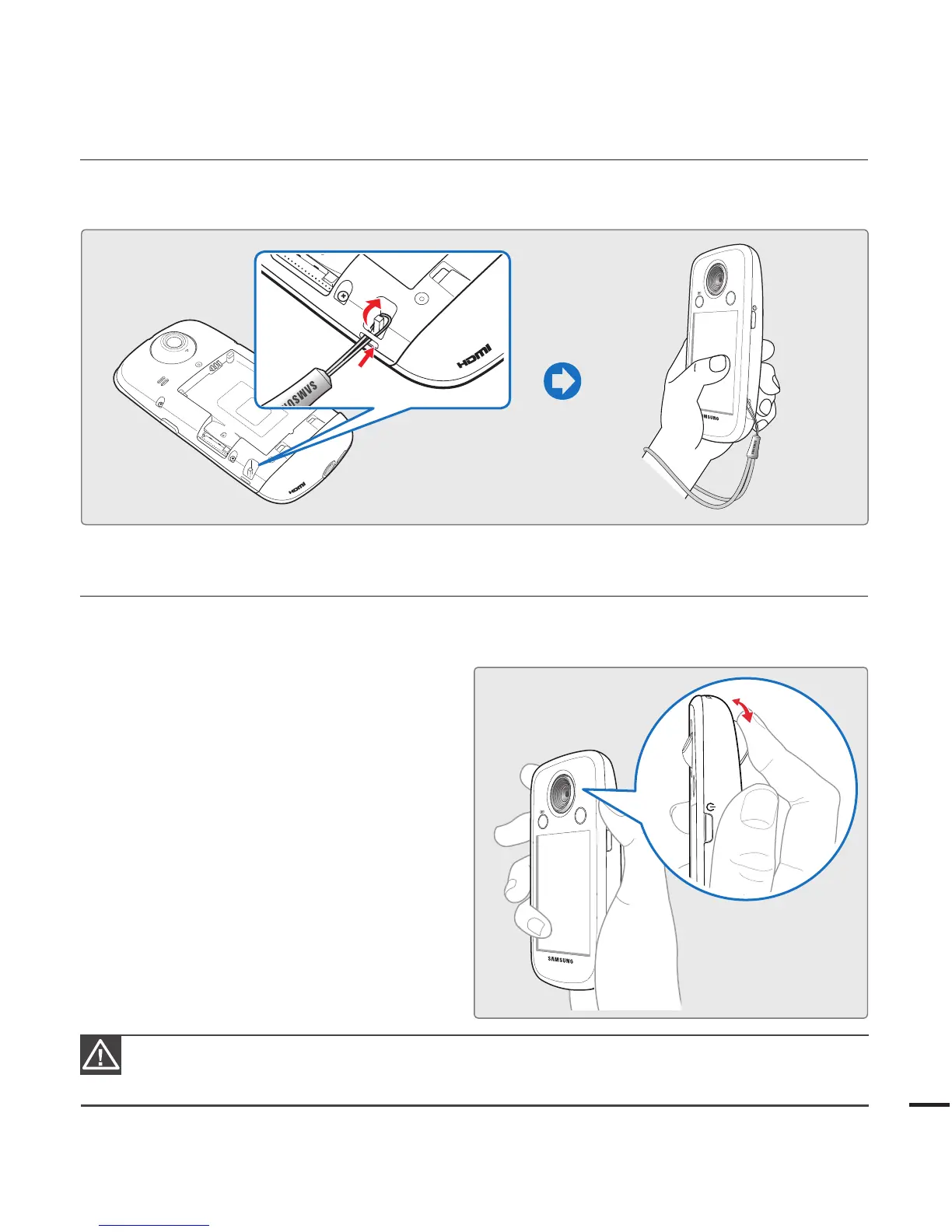
USING THE HAND STRAP
Attach the strap and place your hand through the loop to prevent the camcorder from being
dropped.
USING THE LENS
You can easily record images of yourself or others from various angles by 270° rotating lens.
1. Align your subject in the frame.
2. By turning the lens, the 270° rotating lens
adjusts freely to your desired recording
angle.
Excessive rotation may damage the connective hinge between the lens and the camcorder.
Do not wipe the lens with your fingers during operation. Use a soft, dry cloth to clean the lens if
required.
•
•









 To Next Page