SETTING MENU ITEMS
You can setup the date/time, OSD language, and display settings of the camcorder.
For operation details, see the page under Page in the table below.
Items Default value Page
Storage Info - 55
File No. Series 56
Date/Time Set 01/JAN/2010 00:00 56
Date/Time Display Off 57
LCD Brightness Normal 57
Auto LCD Off On 58
Beep Sound On
59
Shutter Sound On
59
Auto Power Off 5 Min
60
PC Software On
61
Format -
62
Default Set -
63
Language English
63
Demo On
64
•
•
These items and default values may be changed without notice.
There are some functions you cannot activate simultaneously in the menu. Also, you cannot select
greyed-out menu items. Refer to Troubleshooting for examples of unworkable combinations of
functions and menu items.
¬
page 83
•
•
Settings
File No.
Date/Time Set
Date/Time Display
Storage Info
Storage Info
Used 231MB
[HD] 720/25p
: [99Min]
Free 7.37GB
Storage Info
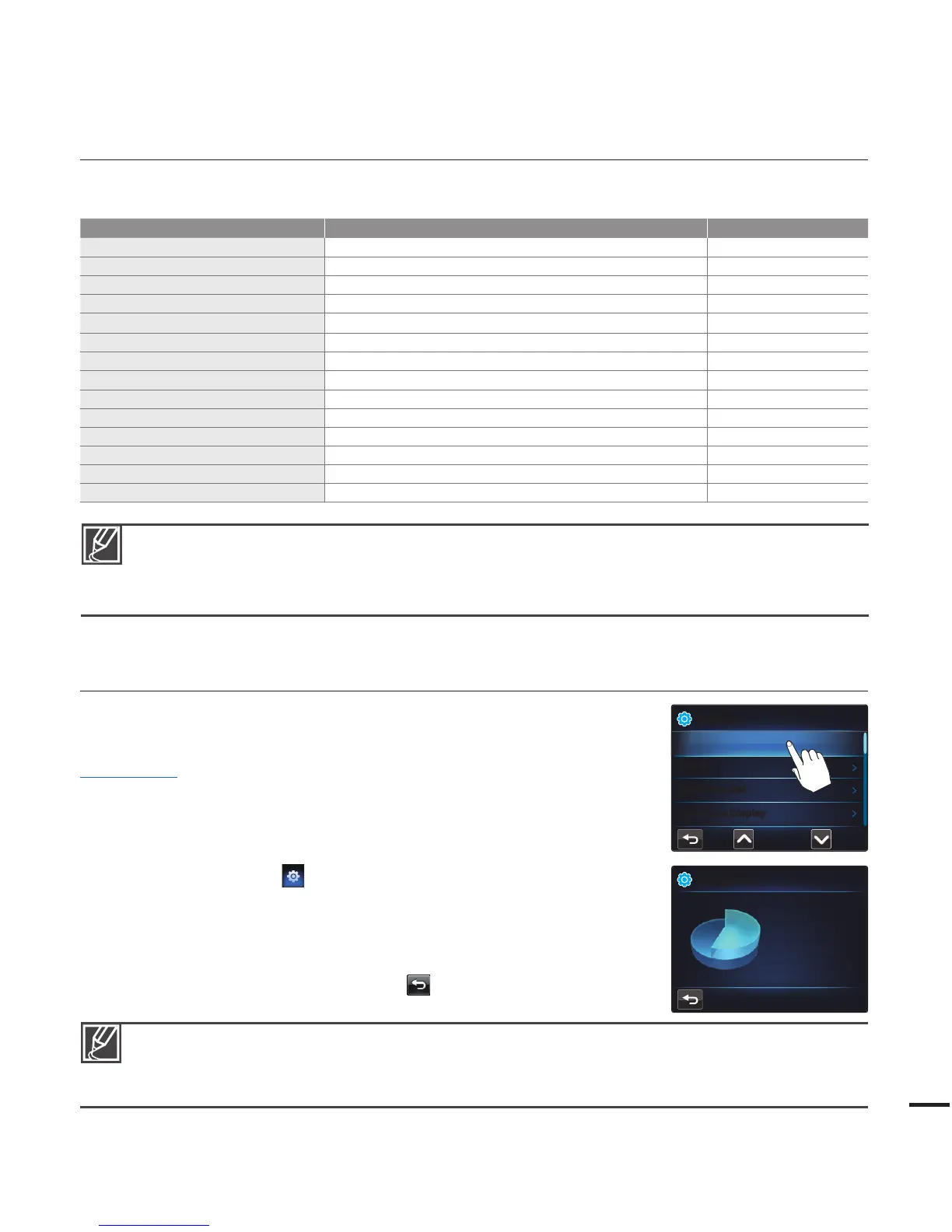
This function displays the storage information for the memory card in your
camcorder, such as the used or the available memory space, etc.
PRECHECK!
Insert a memory card.
¬
page 27
1. Press the MENU button.
2. Touch the "Settings
"
“Storage Info.”
Used memory space, memory space available for use,
and the recordable time depend on the video resolution
you have selected.
3. To exit the menu, touch the Return (
) tab.
•
The actual capacity may be less than the capacity displayed on the LCD screen because the
camcorder’s system fi les occupy a part of the capacity.
If there is no memory card in your camcorder, you can not select Storage Info. It will be dimmed in
the menu.
•
•









 To Next Page