50
PLAYBACK MENU ITEMS
The menu items you can access depend on the operation mode.
For operation details, see the page listed under Page in the table below.
z
: available, X : not available
Operation
mode
Items
Video Photo
Default value Page
Thumbnail Single Thumbnail Single
Delete
zzzz
-51
Protect
zzzz
-52
Share Mark
zz
XX -53
Settings
zzzz
-54
•
•
These items and default values may be changed without prior notice.
You can not select and adjust all menu items in all modes.
Before selecting a menu item, set the appropriate operation mode fi rst.
¬
page 23
•
•
advanced playback
The camcorder applies the menu item you selected and displays the appropriate indicator.
There are some functions you cannot activate simultaneously in the menu. Also, you cannot select
greyed-out menu items. Refer to Troubleshooting for examples of unworkable combinations of
functions and menu items.
¬
page 83
•
•
USING THE MENU TAB IN THE PLAY MODE
You can change the menu settings to customise your camcorder.
Access the desired menu screen by following the steps below, then change
the various settings.
•
•
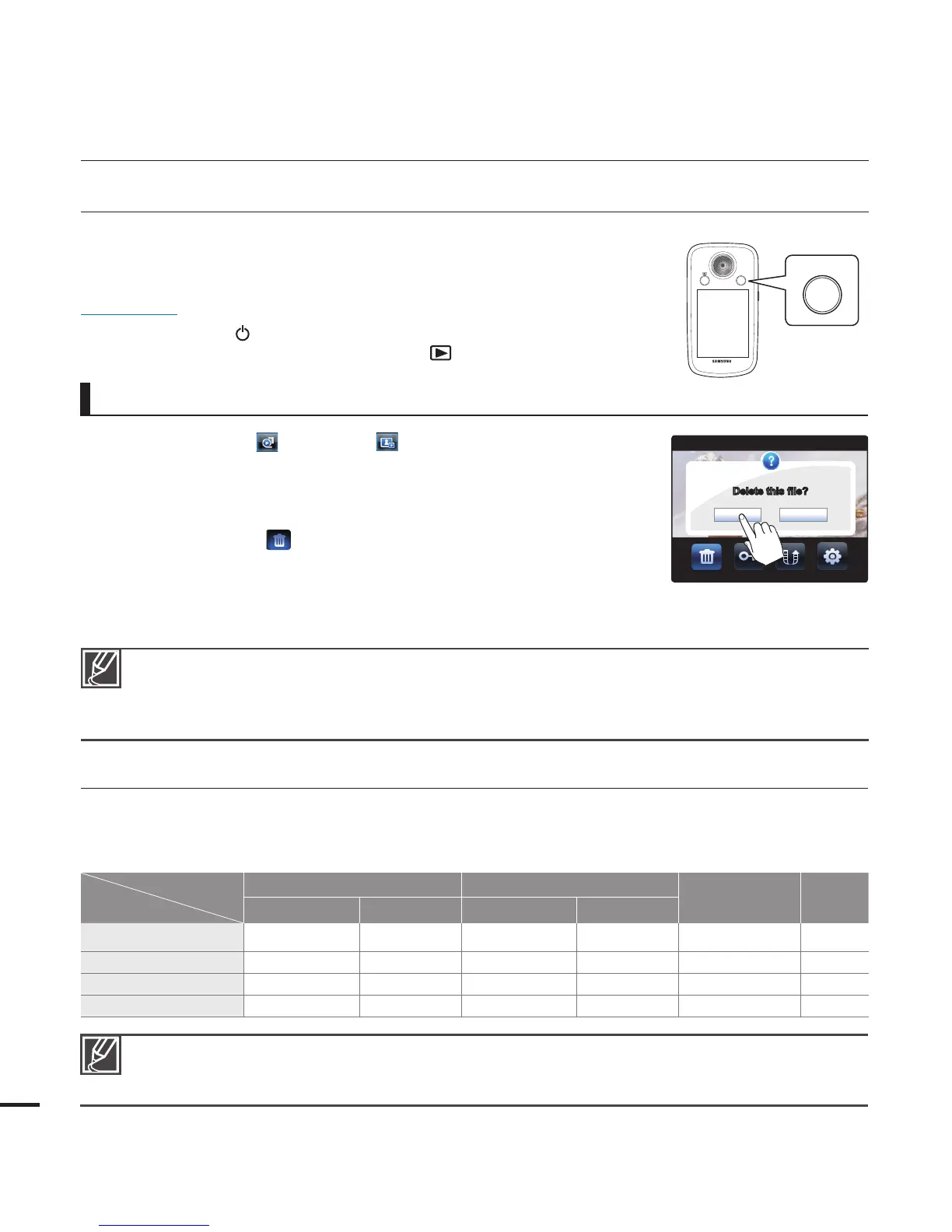
1. Touch the Video ( ) or Photo ( ) tab.
Touch the desired image.
2. Press the MENU button.
The menu screen appears.
3. Touch the “Delete
.”
(The Delete function is used here as an example.)
4. Touch the desired option.
5. Press the MENU button to exit the menu.
•
•
PRECHECK!
Press the Power ( ) button to turn on the camcorder.
¬
page 22
Select the Play mode by pressing the Mode (
) button.
¬
page 23
•
•









 To Next Page