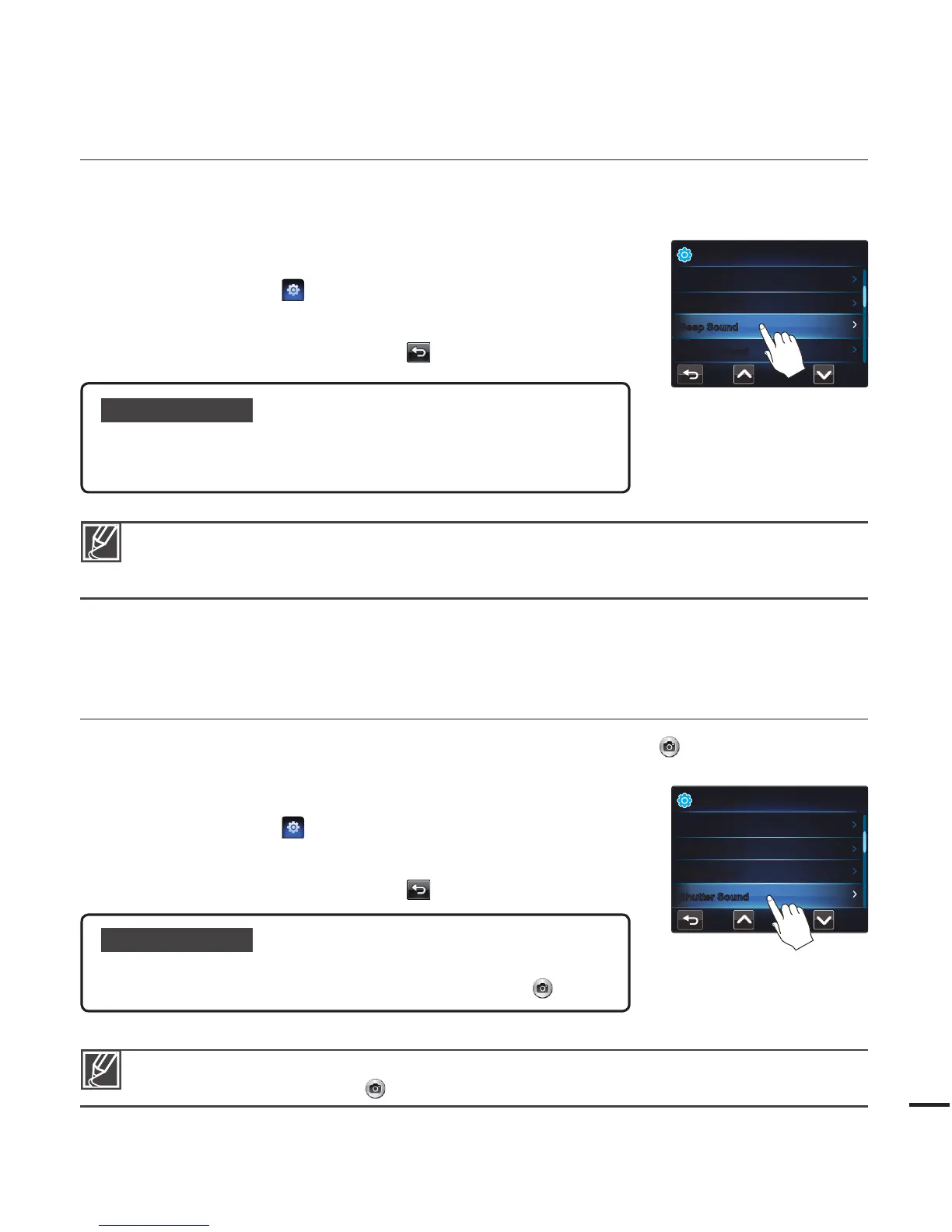
Beep Sound
You can set the beep sound on or off. If you hear a beep sound when operating the menu
settings, Beep Sound is turned on.
1. Press the MENU button.
2. Touch the "Settings
"
“Beep Sound.”
Touch the desired submenu item.
3. To exit the menu, touch the Return (
) tab.
•
Shutter Sound
You can turn the shutter sound that plays when you touch the Photo ( ) tab on or off.
1. Press the MENU button.
2. Touch the "Settings
"
“Shutter Sound.”
Touch the desired submenu item.
3. To exit the menu, touch the Return (
) tab.
•
Submenu items
Off: The beep sound is off.
On: You will hear a beep sound when operating buttons or tabs on
the LCD screen.
•
•
The Beep Sound function is temporarily disabled in the following cases:
- During recording and playing.
- When the camcorder has a cable connection. (Mini HDMI cable)
Submenu items
Off: The shutter sound is off.
On: The shutter sounds each time you touch the Photo (
) tab.
•
•
The Shutter Sound is temporarily disabled under the following conditions:
- When you touch the Photo (
) tab while recording a video.
Settings
Beep Sound
LCD Brightness
Auto LCD Off
Shutter Sound
Settings
Beep Sound
LCD Brightness
Auto LCD Off
Shutter Sound









 To Next Page