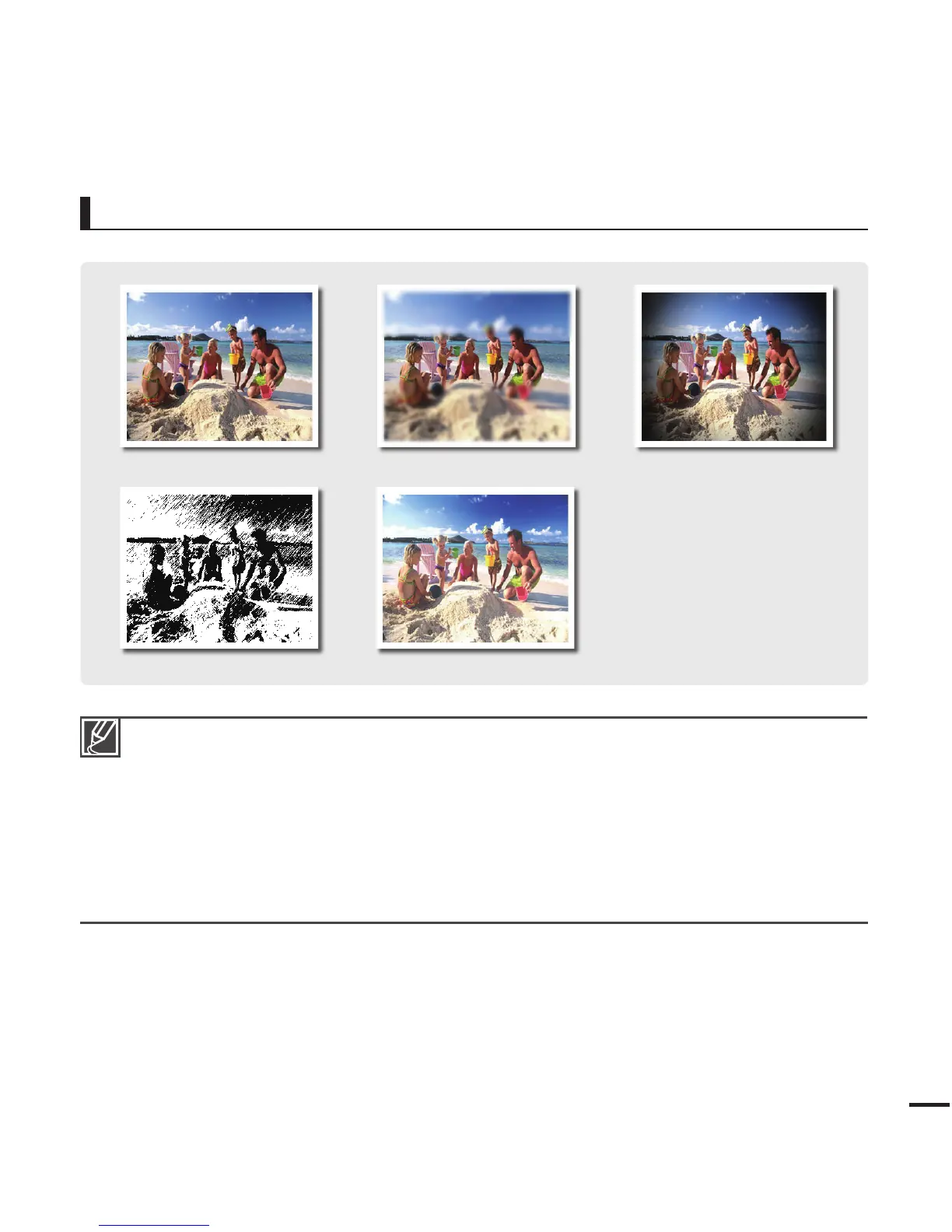
Smart Filter Example
Normal
If you apply the Miniature fi lter when recording a video, recording starts with a guide message
displayed. For such recorded video, its playback time is shorter than the time consumed for
recording it.
If you apply the Miniature fi lter when recording a video, the camcorder does not record sound.
If you apply the Smart Filter effect when recording a video, the camcorder automatically records the
video in a resolution of “640x480 15P” regardless of the resolution setting.
The following functions cannot be used when the camcorder is in the Smart fi lter mode:
- Digital zoom, “Video Resolution”, “Photo Resolution”
If you set the Smart Filter to any setting but “Normal”, the camcorder sets the photo size to 5M
(2592x1944) regardless of the actual resolution setting.
•
•
•
•
•
Miniature Vignetting
Defog
Sketch









 To Next Page