Getting Started 3
2.
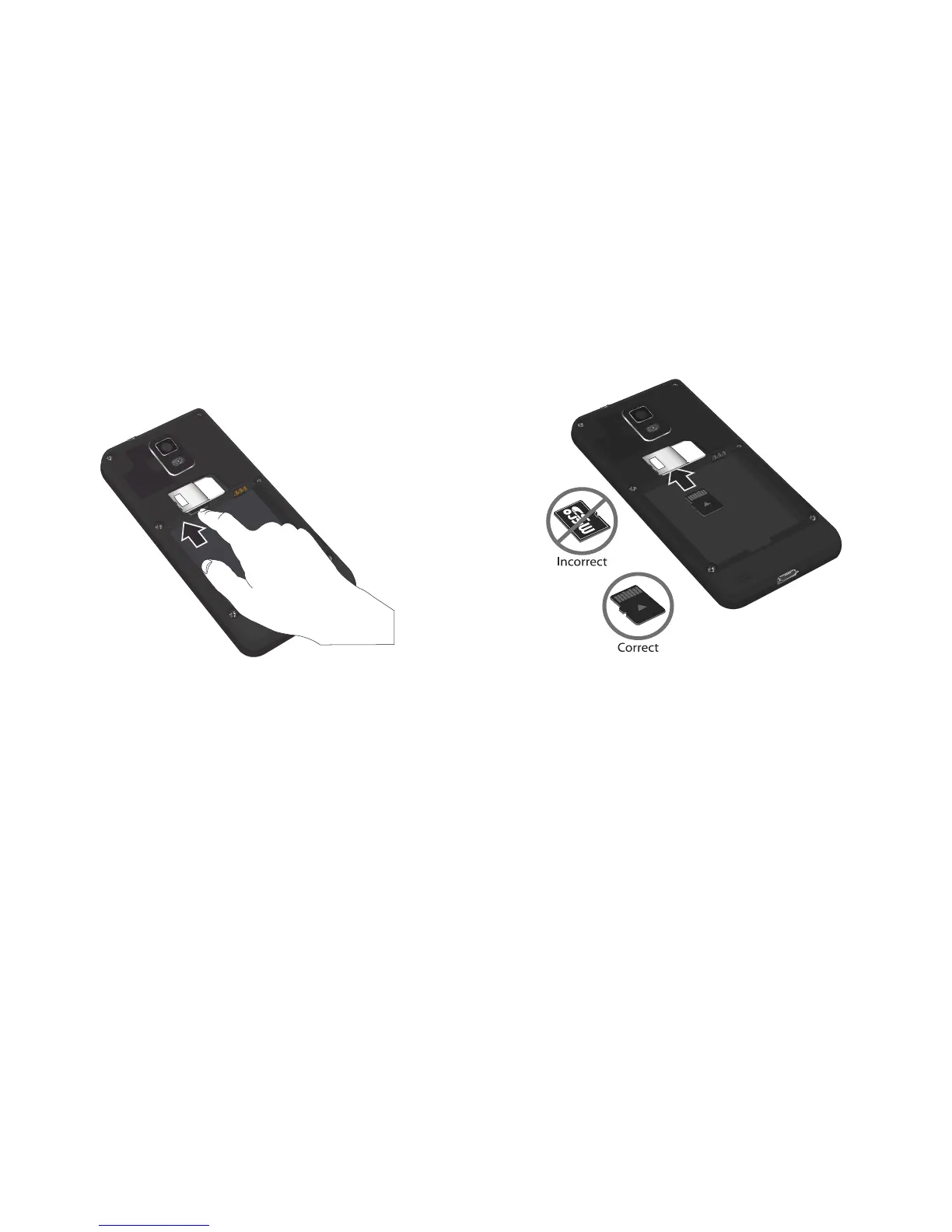
Push on the memory card until it clicks and is released.
3. Grasp the memory card and remove it from the phone.
Installing the Memory Card
1. Remove the battery. For more information, refer to
“Removing the Memory Card” on page 2.
2. Push the microSD card into the slot until it clicks (as shown).
•
Make sure the microSD’s gold contact pins face upward and the
card is securely inserted.
For more information on Memory Cards, see “Memory Card” on
page 29.












 To Next Page