28
3.
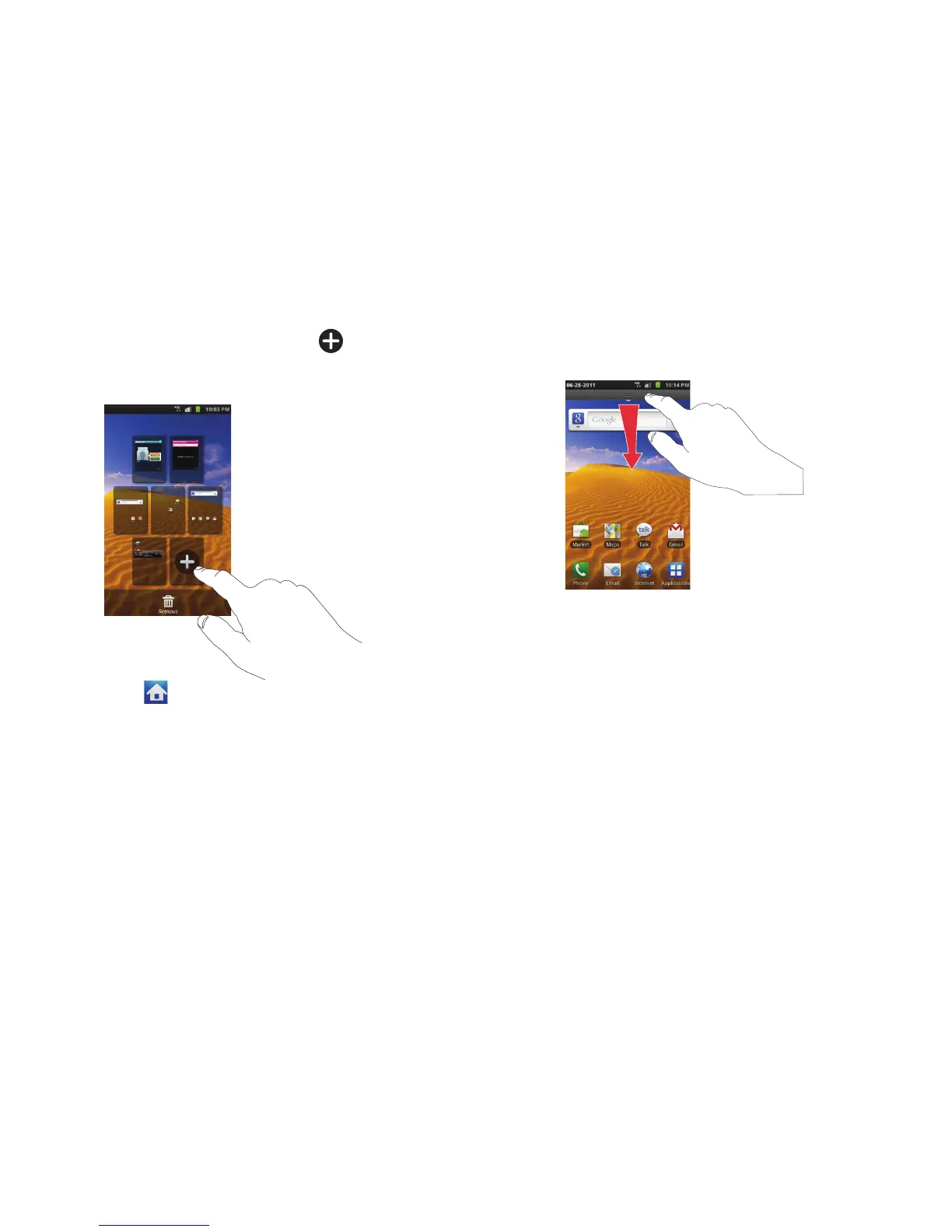
Tap the Home screen that contains and a new screen
will appear. Drag it to the location you want.
4. Press to return to the main Home screen.
You can now add items to your new Home screen.
Notification Bar
The Notification Bar includes a pull-down list to show information
about processes that are running, recent notifications, and alerts.
To display the Status indicator:
䊳
On the Home screen, touch and hold the Notification Bar
until the pull-down displays, then drag down vertically.
Clearing Notifications
To clear all notifications from the Notification panel:
1. From the Home screen, touch and hold the Notification Bar
until the pull-down displays, then drag down vertically.












 To Next Page